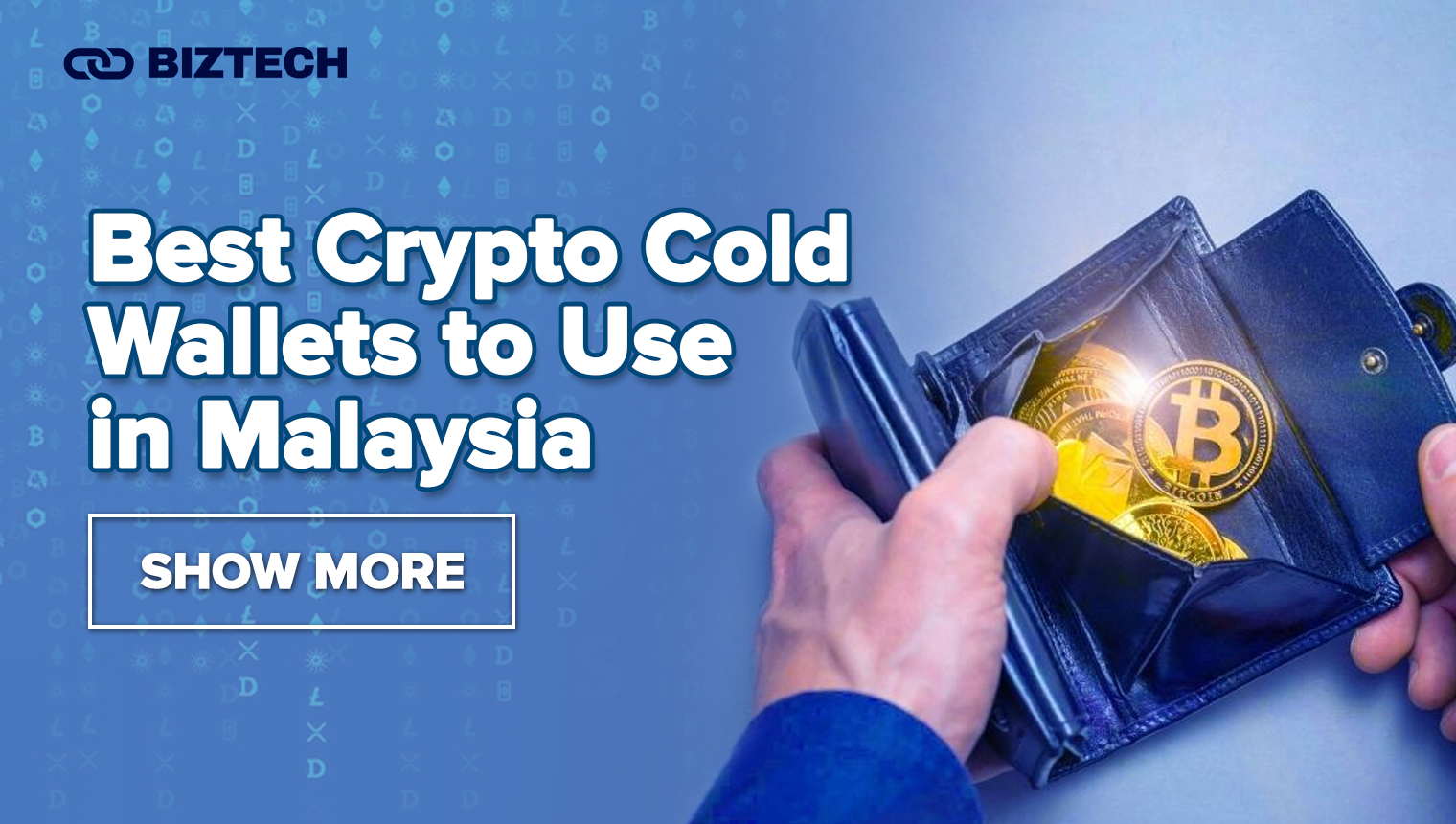
If you hold any meaningful amount of crypto in Malaysia, the single most important upgrade you can make is moving your coins off an exchange and into a cold wallet — a hardware device that keeps your private keys completely offline. After the record US$1.5 billion Bybit breach in February 2025, even seasoned investors have shifted toward self-custody, and a good cold wallet is the foundation of that. This guide breaks down the best crypto cold wallets to use in Malaysia in 2026, with current models, pricing, a side-by-side comparison, and a practical framework for choosing (and setting up) the right one.
- Best Crypto Cold Wallets in Malaysia (2026): Quick Comparison
- Top 5 Best Cold Storage Crypto Wallets Reviewed (2026)
- 1. Ledger Nano S Plus — best budget all-rounder
- 2. Trezor Safe 3 — best open-source pick on a budget
- 3. Ledger Nano X — best for managing crypto on your phone
- 4. Trezor Safe 5 — best touchscreen for open-source fans
- 5. Ledger Flex — best “clear-signing” premium wallet
- How to Choose the Best Crypto Cold Wallet for You
- 1. How much are you protecting, and for how long?
- 2. Open-source or closed-source?
- 3. Do you need Bluetooth or a touchscreen?
- 4. Which coins do you actually hold?
- 5. Where will you buy it?
- What is a Cold Storage Crypto Wallet?
- How Do Cold Crypto Wallets Work?
- Cold Wallets vs Hot Wallets
- Common Cold Wallet Mistakes to Avoid
- How to Buy and Set Up a Cold Wallet in Malaysia
- Benefits of Cold Crypto Wallets
- The Popularity of Cryptocurrency in Malaysia
- Conclusion
- Frequently Asked Questions (FAQs)
Verified August 2026. Hardware prices change often and are set in USD by the manufacturers — always confirm the live price on the official Ledger or Trezor store (or an authorised reseller) before buying.
Best Crypto Cold Wallets in Malaysia (2026): Quick Comparison
Prices below are official store prices in USD, with an indicative ringgit figure at roughly RM4.10 per US dollar (the USD/MYR rate in August 2026). Local resellers and shipping/import costs can push the final price higher, so treat RM figures as a guide rather than a quote.
| Cold wallet | Price (USD) | Approx. RM | Screen | Connectivity | Secure element | Best for |
|---|---|---|---|---|---|---|
| Ledger Nano S Plus | $79 | ~RM325 | Small OLED + buttons | USB-C only | CC EAL5+ | Budget-conscious beginners |
| Trezor Safe 3 | $79 (often ~$59) | ~RM240–325 | OLED + buttons | USB-C only | EAL6+ | Open-source on a budget |
| Ledger Nano X | $149 | ~RM610 | Small OLED + buttons | USB-C + Bluetooth | CC EAL5+ | Managing crypto on mobile |
| Trezor Safe 5 | $169 | ~RM690 | 1.54″ colour touchscreen | USB-C + microSD | EAL6+ | Touchscreen + open-source |
| Ledger Flex | $249 | ~RM1,020 | 2.84″ E Ink touchscreen | USB-C + Bluetooth + NFC | CC EAL6+ | Clear-signing at a fair price |
| Ledger Stax | $399 | ~RM1,635 | 3.7″ curved E Ink touchscreen | USB-C + Bluetooth + NFC | CC EAL6+ | Flagship / large portfolios |
A quick note on the market in 2026: Trezor has retired the classic Model One and Model T from its official store (they remain safe to keep using if you already own one), replacing them with the Safe 3, Safe 5 and premium Safe 7. Ledger has expanded from the button-driven Nano range into touchscreen devices — the Flex and Stax. If you bought a wallet a couple of years ago, this is a useful moment to compare against the current line-up. For a deeper look at the older devices, see our Trezor Model T review and Ledger Nano X review.
Top 5 Best Cold Storage Crypto Wallets Reviewed (2026)
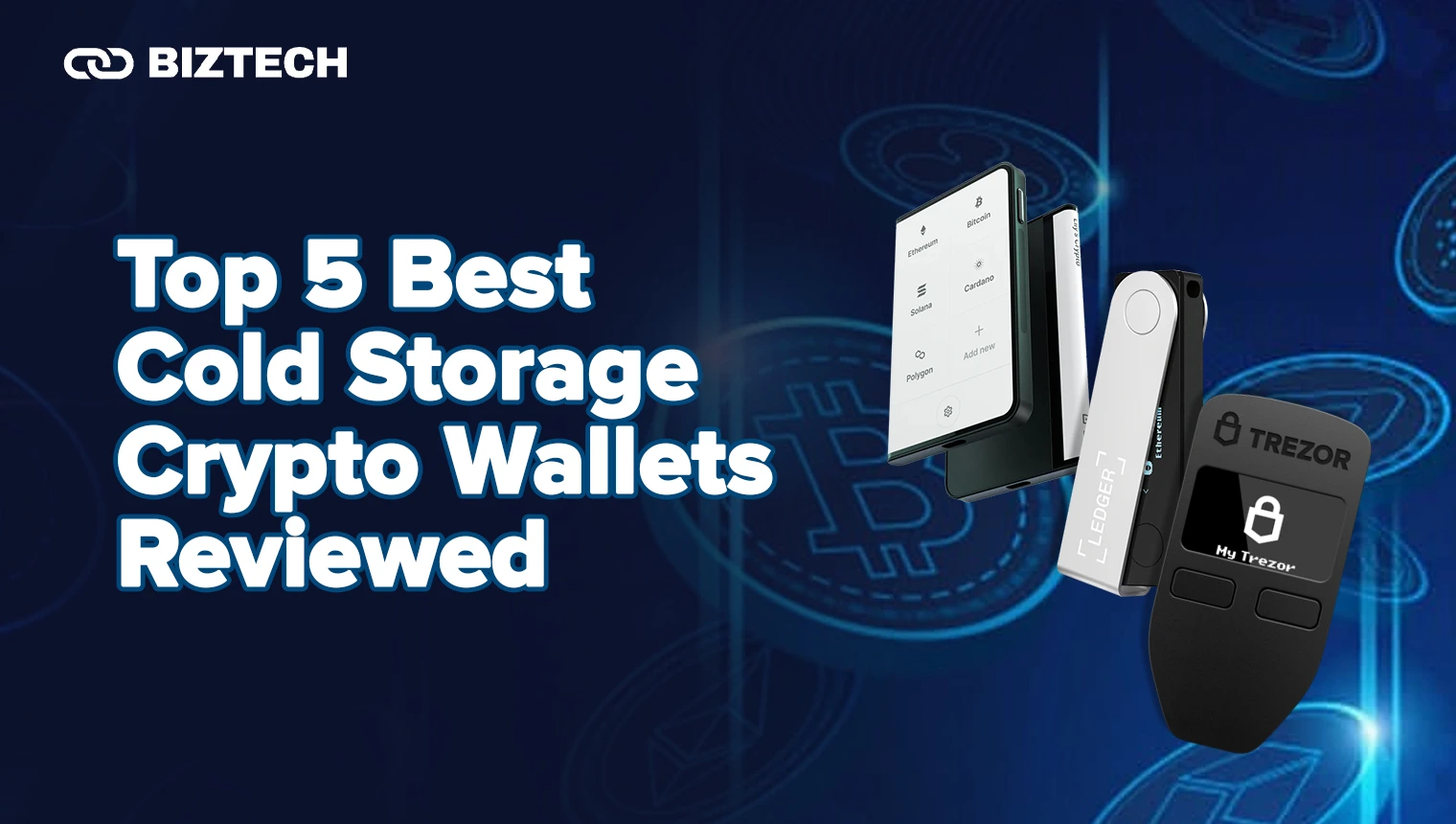
Cold wallets keep your private keys offline, out of reach of the malware, phishing pages and exchange failures that drain hot wallets. Below are the five devices we’d recommend to most Malaysian users in 2026, from an entry-level pick to a premium touchscreen flagship. All of them let you verify and approve every transaction on the device itself — the single feature that matters most.
1. Ledger Nano S Plus — best budget all-rounder
The Nano S Plus is the wallet we point most newcomers to. It supports 5,500+ coins and tokens, manages NFTs, and pairs with the Ledger Live app over a simple USB-C cable. There’s no Bluetooth and no battery, which keeps both the price and the attack surface low.
- Price: $79 (~RM325)
- Supported assets: 5,500+
- Key features: CC EAL5+ certified secure element, USB-C, larger screen than the original Nano S, full Ledger Live support.
Pros: affordable; huge asset support; proven track record. Cons: small screen makes address verification fiddly; no wireless; closed-source firmware.
2. Trezor Safe 3 — best open-source pick on a budget
The Safe 3 is Trezor’s entry device and the natural rival to the Nano S Plus. It adds something Ledger doesn’t: a dedicated EAL6+ secure element alongside fully open-source firmware that anyone can audit — a big draw for privacy-minded users. It’s frequently discounted below its $79 list price.
- Price: $79, often on offer around $59 (~RM240–325)
- Supported assets: thousands, including Bitcoin, Ethereum and major altcoins.
- Key features: EAL6+ secure element, open-source firmware, on-device confirmation, USB-C.
Pros: cheap; transparent open-source code; strong secure element. Cons: monochrome screen and two-button controls; no native support for a few chains (e.g. XRP on older setups); no Bluetooth.
3. Ledger Nano X — best for managing crypto on your phone
If you want to check balances and sign transactions from your phone, the Nano X adds Bluetooth to the Nano S Plus formula, plus a rechargeable battery and more on-device app storage. It remains one of the most popular hardware wallets in the world. Read our full Ledger Nano X review for a hands-on breakdown.
- Price: $149 (~RM610)
- Supported assets: 5,500+
- Key features: Bluetooth pairing with Ledger Live mobile, CC EAL5+ secure element, larger app capacity, USB-C.
Pros: genuine mobile convenience; big asset support; solid battery life. Cons: roughly double the S Plus price; some purists dislike enabling Bluetooth at all.
4. Trezor Safe 5 — best touchscreen for open-source fans
The Safe 5 is Trezor’s mid-range star: a 1.54-inch colour touchscreen with haptic feedback, protected by Gorilla Glass 3, in an anodised aluminium body. Under the hood it pairs an EAL6+ secure element with a newer STM32U5 microcontroller that hardens it against the voltage-glitch attack once demonstrated on the Safe 3. Every PIN digit, passphrase character and destination address is entered and checked on the device itself.
- Price: $169 (~RM690); sometimes listed around $129.
- Supported assets: thousands across major blockchains.
- Key features: colour touchscreen, EAL6+ secure element, USB-C, microSD slot for optional encryption, Shamir backup support.
Pros: premium build; easy touchscreen entry; open-source with a strong secure element. Cons: pricier than the Safe 3; no Bluetooth.
5. Ledger Flex — best “clear-signing” premium wallet
The Flex is our pick for anyone who wants a large, readable screen without paying flagship money. Its 2.84-inch E Ink touchscreen turns transaction checks from squinting at two lines of text into reading a full-size document — you can see the entire destination address at once, which is exactly what stops you approving a swapped address. It uses an ST33K1M5 secure element (CC EAL6+) and Bluetooth 5.2.
- Price: $249 (~RM1,020)
- Supported assets: 5,500+
- Key features: 2.84″ E Ink touchscreen, Clear Signing, NFC, Bluetooth 5.2, CC EAL6+ secure element.
Pros: excellent screen for safe verification; delivers most of the Stax experience for less. Cons: closed-source firmware; more than most beginners need.
Want to go further? Ledger’s flagship Stax ($399, ~RM1,635) wraps a 3.7-inch curved E Ink touchscreen around the device, while Trezor’s Safe 7 ($249) brings an AMOLED display in a machined-aluminium shell. Both are excellent, but for most Malaysians the five wallets above hit the sweet spot of security and value.
How to Choose the Best Crypto Cold Wallet for You
There is no single “best” cold wallet — only the best one for your situation. Work through these five questions before you buy:
1. How much are you protecting, and for how long?
For a long-term stack you rarely touch, a simple button device like the Nano S Plus or Safe 3 is plenty. If you actively rotate positions or hold across many chains, a larger-screen wallet (Safe 5, Flex) makes day-to-day verification far less error-prone.
2. Open-source or closed-source?
Trezor’s firmware is fully open-source and auditable; Ledger’s is closed but backed by a CC-certified secure element. Neither approach is objectively “safer” — decide which trade-off you trust more. Both use certified secure-element chips in their current devices.
3. Do you need Bluetooth or a touchscreen?
Bluetooth (Nano X, Flex, Stax) means phone-based management; a bigger touchscreen (Safe 5, Flex, Stax) means you can read a full address before approving. If you sign transactions rarely and only from a laptop, you can save money and skip both.
4. Which coins do you actually hold?
Check that the wallet natively supports your assets — most cover Bitcoin, Ethereum and major tokens, but support for niche chains (Solana, Cardano, XRP, Monero) varies. If you hold NFTs or stake, confirm that too.
5. Where will you buy it?
Only buy from the manufacturer or an authorised reseller. Never buy a “pre-configured” or second-hand hardware wallet, and never use a recovery phrase that came printed in the box — those are classic scams. More on that below.
What is a Cold Storage Crypto Wallet?
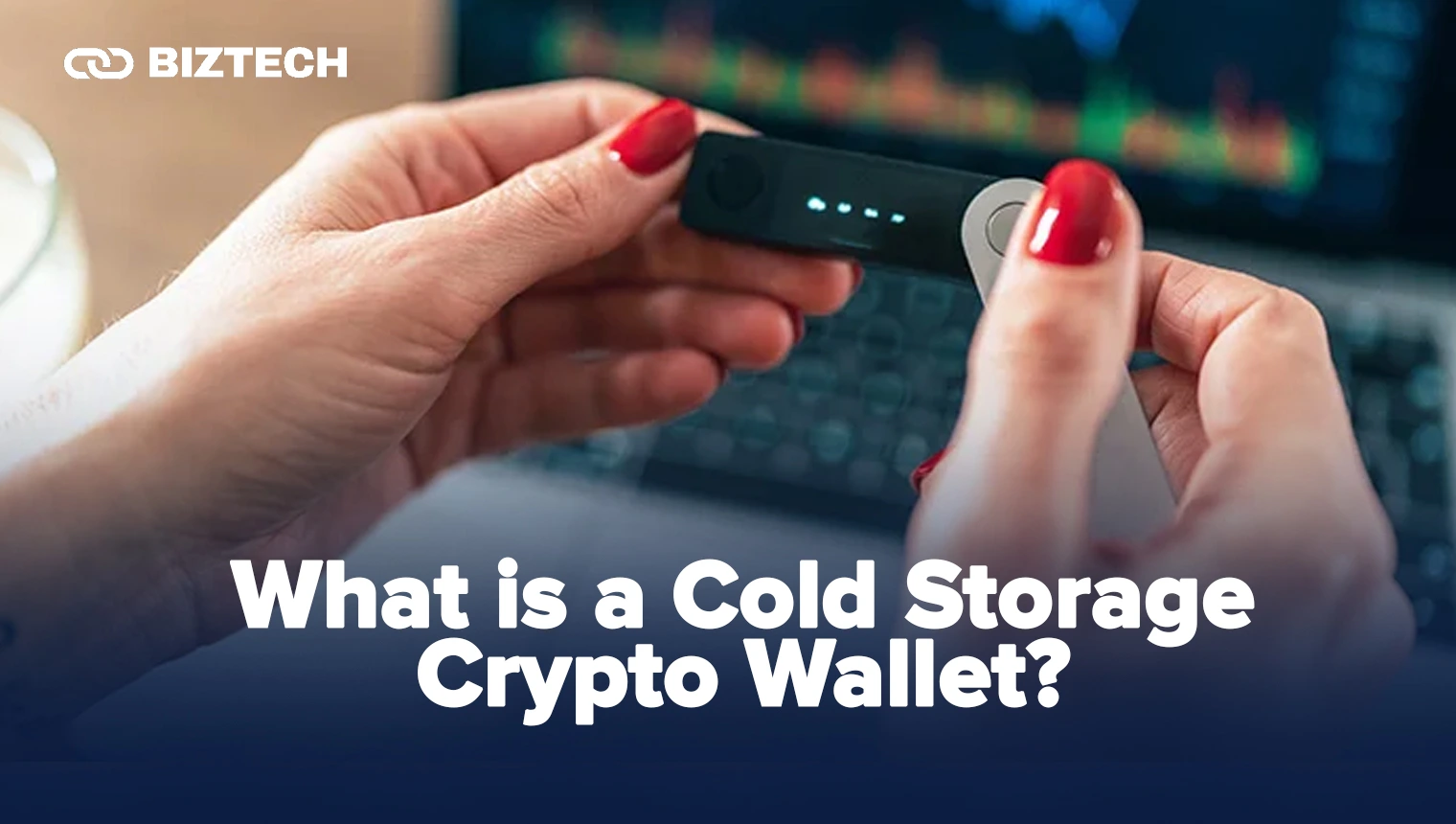
A cold storage wallet — usually a small hardware device — stores the private keys that control your crypto completely offline. Because those keys never touch an internet-connected computer, cold wallets are dramatically harder to compromise than hot (online) wallets. They range from USB-stick-sized gadgets with two buttons to credit-card-style devices with full touchscreens.
Cold wallets suit long-term holders and anyone who wants full control of their assets without trusting a third-party custodian. If you trade frequently and need instant access, you’ll likely still keep a small balance in a hot wallet for convenience — see our guide on hot wallet vs cold wallet security to decide the right split.
How Do Cold Crypto Wallets Work?
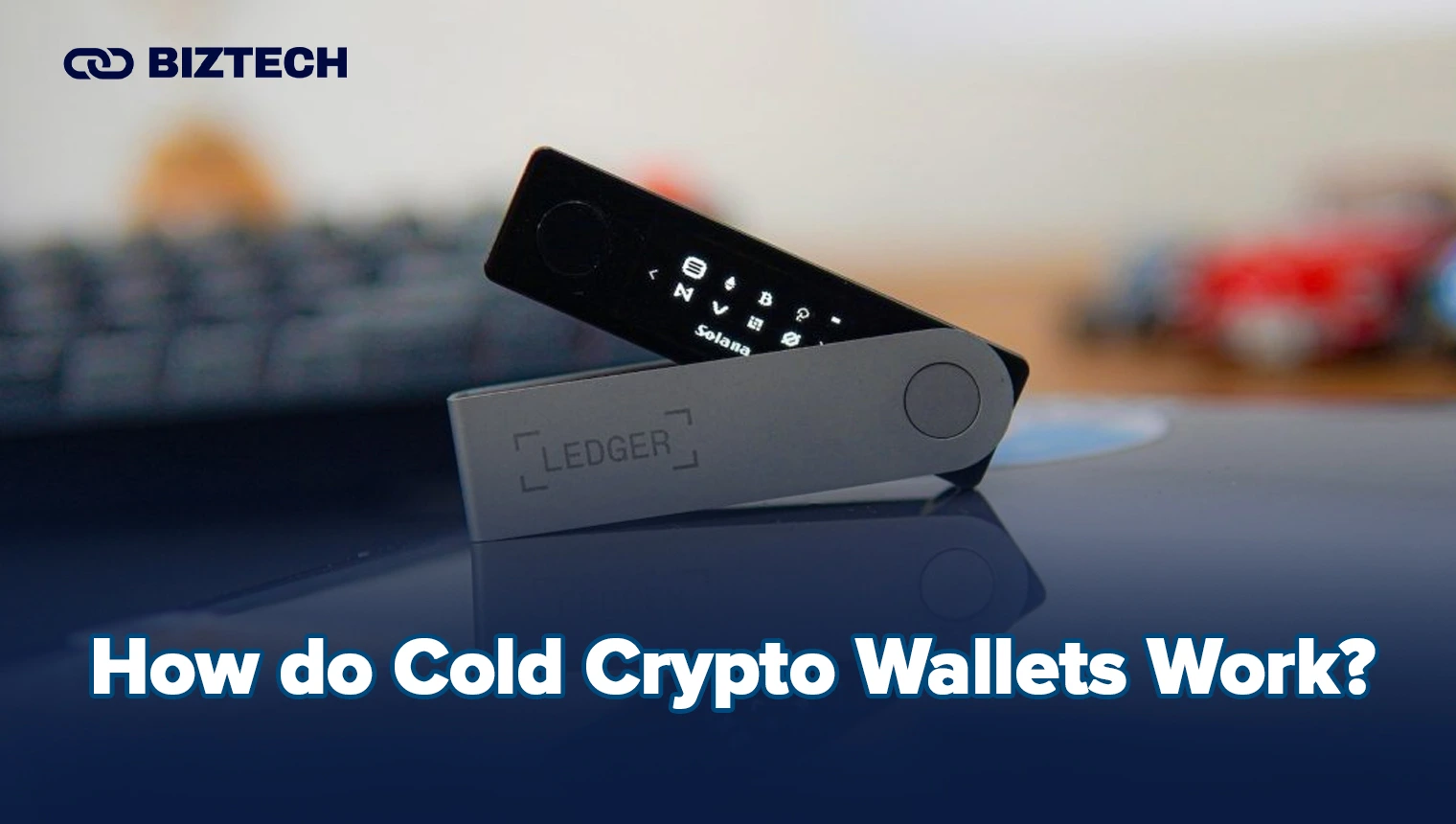
Cold wallets keep your private keys sealed inside the device. When you want to send crypto, the transaction is prepared on your computer or phone but signed inside the wallet — the private key never leaves the hardware, even if the connected machine is infected. You confirm the details on the device’s own screen and press to approve, and only the signed transaction is broadcast.
During setup, the wallet generates a recovery seed (typically 12 or 24 words). This is the master backup: anyone with it controls your funds, and losing it means losing access. Write it on paper or steel, store it offline in a secure place, and never type it into a website, app or photo. For a deeper walkthrough of backup strategies, see the safest ways to store Bitcoin.
Cold Wallets vs Hot Wallets
Both wallet types have a place. The right answer for most investors is a mix — a cold wallet for the bulk of your holdings, a hot wallet for the small amounts you move often.
| Factor | Cold wallet (hardware) | Hot wallet (software/online) |
|---|---|---|
| Security | Keys stay offline — very high | Connected to the internet — more exposed |
| Convenience | Extra step per transaction | Instant access, ideal for trading |
| Cost | Upfront device cost (RM240+) | Usually free |
| Best for | Long-term holdings, large balances | Small balances, frequent transactions |
Many experienced Malaysian investors keep 90%+ of their portfolio in cold storage and only a spending float in a hot wallet — the same “vault vs. wallet” logic you’d apply to cash.
Common Cold Wallet Mistakes to Avoid
A hardware wallet is only as strong as how you use it. The February 2025 Bybit hack — around US$1.5 billion in Ethereum stolen by the Lazarus Group — is the clearest recent lesson: the attackers didn’t crack the cryptography, they tricked signers into approving a malicious transaction whose real effect was hidden by a manipulated interface. The takeaway for individual users is simple but critical:
- Always verify on the device screen. Read the destination address and amount on the wallet’s own display before approving — never trust only what your computer or phone shows. This is exactly why larger-screen “clear-signing” wallets like the Flex and Stax are worth considering.
- Never share or digitise your seed phrase. No legitimate app, support agent or “wallet validation” page will ever ask for it. Keep it offline, ideally on steel, in more than one location.
- Buy only from official channels. Avoid marketplaces, second-hand units and “pre-set-up” wallets. Genuine devices always make you generate a fresh seed yourself.
- Beware blind signing. Approving a transaction you can’t fully read is how many DeFi users get drained — slow down and check.
- Keep firmware updated via the official Ledger Live or Trezor Suite app only.
How to Buy and Set Up a Cold Wallet in Malaysia
Getting from ringgit to cold storage is straightforward if you use regulated on-ramps:
- Buy crypto on an SC-registered exchange. The Securities Commission Malaysia maintains an official list of registered Digital Asset Exchanges (DAX) — including operators such as Luno and SINEGY — where you can buy with MYR via FPX or bank transfer. See our guide to the best crypto trading platforms in Malaysia for a current comparison.
- Order your hardware wallet from the official store (Ledger or Trezor) or an authorised reseller — never second-hand.
- Set it up yourself: generate a new recovery seed on the device, write it down offline, and set a strong PIN.
- Transfer your crypto from the exchange to your wallet’s receiving address, sending a small test amount first.
- Verify and store. Confirm the balance appears, then keep the device and seed backup in separate secure locations.
For context on the local scene and regulation, see our beginner’s guide to cryptocurrency in Malaysia.
Benefits of Cold Crypto Wallets
- Maximum security: private keys stay offline, out of reach of remote hackers and malware.
- Protection from exchange failures: your coins aren’t sitting on a platform that could be hacked, frozen or go insolvent.
- Full self-custody: you — not a third party — control your assets.
- On-device confirmation: every transaction is checked and approved on the wallet’s own screen.
- Recoverable: a lost or damaged device can be restored from your recovery seed.
- Ideal for long-term holding: the gold standard for a stack you plan to keep for years.
The Popularity of Cryptocurrency in Malaysia
Crypto adoption in Malaysia has continued to grow through 2026, supported by clearer regulation. The Securities Commission Malaysia’s Digital Assets framework — first introduced in 2019 and updated in revised guidelines effective 2025–2026 — gives investors a defined, licensed path to buy and trade digital assets through registered DAX operators. Combined with rising awareness of blockchain and self-custody, that regulatory clarity has pushed more Malaysians to take security seriously and move assets into cold storage rather than leaving everything on exchanges.
Conclusion
In 2026, a cold wallet remains the most effective single step you can take to protect your crypto. For most Malaysians, the Ledger Nano S Plus or Trezor Safe 3 covers the essentials affordably; the Ledger Nano X adds mobile convenience; and the Trezor Safe 5 or Ledger Flex give you a larger screen for safer verification. Match the device to how much you hold, how often you transact, and whether you value open-source code or a certified secure element — then buy from an official source and guard your recovery seed above all else.
Disclaimer: This article is provided by KayaToday for general information only and is not financial advice. Cryptocurrency is volatile and self-custody carries risk, including permanent loss of funds if you lose your recovery seed. Prices and product details were verified in August 2026 and can change — always confirm current pricing and features directly with the provider before purchasing, and do your own research.