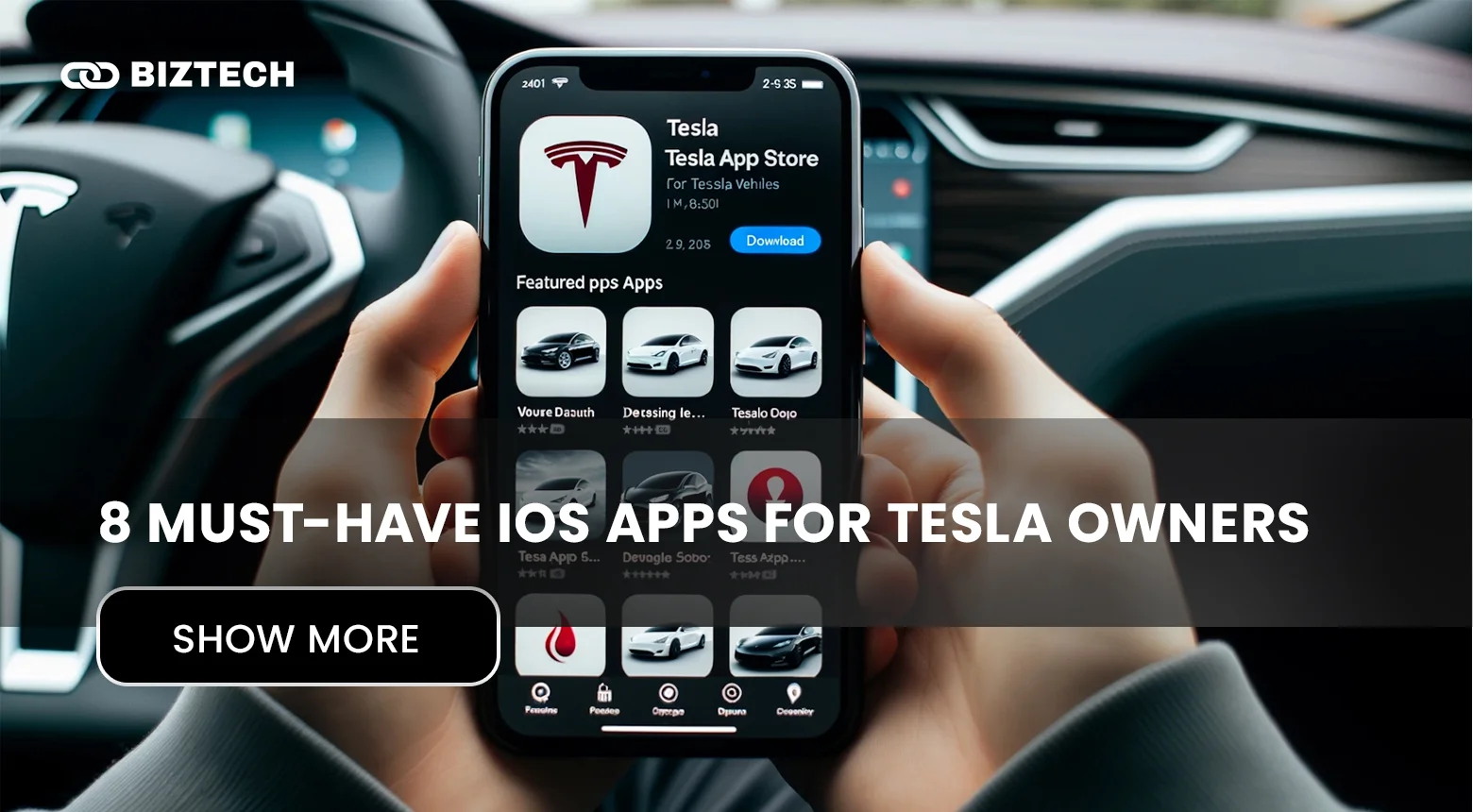
Owning a Tesla in 2026 is as much about software as it is about the car. Between constant over-the-air updates and a huge ecosystem of third-party apps, the right companion app can sharpen your efficiency, tame charging on road trips, and give you remote control that the built-in Tesla app doesn’t. The catch: there are hundreds of options, and since Tesla moved third-party access to its paid Fleet API, some apps have added subscriptions while others have quietly disappeared.
- Tesla Apps at a Glance (2026 Comparison)
- 1. Stats — Best for Detailed Analytics
- 2. Remote for Tesla — Best for Remote Accessibility
- 3. Chargeway — Best for Simplifying Charging
- 4. PlugShare — Best Charging Station Locator
- 5. TezLab — Best for Battery Optimization
- 6. Teslascope — Best Third-Party Data Platform
- 7. TeslaMate — Best Open-Source Platform
- 8. Model 3/Y Performance Monitor — Best for Performance Metrics
- Don’t Forget the Official Tesla App
- Other Apps Worth Considering
- How to Choose the Right Tesla App
- Common Pitfalls to Avoid
- Tesla Apps in Malaysia & Singapore
- The Most Useful Tesla App
- Frequently Asked Questions (FAQs)
This matters locally, too. Tesla now supports more than 13,000 owners in Malaysia, has opened selected Superchargers to non-Tesla EVs, and launched cross-border charging across Malaysia, Singapore, and Thailand in 2026 — so companion apps are more useful here than ever.
After extensive testing and research, here are the 8 best iOS apps for Tesla owners in 2026 — a mix of free and paid picks — plus how to choose the right ones and what they cost in a Malaysian/Singaporean context.
(Read more about the best AI apps for iPhone and our roundup of AI apps to boost productivity.)
Tesla Apps at a Glance (2026 Comparison)
Here’s a quick side-by-side of all eight apps — what each is best for, current pricing, whether there’s a free tier, and whether it’s genuinely useful for owners in Malaysia and Singapore.
| App | Best for | Price (2026) | Free tier? | Useful in MY/SG? |
|---|---|---|---|---|
| Stats | Detailed analytics & control | US$5/mo or US$50/yr | 7-day trial | Yes (works anywhere) |
| Remote for Tesla | Apple Watch remote control | ~US$9.99 (verify in App Store) | Limited | Yes |
| Chargeway | Simplifying charging by colour/number | Free app; Plus free 30 days, then paid | Yes | Limited (US/Canada map) |
| PlugShare | Finding charging stations | Free | Yes (fully free) | Yes (global coverage) |
| TezLab | Battery health & efficiency | Free tier; premium ~US$50/yr | Yes | Yes |
| Teslascope | Deep third-party data & software tracking | Plus US$3.99/mo, Pro US$6.99/mo, US$39.99/yr | Basic free | Yes |
| TeslaMate | Open-source self-hosted logging | Free (self-hosted) | Yes (open source) | Yes (DIY) |
| Model 3/Y Performance Monitor | Performance & 0–100 km/h testing | Free / small IAP (verify) | Yes | Yes |
Prices are in US dollars (most of these apps bill in USD via the App Store) and were verified in July 2026. App Store prices shown in Malaysia (RM) or Singapore (S$) will include local currency conversion and any applicable tax — always confirm the live price on your App Store before subscribing.
1. Stats — Best for Detailed Analytics
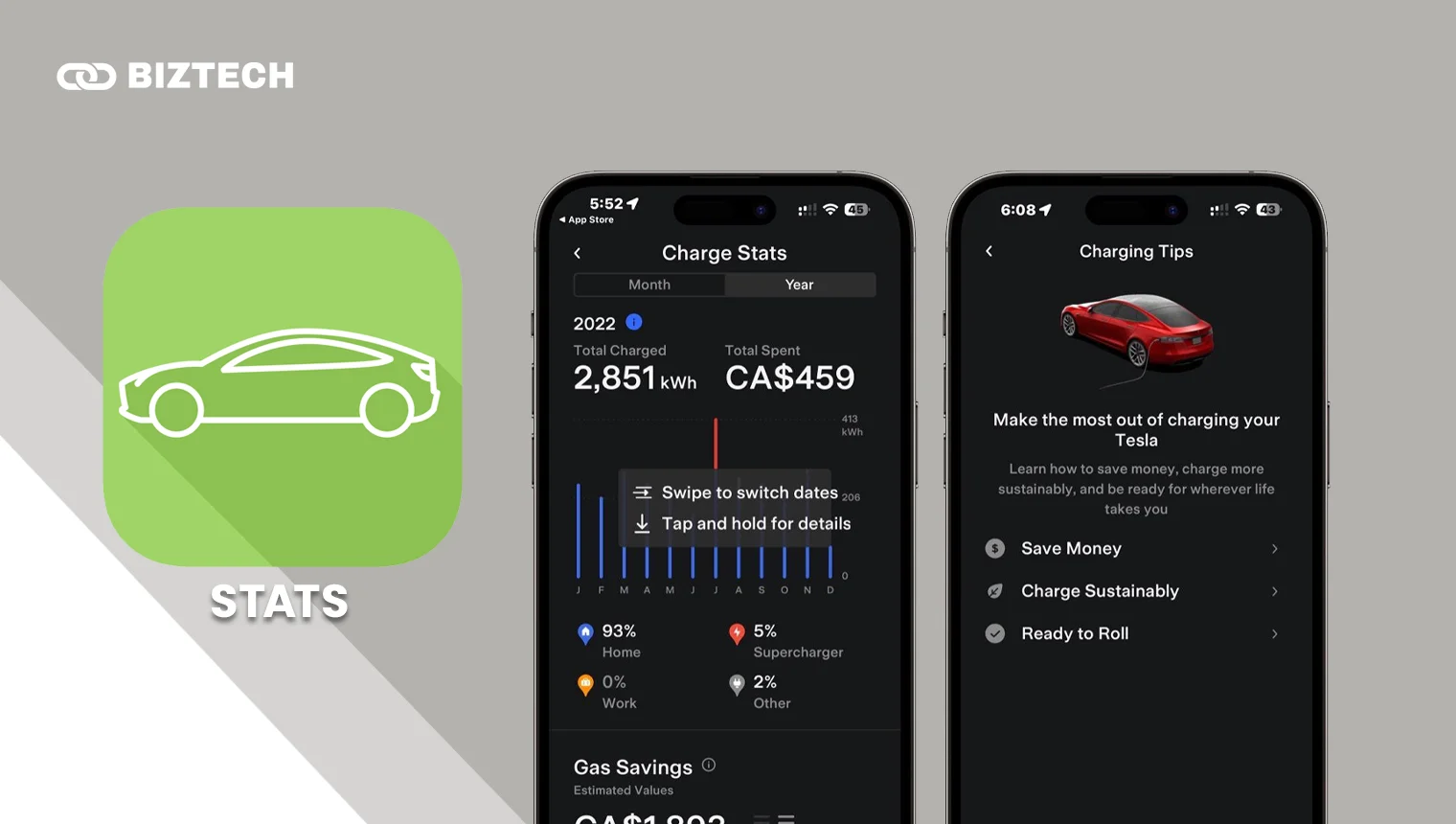
Simplicity meets insight with this aptly named app built specifically for Tesla vehicles. Stats delivers genuinely detailed trip analytics, with clear visualisations of driving habits, efficiency, and range.
The post-drive analysis is the standout — it’s the fastest way I’ve found to see where you’re losing kWh and tighten up your efficiency. The dashboard also gives real-time energy visualisation, plus keyless driving and control of door locks, trunk/frunk, charging, and even Summon.
Handy Siri Shortcuts let you pull insights and operate the car by voice, and the home-screen widgets (odometer, range, charging status) save you from opening the full app for a quick check.
Pricing
After a 7-day free trial, Stats is US$5/month or US$50/year. It’s a premium price, but for owners who want deep analytics plus control in one polished app, it pays for itself. (Note: Stats’ original one-time-purchase model has been replaced by this subscription.)
2. Remote for Tesla — Best for Remote Accessibility
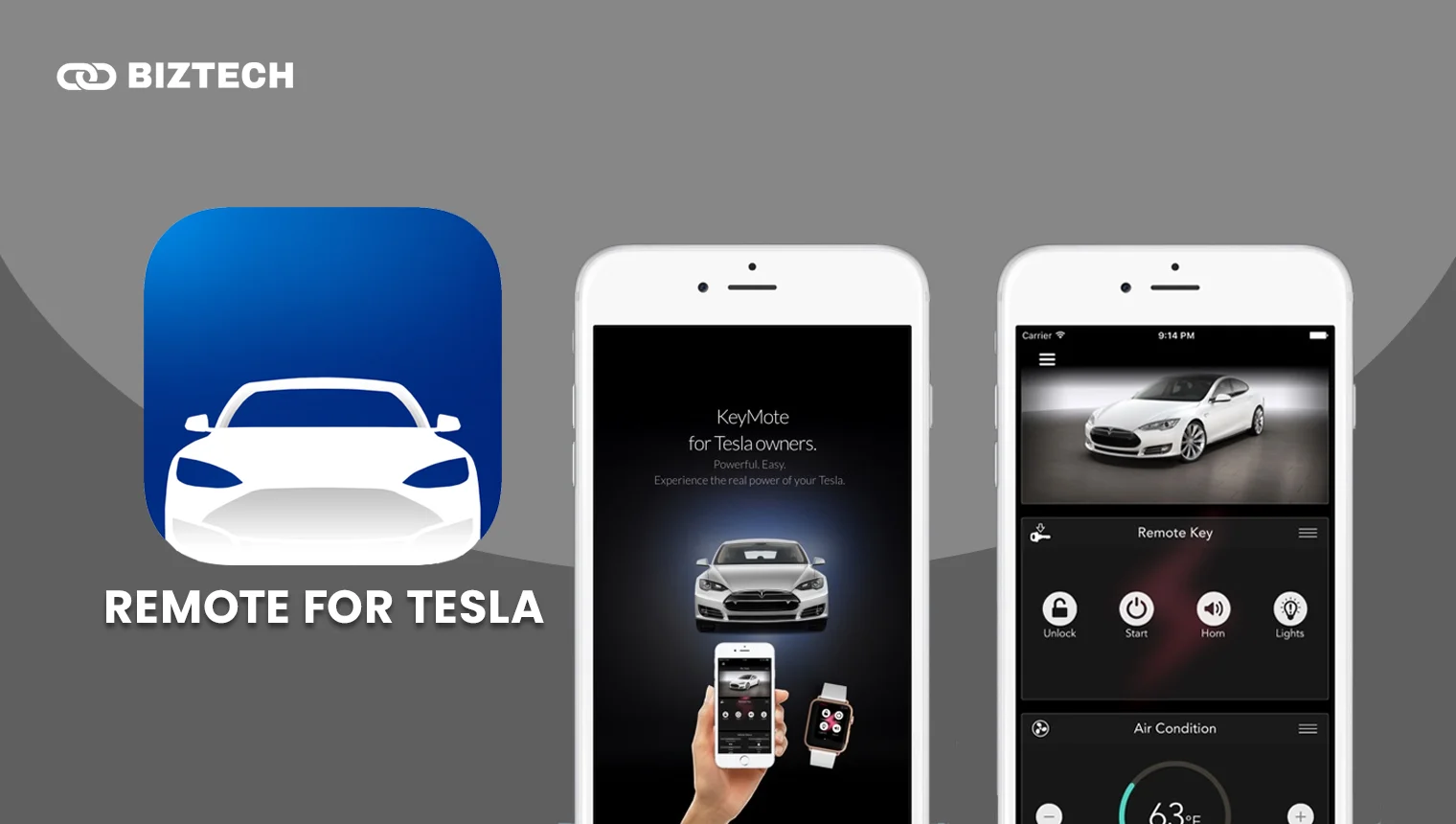
Remote for Tesla (by Rego Apps) turns your iPhone and, crucially, your Apple Watch into a sophisticated remote for your car. If wrist control matters to you, this is the app to beat.
You can check real-time charging status, pre-condition the cabin, open the frunk for a delivery, schedule charging sessions, and trigger Sentry Mode — all from the Watch. For frequent travellers who leave the car parked for days, that reach is real peace of mind.
Tight Siri Shortcuts integration adds hands-free voice control across your Apple devices.
Pricing
Remote for Tesla has historically been a one-time purchase of about US$9.99, though with Tesla’s Fleet API now charging for data access, some functions may sit behind optional in-app purchases. Confirm the current price and any subscription on the App Store before buying.
3. Chargeway — Best for Simplifying Charging
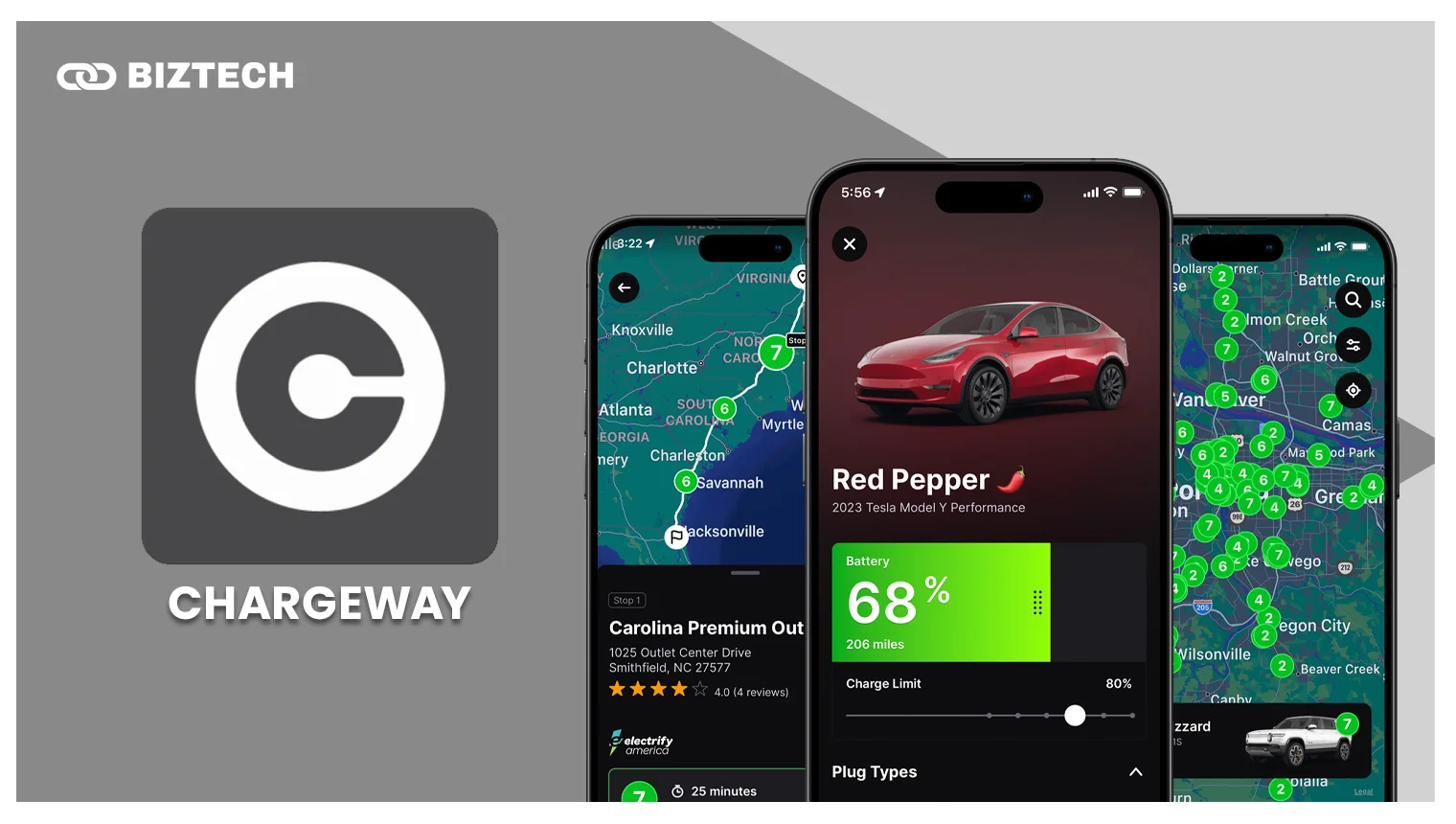
Public charging is confusing — connectors, speeds, and power outputs vary wildly. Chargeway’s clever fix is a colour-and-number system: colours for plug type (red for Tesla/NACS, green for J1772/CCS, blue for CHAdeMO) and numbers for power level. Instead of memorising jargon, you just remember your colour and number.
Chargeway Plus adds live public-charging prices and the total cost to charge, drawing on 85,000+ stations across 50+ networks. The connected features are free for the first 30 days, then move to a subscription.
One honest caveat for local readers: Chargeway’s station map is US and Canada only. It’s a brilliant learning tool for understanding charging, but for finding stations in Malaysia or Singapore you’ll want PlugShare or the official Tesla app instead.
Pricing
Free to download; Chargeway Plus connected features are free for 30 days, then paid. Check the in-app price for current rates.
4. PlugShare — Best Charging Station Locator
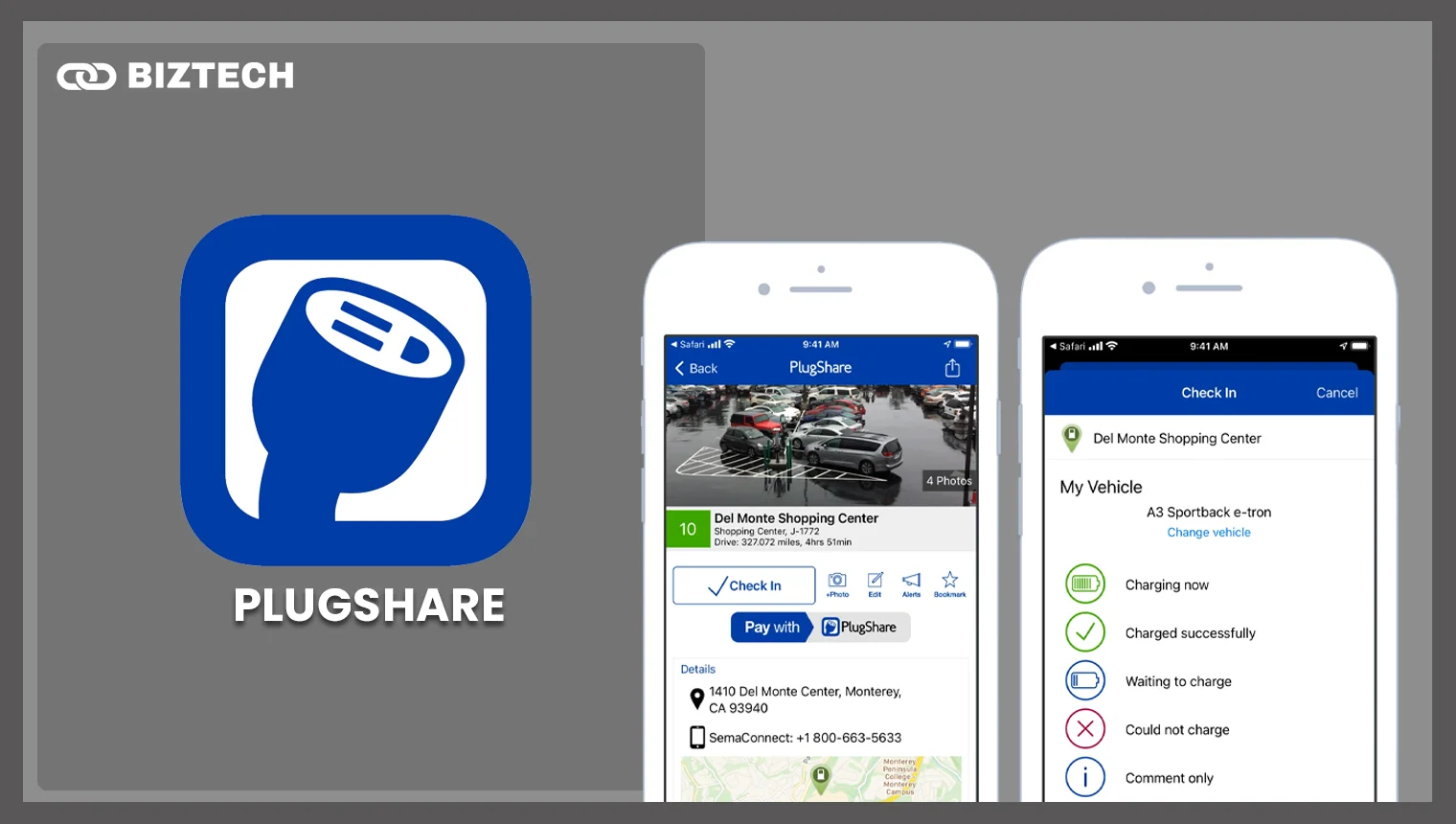
PlugShare is the community-driven map most EV drivers keep on their phone — and, importantly for us, it has global coverage, including stations across Malaysia and Singapore. You can filter by connector, power output, and amenities, and check recent check-ins so you don’t drive to a broken or occupied charger.
Beyond charging, the community reviews and photos help you plan road-trip stops around real-world reliability rather than guesswork.
Pricing
Completely free, with no subscription or ads. For simplifying public charging — at home or abroad — it’s an absolute essential.
5. TezLab — Best for Battery Optimization
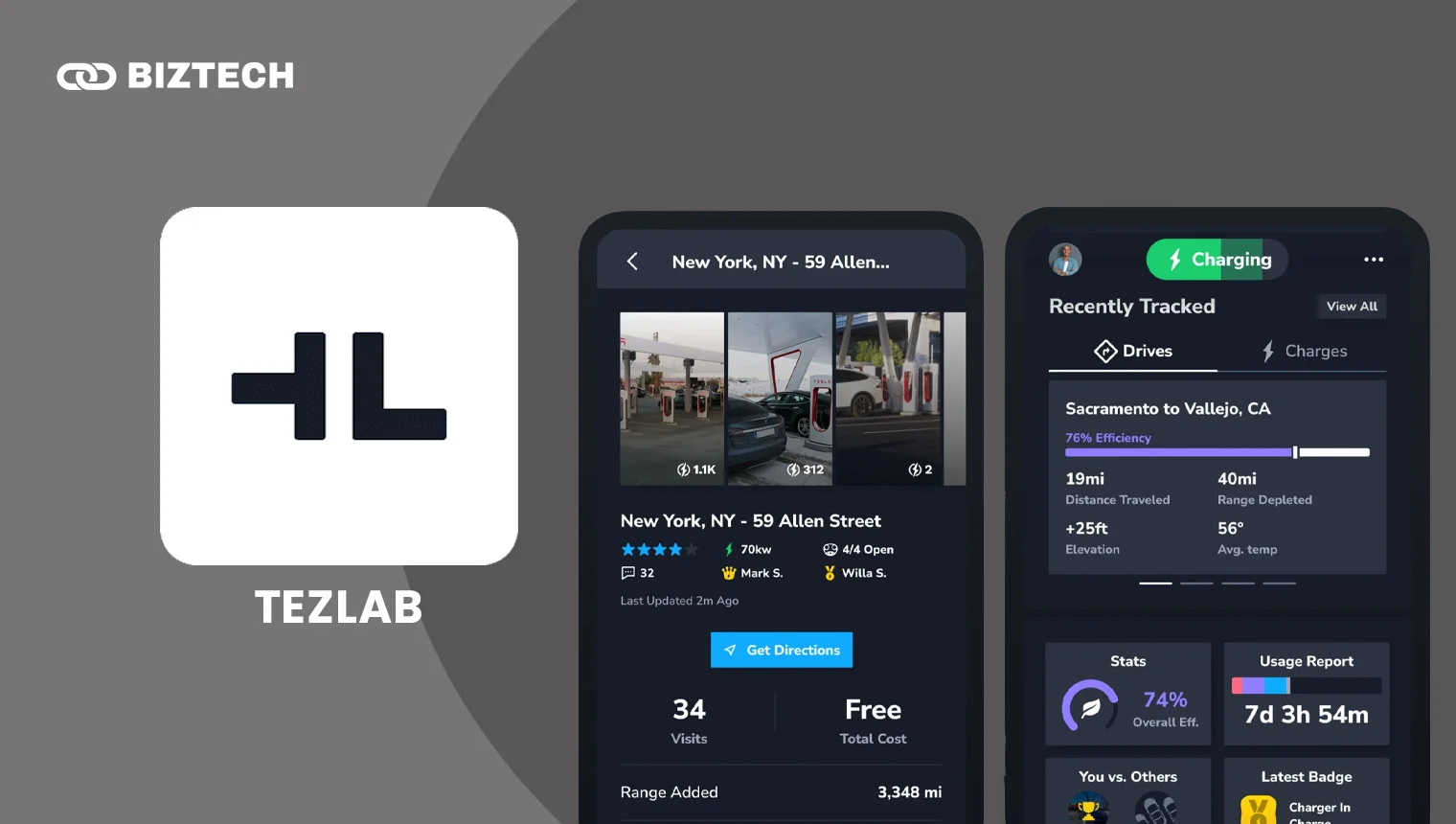
Think of TezLab as a fitness tracker for your battery. It surfaces metrics on rated vs. actual capacity and efficiency, walks you through best practices for charging, and sends battery-health summaries so you can watch for degradation over the years.
It’s one of the most popular third-party apps, works on iOS and Android, and has a usable free tier — a good place to start before paying for anything.
Pricing
Free tier available; TezLab’s premium plan runs roughly US$50/year (pricing has shifted with Tesla’s API changes, so confirm the current rate in-app). For diligent owners who care about long-term battery health, it’s money well spent.
6. Teslascope — Best Third-Party Data Platform
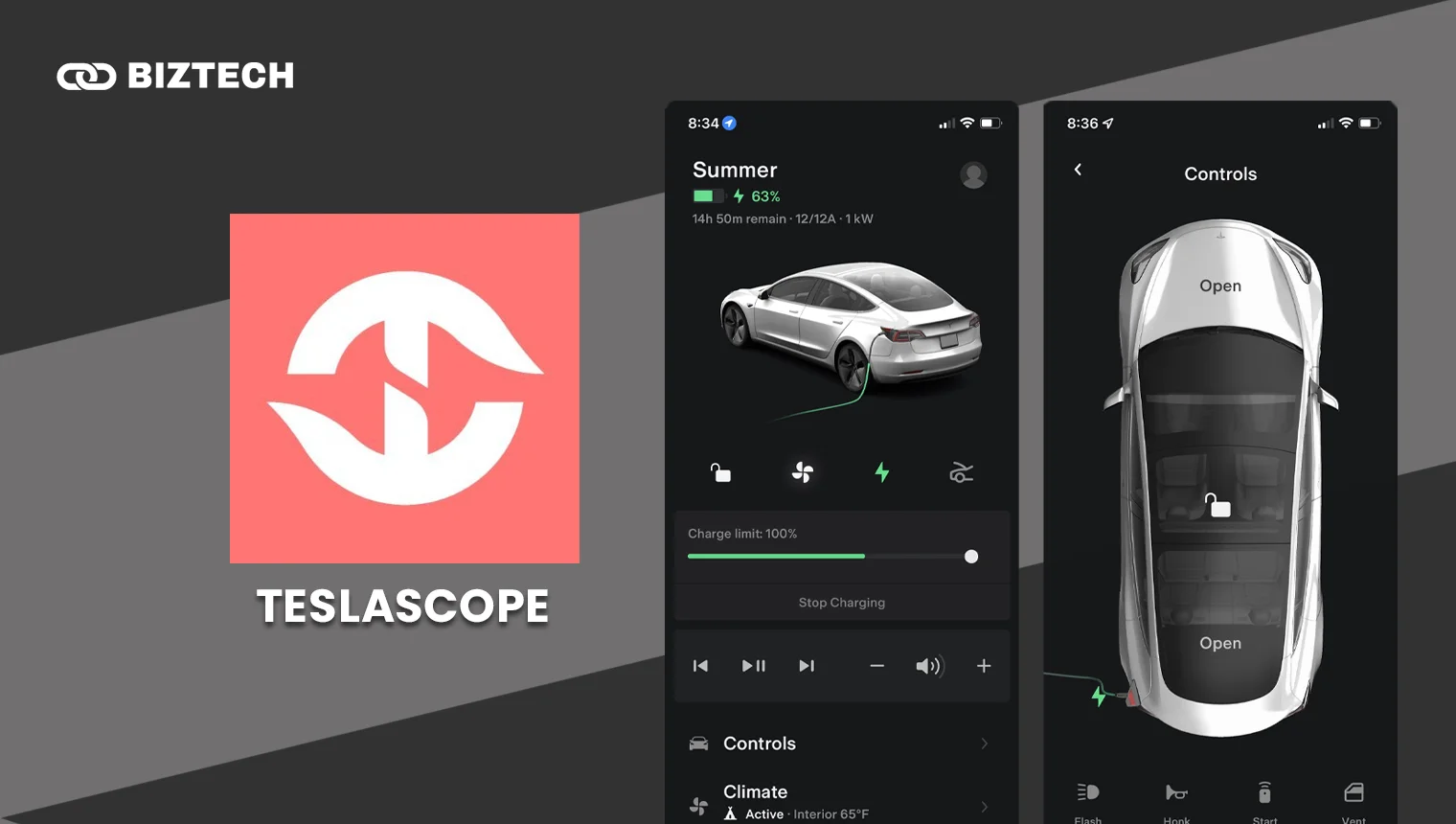
Teslascope goes deep — granular stats on efficiency, range, and components, plus a dashboard snapshot of battery, tyre pressures, and last-park location. Enthusiasts love its firmware tracker, which flags your software version and what’s rolling out next.
Its pricing was overhauled for 2026 into clear tiers, so you only pay for what you need.
Pricing
A basic free tier, then Plus at US$3.99/vehicle/month (historical recording, cost calculations, software tracking) or Pro at US$6.99/vehicle/month (automations, Supercharger costs and invoices, driver management). An annual plan is US$39.99/vehicle/year, and Teslascope offers discounts for students, educators, and veterans.
7. TeslaMate — Best Open-Source Platform
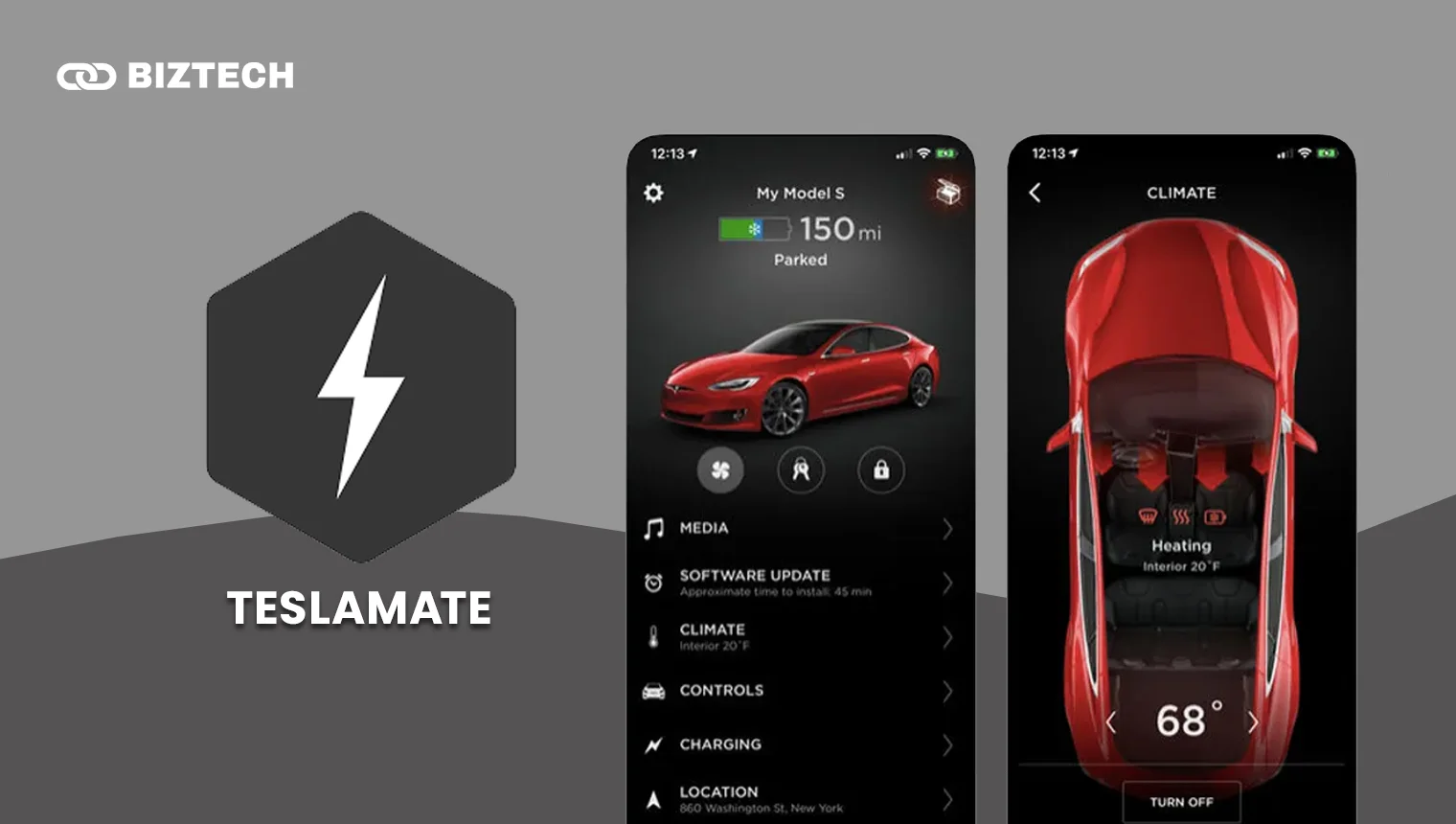
For the tinkerers: TeslaMate is a free, open-source, self-hosted logger. Spin up the Docker containers with Grafana and InfluxDB and you get complete control over your data — usage metrics, efficiency visualisations, and dashboards tailored exactly how you like, with nothing locked behind a proprietary platform.
It does require some technical setup, but the transparency and customisation are unmatched, and it pairs well with Teslascope for expanded datasets. Just remember: self-hosting means you’re responsible for keeping your instance secure and updated.
Pricing
Free and open-source. Your only costs are the server or Raspberry Pi you run it on. A genuine treat for owners who like to get their hands dirty.
8. Model 3/Y Performance Monitor — Best for Performance Metrics
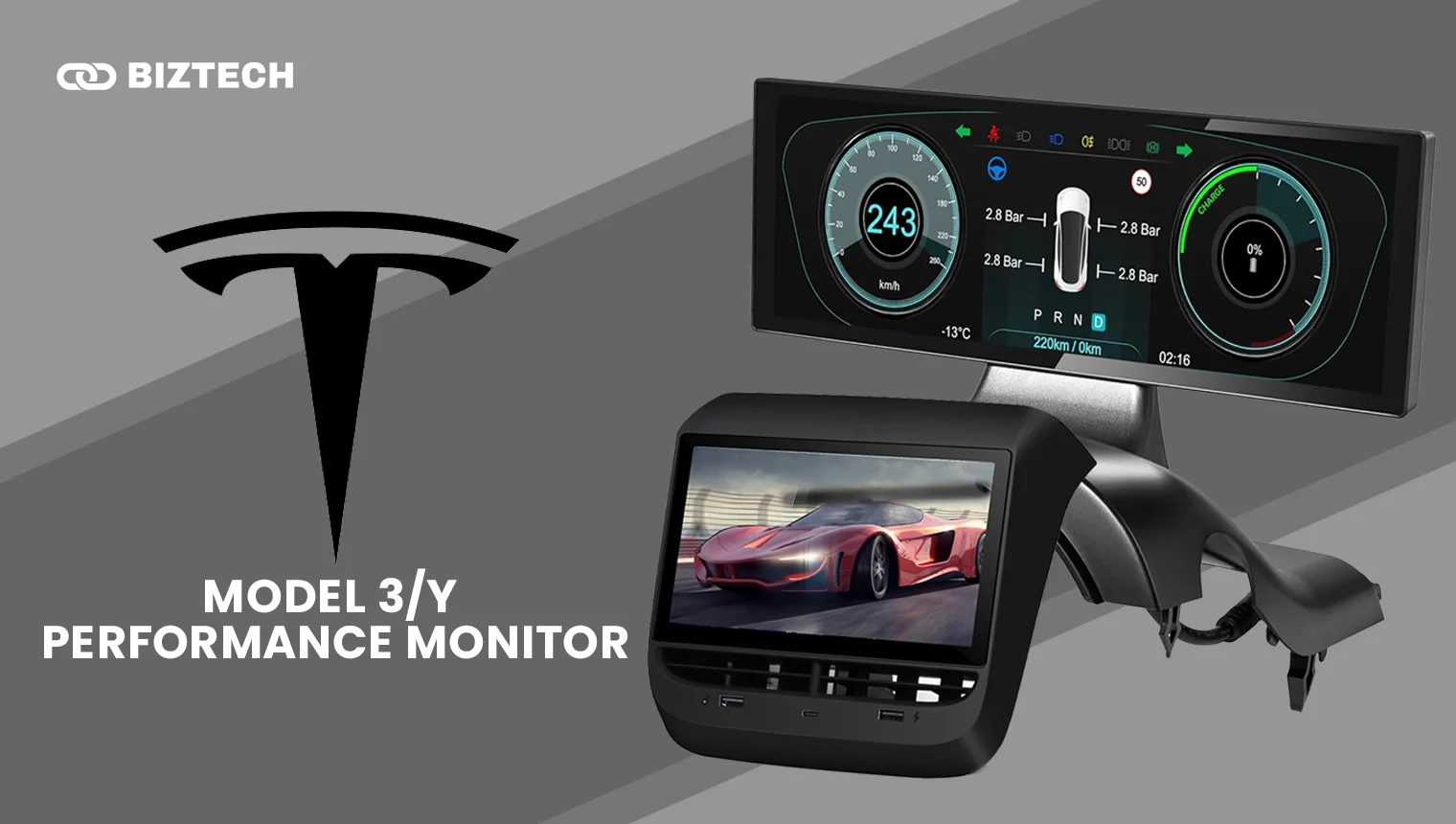
Built for spirited drivers, this app surfaces real-time power output, torque, motor RPM, and temperatures so you can fine-tune launches. It’ll time 0–100 km/h and quarter-mile runs and let you compare between attempts.
The G-force visualiser — tracking lateral and longitudinal forces through corners — is the highlight for anyone who takes their Performance model to a track day.
Pricing
Typically free with optional in-app purchases — confirm current pricing on the App Store. If you own a Model 3 Performance or Model Y Performance, it’s a fun, low-cost way to analyse your driving.
Don’t Forget the Official Tesla App
Before any third-party app, every owner should have the official Tesla app — it’s free and handles the essentials: unlocking, climate, charging, Sentry Mode, and booking service. It’s also now mandatory for anyone (Tesla or not) charging at Malaysian Superchargers opened to other EVs.
Tesla’s Spring Update 2026 added a “Hey Grok” voice assistant, a dedicated Self-Driving app, Pet Mode, and Full Self-Driving usage stats. The only paid add-on most owners consider is Premium Connectivity (about US$9.99/month or US$99/year), which enables live traffic visualisation, satellite maps, and media streaming over cellular.
Other Apps Worth Considering
One name comes up constantly and deserves a mention: Tessie. It’s frequently rated the top all-round third-party Tesla app, with polished trip and battery tracking, phantom-drain monitoring, live charging views, automations, Apple Watch control, and integrations with Alexa, HomeKit, and Home Assistant. It’s pricier than most rivals — roughly US$5/month, ~US$50/year, or a one-time lifetime option around US$150–200 (confirm current pricing) — but if you want one app that does nearly everything, it’s the one to try. If you’re choosing between platforms, Tessie is the premium all-rounder and TezLab is the value pick.
How to Choose the Right Tesla App
You don’t need all eight. Match the app to what you actually want to do:
| If you want to… | Start with |
|---|---|
| Control the car from your wrist | Remote for Tesla |
| Track efficiency & driving analytics | Stats or TezLab |
| Monitor long-term battery health | TezLab or Stats |
| Find charging on the road (MY/SG) | PlugShare + official Tesla app |
| Understand charging types (US/Canada) | Chargeway |
| Deep data & software tracking | Teslascope |
| Own and self-host your data | TeslaMate |
| Test performance / track days | Model 3/Y Performance Monitor |
| One do-everything app | Tessie |
A sensible starter stack for most owners: the free official Tesla app + PlugShare (free), then one paid analytics app (Stats, TezLab, or Tessie) once you know which features you’ll actually use. Take advantage of the free trials before you commit.
Common Pitfalls to Avoid
Subscription creep. It’s easy to end up paying for three apps that overlap. Pick one analytics app and stick with it. US-only tools. Chargeway’s map (and some community data) is North America-focused — verify a station app actually covers Malaysia or Singapore before you rely on it. Fleet API costs. Because Tesla now charges third-party developers for data access, prices can change and free tiers can shrink; re-check pricing before renewing. Data privacy. Third-party apps need access to your Tesla account — grant it only to reputable apps, and revoke access in your Tesla account for any app you stop using. Self-hosting responsibility. If you run TeslaMate, keep it patched; an exposed instance can leak your location history.
Tesla Apps in Malaysia & Singapore
Tesla’s local footprint has grown fast: by early 2026 Malaysia had well over a dozen Supercharger sites (expanding toward 35+ locations, including Ipoh, Johor Bahru, and East Malaysia), selected Superchargers opened to non-Tesla EVs at around RM1.80/kWh, and Tesla rolled out cross-border charging and connectivity across Malaysia, Singapore, and Thailand.
For local owners, the practical stack is simple: the official Tesla app (essential, and required for non-Teslas using opened Superchargers) plus PlugShare for the widest local station coverage. Analytics apps like Stats, TezLab, and Tessie work fine here since they pull from your Tesla account rather than a regional map. Skip Chargeway for station-finding locally — it’s built for US/Canada — though it’s still a great way to learn how charging types work.
On cost: nearly all these apps bill in US dollars through the App Store, so your final price in RM or S$ depends on the exchange rate plus any applicable tax (Malaysia’s 8% service tax on digital services, or Singapore’s 9% GST). Managing recurring app subscriptions is part of smart EV ownership — if you’re budgeting your running costs, our guide to productivity apps that save you hours and our best AI investing apps roundup can help you keep the rest of your finances on track. And if you charge or work on public Wi-Fi at charging stops, a reliable VPN is worth having.
The Most Useful Tesla App
If I had to pick just one third-party app, it’s still Remote for Tesla — the convenience of full remote control from an iPhone and Apple Watch has made ownership genuinely easier. Leaving the car at the airport for days, being able to check charging, Sentry triggers, and cabin temperature from anywhere is worth the small price.
That said, if you’d rather have one polished app that also nails analytics and automations, Tessie is the modern all-rounder many owners now reach for first. Try the free trials and see which fits your habits.
Frequently Asked Questions (FAQs)
Pricing and features were verified in July 2026. App prices change frequently — always confirm the current cost and free-trial terms on the App Store or the provider’s website before subscribing.
Disclaimer: This article is provided by KayaToday for general informational purposes only and does not constitute financial or purchasing advice. KayaToday is not affiliated with Tesla, Inc. or any of the apps listed. Do your own research and confirm current pricing and availability before making a decision.