There are now more than 2 million apps on the Apple App Store — but only a handful genuinely put artificial intelligence to work for you. The rest of the story below is about the ones that do: the best AI apps for iPhone in 2026, what they actually cost, and how to pick the right one instead of drowning in subscriptions.
- The 10 Best AI Apps for iPhone in 2026
- 1. ChatGPT
- 2. Google Gemini
- 3. Claude
- 4. Microsoft Copilot
- 5. Perplexity
- 6. ELSA Speak
- 7. Otter.ai
- 8. Youper
- 9. Seeing AI
- 10. Luma Dream Machine
- Don’t Forget Apple Intelligence (Built Right Into Your iPhone)
- How to Choose the Right AI App for You
- Common Pitfalls to Avoid
- Using These AI Apps in Malaysia & Singapore
- Conclusion
- Frequently Asked Questions (FAQs)
AI has quietly become part of daily life on your phone, from the chatbot that drafts your emails to the camera that describes the world for someone who cannot see it. The good news for iPhone users is that Apple now bakes some of this in for free (more on Apple Intelligence below), while the best third-party apps still do the heavy lifting for writing, research, transcription, learning, and creativity.
Prices, plans, and features move fast in AI. Everything here was verified in July 2026, but always confirm the current price in the App Store before you subscribe — and read the billing cadence carefully, because a “cheap” weekly plan can quietly cost more than a yearly one.
The 10 Best AI Apps for iPhone in 2026
- ChatGPT – the all-round AI assistant
- Google Gemini – best for Google users and image editing
- Claude – best for long-form writing and documents
- Microsoft Copilot – free voice & vision, plus Office AI
- Perplexity – AI search with real citations
- ELSA Speak – English pronunciation coaching
- Otter.ai – meeting and lecture transcription
- Youper – AI mental-wellness companion
- Seeing AI – accessibility for blind and low-vision users
- Luma Dream Machine – AI video and image generation
Here is how they compare at a glance. Prices are in US dollars (most of these apps bill in USD, even in Malaysia and Singapore), and reflect the individual/personal plans.
| App | Best for | Free tier? | Paid from (USD) | Platforms |
|---|---|---|---|---|
| ChatGPT | An all-round AI assistant | Yes (ads on US free tier) | Go $8/mo, Plus $20/mo | iOS, Android, web |
| Google Gemini | Google apps + image editing | Yes (Gemini 2.5 Flash) | AI Plus $7.99/mo, AI Pro $19.99/mo | iOS, Android, web |
| Claude | Long-form writing & analysis | Yes | Pro $20/mo ($200/yr) | iOS, Android, web |
| Microsoft Copilot | Office users; free voice & vision | Yes | Microsoft 365 Premium $19.99/mo | iOS, Android, web, Windows |
| Perplexity | Research with sources you can check | Yes | Pro $20/mo ($200/yr) | iOS, Android, web |
| ELSA Speak | Improving spoken English | Yes (limited) | Pro ~$19.99/mo; Premium ~$79.99–99/yr* | iOS, Android |
| Otter.ai | Transcribing meetings & lectures | Yes (300 min/mo) | Pro $16.99/mo ($8.33/mo annual) | iOS, Android, web |
| Youper | Mood tracking & stress support | Yes (7-day trial) | Plus $69.99/yr | iOS, Android |
| Seeing AI | Accessibility for low vision | 100% free | — | iOS, Android |
| Luma Dream Machine | AI video & image generation | Yes (~80 credits/day) | Lite $9.99/mo; Plus ~$30/mo | iOS, Android, web |
*ELSA pricing changes often with promotions — check the in-app offer before committing.
1. ChatGPT
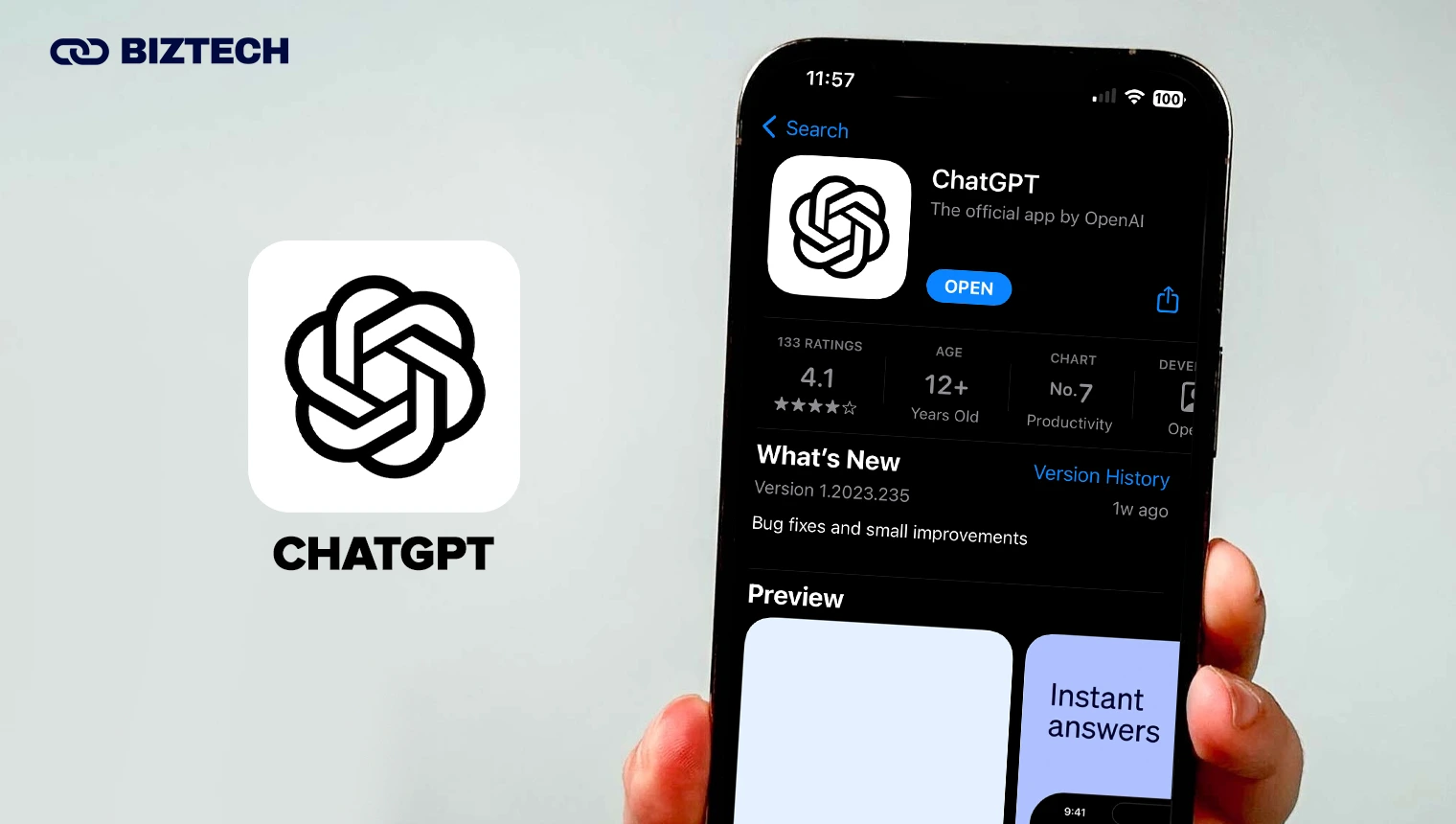
If you download only one AI app, this is still the default. OpenAI’s ChatGPT handles the widest range of everyday tasks — drafting and summarising emails, brainstorming, coding help, explaining tricky topics, analysing photos and PDFs, and even talking to you in voice mode.
The iPhone app is free, and in 2026 the free tier runs on OpenAI’s latest general model with generous limits (US free and low-cost users now see occasional ads under responses). If you want more, ChatGPT Go is $8/month, ChatGPT Plus is $20/month for higher limits and priority access to the newest models, and ChatGPT Pro sits at $100–$200/month for power users.
ChatGPT is even more capable on desktop, so if you use it on a laptop too, see our guide to the best ChatGPT Chrome extensions. For a wider tour of ChatGPT-style apps, we also rounded up the best ChatGPT apps for iPhone and Android.
2. Google Gemini
Google’s Gemini is the strongest all-rounder if you live inside Gmail, Docs, YouTube, and Maps — it can pull in context from your Google world and answer with it. Its built-in image generation and editing (nicknamed “Nano Banana”) is genuinely impressive for on-the-fly edits, and it’s a natural fit on iPhone because Apple has begun weaving Gemini into Siri for certain requests.
The Gemini app is free with Gemini 2.5 Flash, 100 monthly AI credits, and 15GB of storage. Google AI Plus is $7.99/month (a cheaper entry point than most rivals), Google AI Pro is $19.99/month, and Google AI Ultra runs $249.99/month for its most advanced models and video generation.
If image creation is your main interest, compare it with the field in our roundup of the best AI image generators tested and reviewed.
3. Claude
Anthropic’s Claude is the writer’s and researcher’s favourite. It excels at long-form writing, editing in your voice, working through long documents and meeting notes, translating across 100+ languages, and reasoning carefully through problems — often with a more natural, less robotic tone than its rivals.
The iPhone app is free to start. Claude Pro is $20/month (or $200/year, roughly $17/month) for much higher usage and priority access, with Max plans at $100 and $200/month for heavy users.
Claude pairs well with any writing workflow; if you’re comparing writing tools specifically, see our list of the best AI text generators.
4. Microsoft Copilot

This is the app that used to be “Bing” in older guides. Microsoft folded its AI chat into Copilot, a free iPhone app with a friendly voice mode and vision features (point your camera and ask about what you see). It’s genuinely good for quick answers, drafting, and image generation, all at no cost.
One important change: the standalone Copilot Pro subscription was retired in late 2025 and existing subscribers lose support on 1 August 2026. Its premium features now live inside Microsoft 365 Premium at $19.99/month, which bundles Copilot AI across Word, Excel, PowerPoint, and Outlook together with the full Office apps and up to 6TB of storage — so it only makes sense if you actually use Office. For everyone else, the free Copilot app is plenty.
5. Perplexity
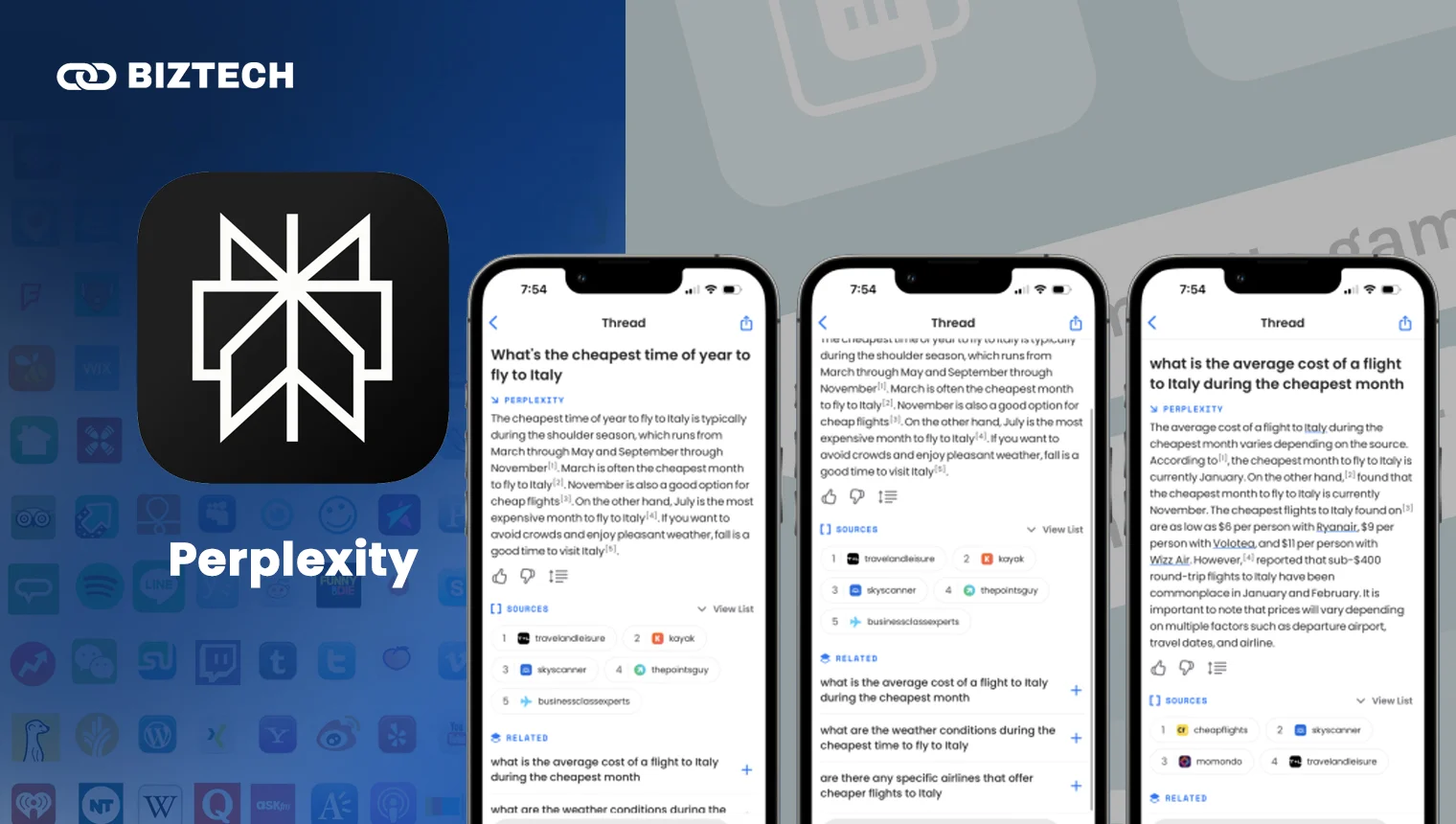
Perplexity is the app to reach for when the answer matters and you want to check the source. It works like an “answer engine”: you ask a question, and it replies with a concise, up-to-date answer plus footnoted links you can click to verify. That makes it a favourite for research, shopping decisions, and fact-checking.
The app is free. Perplexity Pro is $20/month (or $200/year) for advanced models and more searches, Max is $200/month, and verified students get Education Pro at $10/month. Perplexity’s Comet browser is also free across iOS, Android, and desktop as of 2026.
6. ELSA Speak
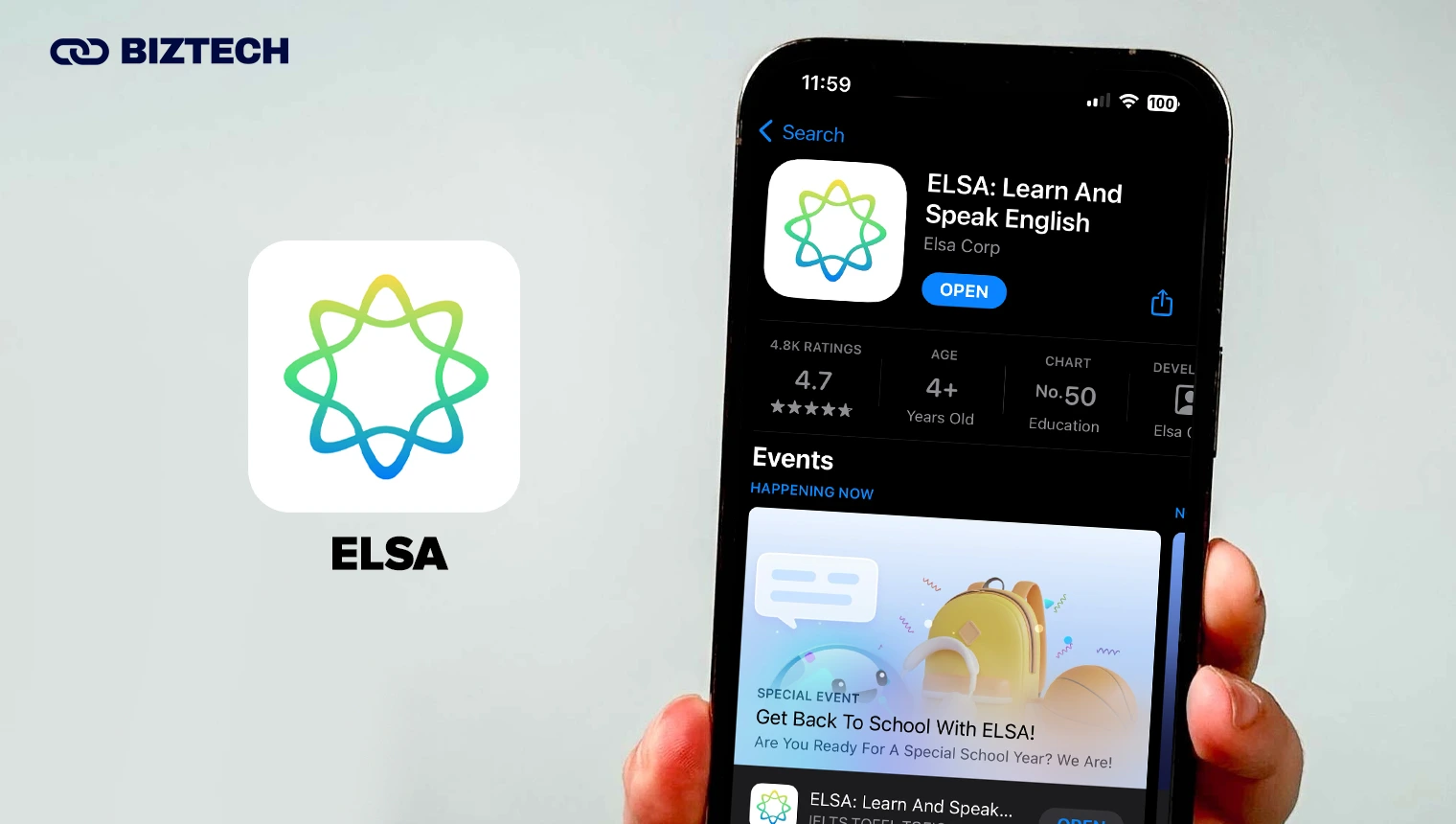
ELSA (English Language Speech Assistant) uses AI speech recognition to coach your pronunciation, giving real-time feedback on individual sounds, stress, and fluency. For learners in Malaysia and Singapore juggling Manglish, Singlish, and different first languages, it’s a low-pressure way to sharpen spoken English before an interview or presentation.
There’s a free tier with limited lessons. ELSA Pro is around $19.99/month, while longer Premium plans frequently run about $79.99–$99/year during ELSA’s regular promotions — so the effective monthly cost can drop to roughly $7–$13. Because the pricing changes so often, check the current offer in the app before you buy.
7. Otter.ai
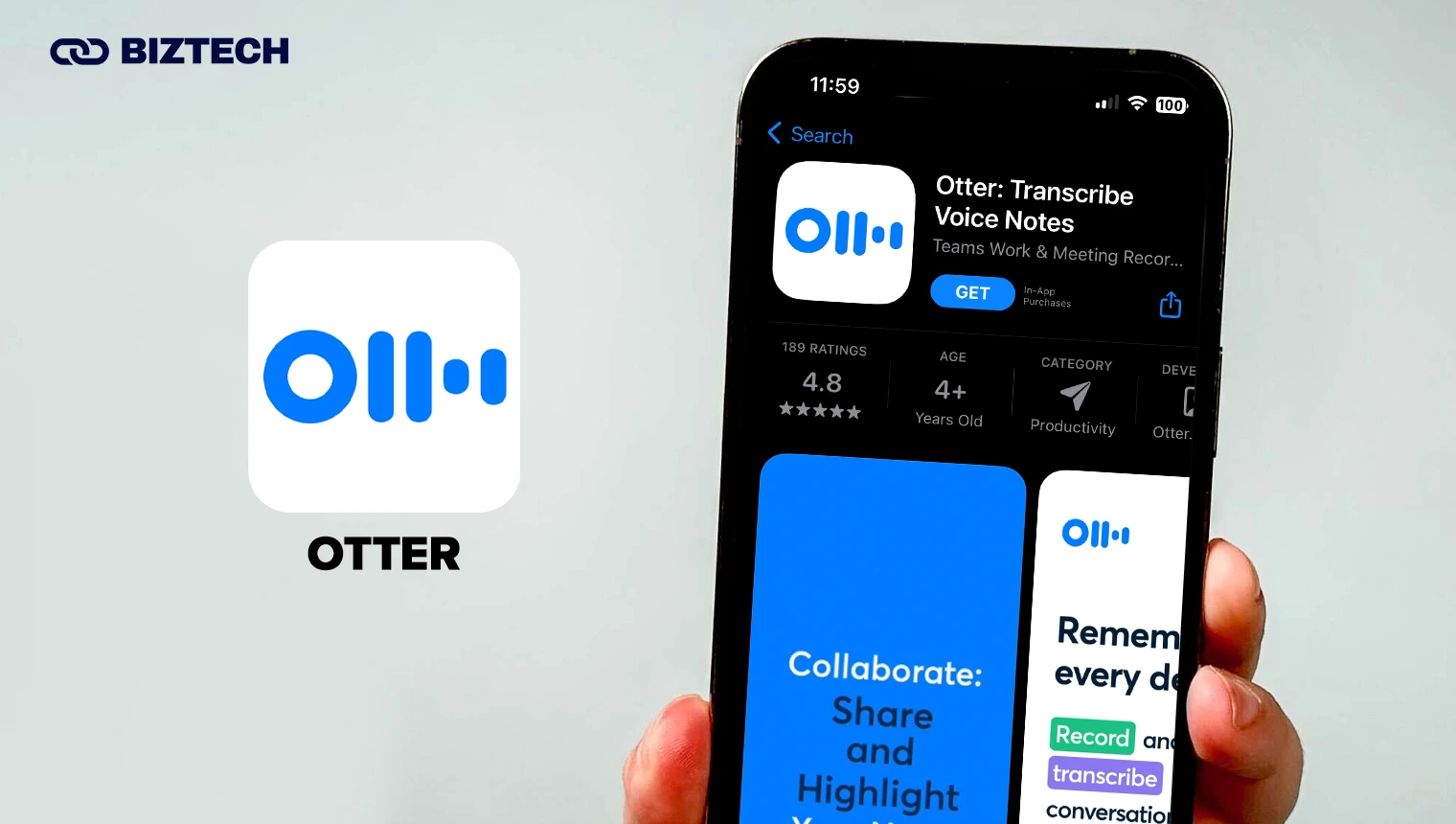
Otter turns meetings, lectures, and interviews into searchable, shareable transcripts — and in 2026 it also generates AI summaries and action items automatically. It integrates with Zoom, Google Meet, Microsoft Teams, and your calendar, so it can join and take notes for you.
The free plan gives you 300 minutes per month (up to 30 minutes per conversation). Otter Pro is $16.99/month, or a much better $8.33/month billed annually, raising you to 1,200 minutes plus advanced search and exports; Business is $30/user/month. For students and anyone who sits through long meetings, the free tier alone is a big time-saver.
8. Youper
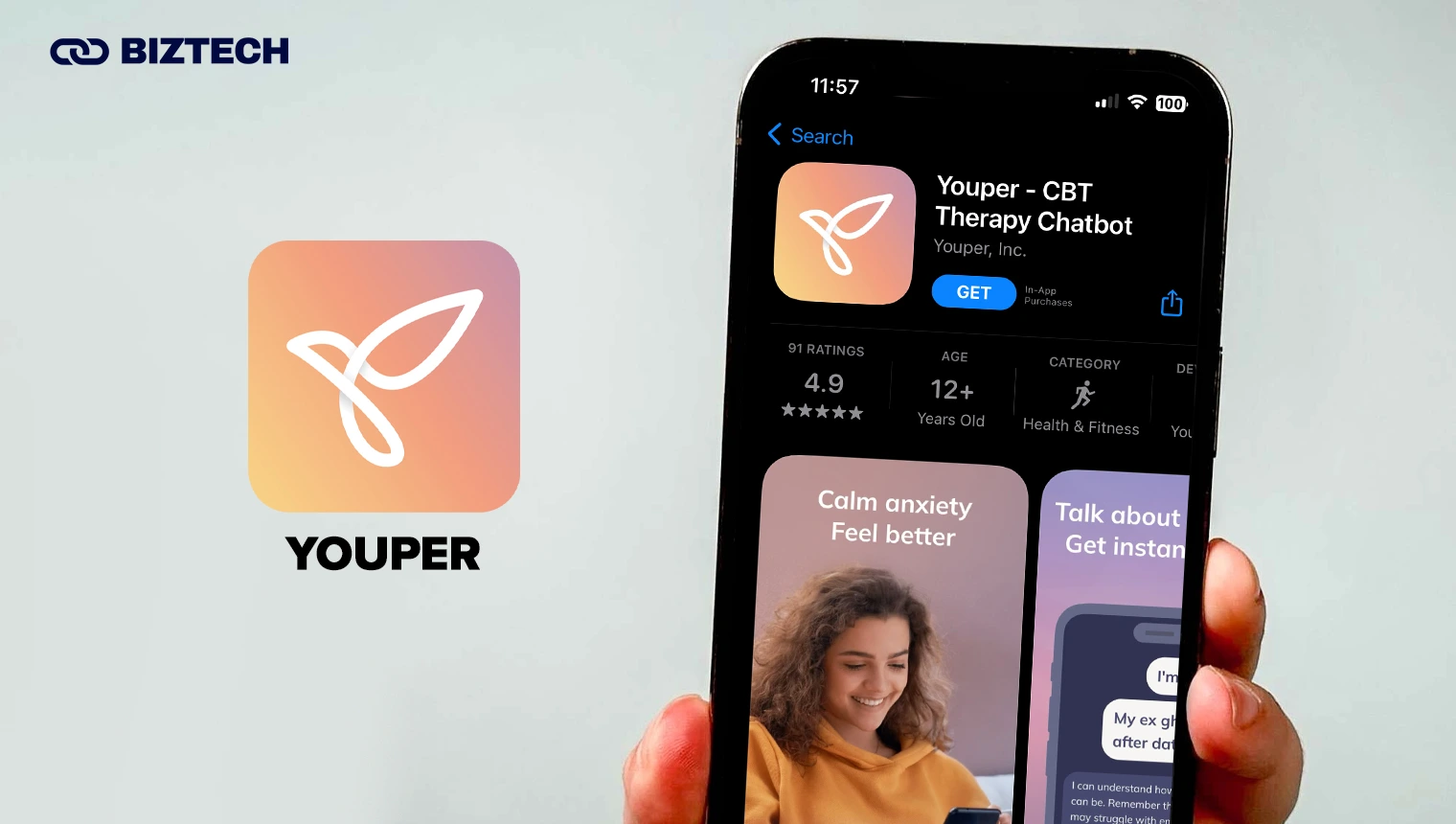
Youper is an AI companion built around Cognitive Behavioural Therapy (CBT) techniques — guided check-ins, mood tracking, voice journaling, and short mindfulness exercises. Many people find it a helpful, judgement-free way to notice patterns in their mood and reframe negative thoughts.
Core features are free with a 7-day trial, and Youper Plus is $69.99/year for the full library. One honest caveat: an AI app is a self-help tool, not a replacement for a doctor or licensed therapist. If you’re struggling, please reach out to a professional or a trusted person — in Malaysia you can contact Talian Kasih 15999, and in Singapore the Samaritans of Singapore (SOS) at 1767.
9. Seeing AI
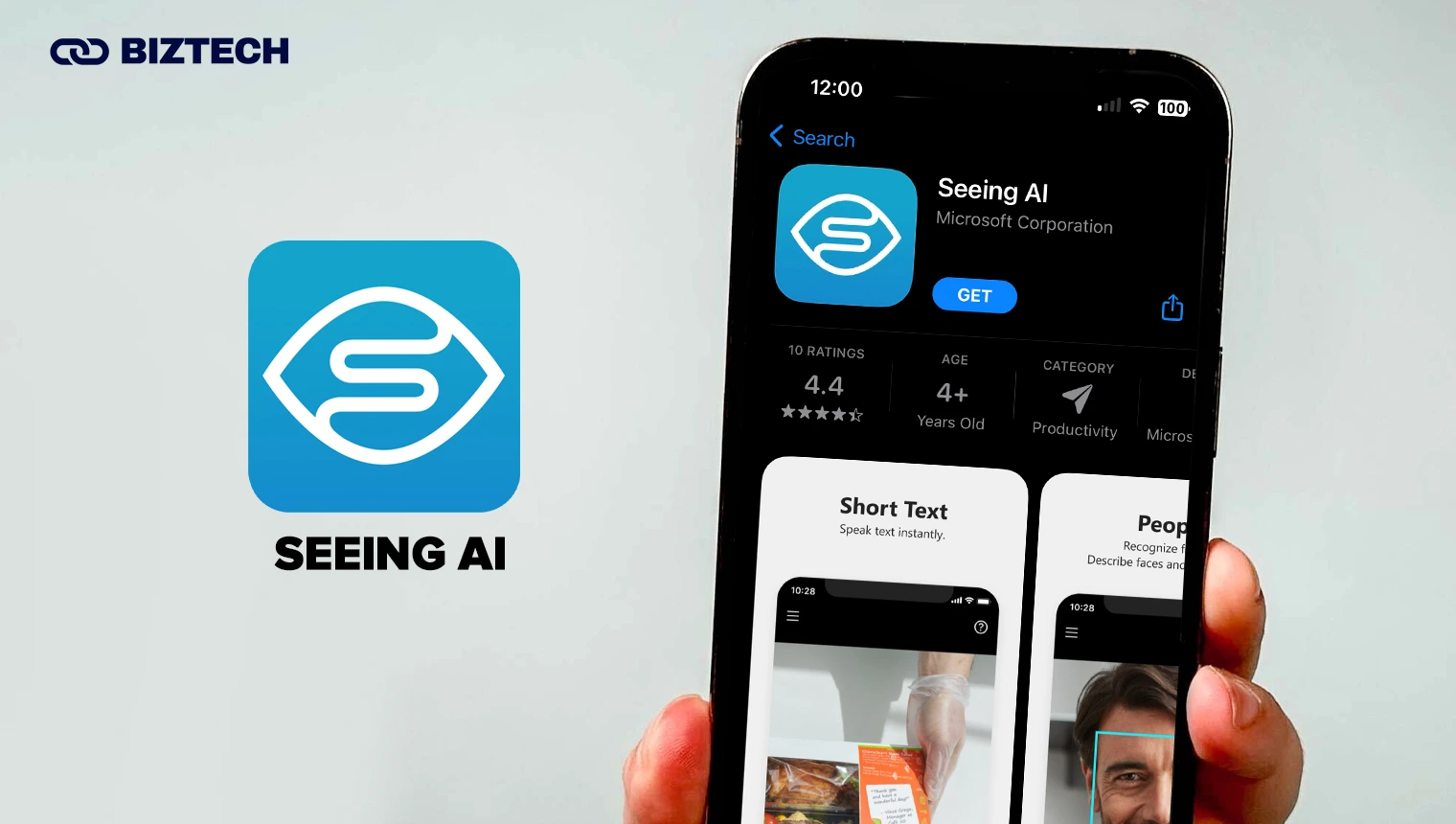
Microsoft’s Seeing AI is one of the most quietly important apps on this list. Built for the blind and low-vision community, it uses your camera to narrate the world: reading printed text and documents aloud, identifying products by barcode, describing scenes and people, recognising currency, and detecting colours and light.
Best of all, it is completely free with no subscriptions or in-app purchases, works with VoiceOver, and is now available on both iOS and Android. If you or someone you care for has a visual impairment, it’s an essential download — you can read more on Microsoft’s official Seeing AI page.
10. Luma Dream Machine
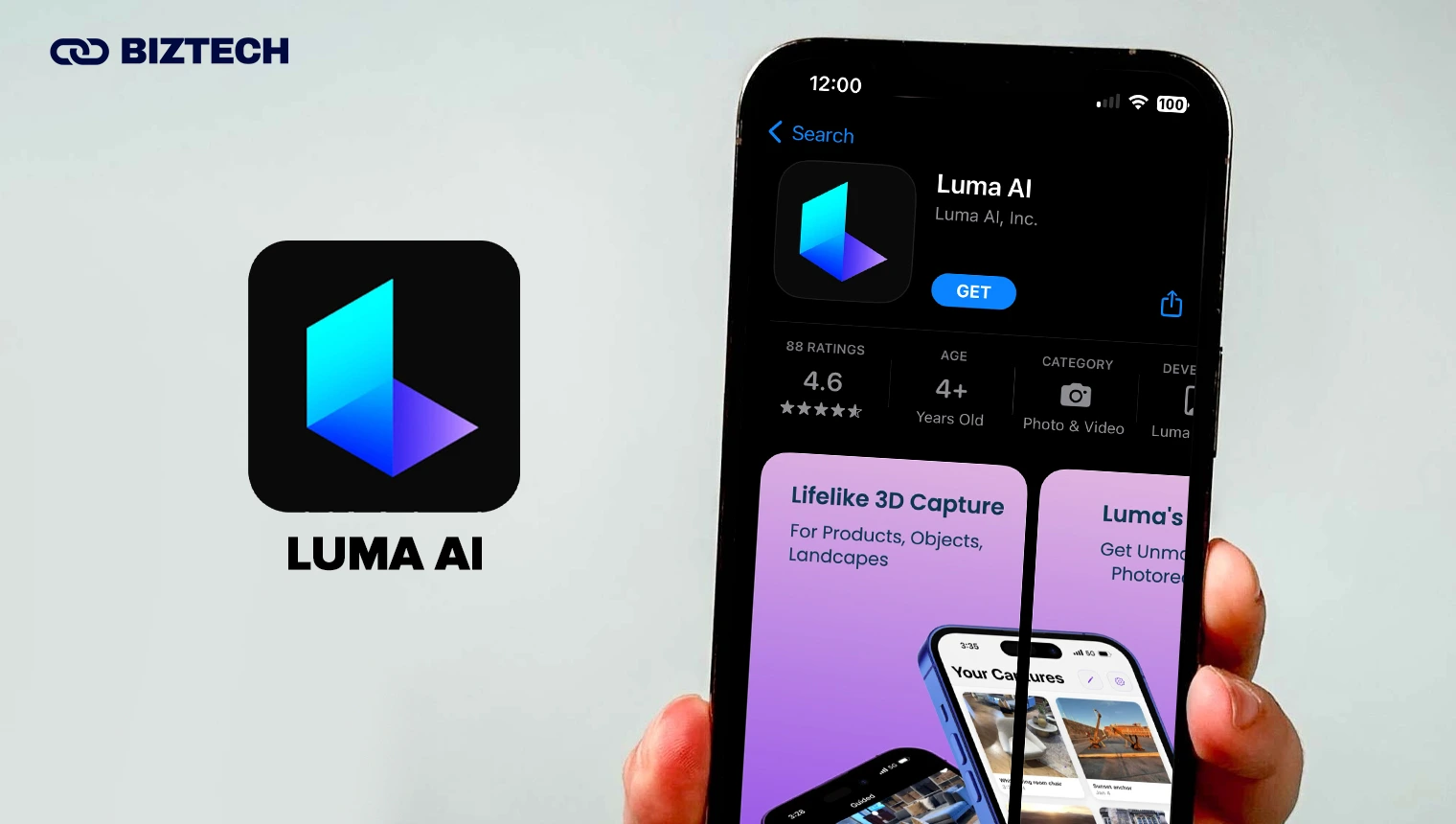
Luma has evolved from 3D capture into Dream Machine, one of the most accessible AI video and image generators — and it has a proper iPhone app. Type a prompt (or start from a photo) and it produces short, surprisingly cinematic clips in seconds, powered by Luma’s Ray 3 model.
The free tier gives you roughly 80 credits a day — enough for about one short 720p watermarked clip for personal use. Lite is $9.99/month for hobbyists, and Plus (~$29.99–$30/month) unlocks higher quality, commercial rights, and no watermark. If short-form video is your goal, weigh it against the wider field in our guide to the best AI video generators.
Don’t Forget Apple Intelligence (Built Right Into Your iPhone)
Before you subscribe to anything, remember your iPhone already has AI built in. Apple Intelligence is free and included with iOS 26 on the iPhone 15 Pro and Pro Max, and every iPhone 16 and iPhone 17 model (it needs the A17 Pro chip or newer). It powers Writing Tools for rewriting and proofreading, Image Playground and Genmoji, Visual Intelligence for your camera, notification summaries, and ChatGPT built into Siri for tougher questions.
Apple’s fully rewritten, more conversational AI Siri is rolling out through 2026 and will still carry a “beta” label at first. If your iPhone supports it, Apple Intelligence covers a lot of everyday needs at zero cost — you can see the full feature list on Apple’s Apple Intelligence page. The paid apps above then fill the gaps: deeper writing (Claude), sourced research (Perplexity), transcription (Otter), and so on.
How to Choose the Right AI App for You
You don’t need ten AI subscriptions. Most people are best served by one free general assistant plus, at most, one paid app for whatever they do most. Use this quick guide:
| If you want to… | Start with |
|---|---|
| Have one AI for almost everything | ChatGPT or Google Gemini |
| Write, edit, or analyse long documents | Claude |
| Get the most from Microsoft Office | Microsoft Copilot / 365 Premium |
| Research with sources you can verify | Perplexity |
| Improve your spoken English | ELSA Speak |
| Transcribe meetings and lectures | Otter.ai |
| Track your mood and manage stress | Youper (not a therapist) |
| Assist with blindness or low vision | Seeing AI |
| Create short AI videos or images | Luma Dream Machine |
| Pay nothing and keep it simple | Apple Intelligence (iPhone 15 Pro+) |
A simple rule: exhaust the free tiers first. Between Apple Intelligence and the free versions of ChatGPT, Gemini, Claude, Copilot, and Perplexity, most iPhone users can go a long way before paying a cent.
Common Pitfalls to Avoid
Weekly-billing traps. Some AI photo and “enhancer” apps advertise a tiny price like $2–$5 per week. That can quietly add up to $100–$260 a year — far more than a $20/month flagship. Always check whether a plan is weekly, monthly, or yearly before you tap subscribe.
Fake and copycat apps. Search “ChatGPT” or “Gemini” and you’ll see imitators with similar icons and aggressive subscriptions. Download only from the official developer (OpenAI, Google, Anthropic, Microsoft, Perplexity) and check the developer name and reviews.
Privacy and data. Assume anything you type may be used to improve the model unless you turn that off in settings. Never paste passwords, IC/NRIC numbers, banking details, or confidential work data into a chatbot. Both Malaysia and Singapore’s Personal Data Protection Acts (PDPA) apply to how personal data is handled.
Region limits. A few apps or features are US-only or work differently outside North America. Confirm availability in Malaysia/Singapore before paying, and remember that most subscriptions are billed in USD.
Over-reliance. AI can be confidently wrong. Verify anything important — especially medical, legal, and financial matters — and treat wellness apps like Youper as support, not a substitute for professional care.
Using These AI Apps in Malaysia & Singapore
All ten apps work in Malaysia and Singapore. A few local notes worth knowing:
You’ll pay in USD. Most of these subscriptions are charged in US dollars, so watch your card’s foreign-exchange and conversion fees. Digital services are also subject to tax — Malaysia’s SST is 8% and Singapore’s GST is 9% — which may be added at checkout or included in the displayed price.
Language support is strong but uneven. ChatGPT, Gemini, and Claude handle Bahasa Malaysia, Mandarin, Tamil, and even Manglish/Singlish reasonably well, though quality is best in English. ELSA is purpose-built for accent and pronunciation practice.
Mind your data. Under the PDPA in both countries, be careful sharing anyone else’s personal information with an AI app. For sensitive tasks, prefer apps and settings that let you opt out of training.
Want more iPhone app ideas beyond AI? Take a look at our roundup of the best AI apps for iPhone to boost productivity and creativity, or unwind with the best free movie apps for iPhone.
Conclusion
The best AI app for your iPhone in 2026 depends on what you actually do. For most people, ChatGPT (or Gemini) as a free everyday assistant — backed by Apple Intelligence for quick, built-in tasks — covers the basics beautifully. From there, add Claude for serious writing, Perplexity for research you can trust, Otter for meetings, ELSA for English, and Seeing AI if accessibility matters. Start with the free tiers, avoid the weekly-billing traps, and only pay for the one tool you’ll genuinely use every day.
Prices and features verified in July 2026 and can change — always confirm the latest pricing and availability in the App Store or on the provider’s website before subscribing. This article is general information from KayaToday, not financial, medical, or professional advice.