Your EPF number (also called your KWSP number or Member ID) is the unique identifier that links you to your retirement savings with the Employees Provident Fund. You need it when you change jobs, make a withdrawal, file your taxes, or simply want to log in and check your balance. So the question “how to check my EPF number with IC online?” comes up far more often than most Malaysians expect.
- Quick Answer: Fastest Ways to Find Your EPF Number
- First, What Is Your EPF (KWSP) Number?
- New in 2026: Register and Get Your Number Instantly
- Eight Ways to Check Your EPF Number
- 1. EPF i-Akaun (App or Web Portal)
- 2. Ask ELYA & EPF Live Chat
- 3. EPF Call Management Centre (CMC)
- 4. Your Salary Slip or EA Form
- 5. Employer HR or Employer Self-Service (ESS)
- 6. EPF Self-Service Kiosk
- 7. EPF Counter (by Appointment)
- 8. Automated Voice Response & Online Enquiry
- How to Choose the Right Method
- Common Mistakes & Pitfalls to Avoid
- Why Knowing Your EPF Number Matters
- Conclusion
- Frequently Asked Questions
The good news is that in 2026 it has never been easier. EPF has gone almost fully digital: you can register, activate your account, and retrieve your number from your phone in minutes using your MyKad and a quick face scan — no branch visit, no queue. This guide walks you through every method (online and offline), explains what your KWSP number actually is, and flags the common mistakes that trip people up.
Verified June 2026. EPF channels and security features change from time to time, so always confirm the latest steps on the official KWSP website.
Quick Answer: Fastest Ways to Find Your EPF Number
If you just want the shortest path, here is the at-a-glance summary before we go deeper.
| Method | Best for | What you need | Speed |
|---|---|---|---|
| KWSP i-Akaun app | Most people, including first-timers | MyKad + front camera (e-KYC) | Instant |
| i-Akaun web portal | Existing members on a desktop | Username & password | Instant |
| Payslip / EA form | Employed members | Recent salary slip | Instant |
| Ask ELYA chatbot | Quick guidance, 24/7 | Internet access | Minutes |
| EPF Call Centre (CMC) | No app/portal access | IC for verification | Same call (office hours) |
| Self-service kiosk / counter | Those who prefer in person | MyKad | On the spot |
First, What Is Your EPF (KWSP) Number?
Your EPF number and KWSP number are the same thing — KWSP (Kumpulan Wang Simpanan Pekerja) is simply the Malay name for the EPF. It is your personal Member ID with the fund and stays with you for life, across every employer you ever work for.
One important 2026 update: EPF has standardised member identification around your MyKad (IC) number. For the vast majority of members today, you log in and transact using your IC, and your underlying Member ID is displayed inside i-Akaun. Long-standing members who registered years ago may also see a separate legacy KWSP membership number — both refer to the same account. Ignore any “22-character” or state-code formats you may read online; those describe India’s EPF, not Malaysia’s. Treat your KWSP number as confidential, just like any other financial detail.
New in 2026: Register and Get Your Number Instantly
If you have never had an EPF account or never activated i-Akaun, you no longer need to visit a branch. Malaysian citizens with MyKad and permanent residents with MyPR (aged 14 to under 75) can self-register through the KWSP i-Akaun app using e-KYC (electronic identity verification):
- Download the KWSP i-Akaun app from the Apple App Store, Google Play, or Huawei AppGallery.
- Tap “Account registration or activation” and choose “First time user.”
- Scan your MyKad / MyPR and complete the facial recognition check (use a phone with a front camera, in a well-lit spot).
- Enter your mobile number and email, then review and confirm your details.
- Your EPF member number is displayed on screen immediately, and a confirmation email is sent to you.
EPF has also replaced the old SMS TAC with i-Akaun Secure — in-app approval for most transactions — so your account is better protected against scams. If you can’t use the app, the self-service kiosks and counters below offer the same e-KYC registration.
Eight Ways to Check Your EPF Number
1. EPF i-Akaun (App or Web Portal)
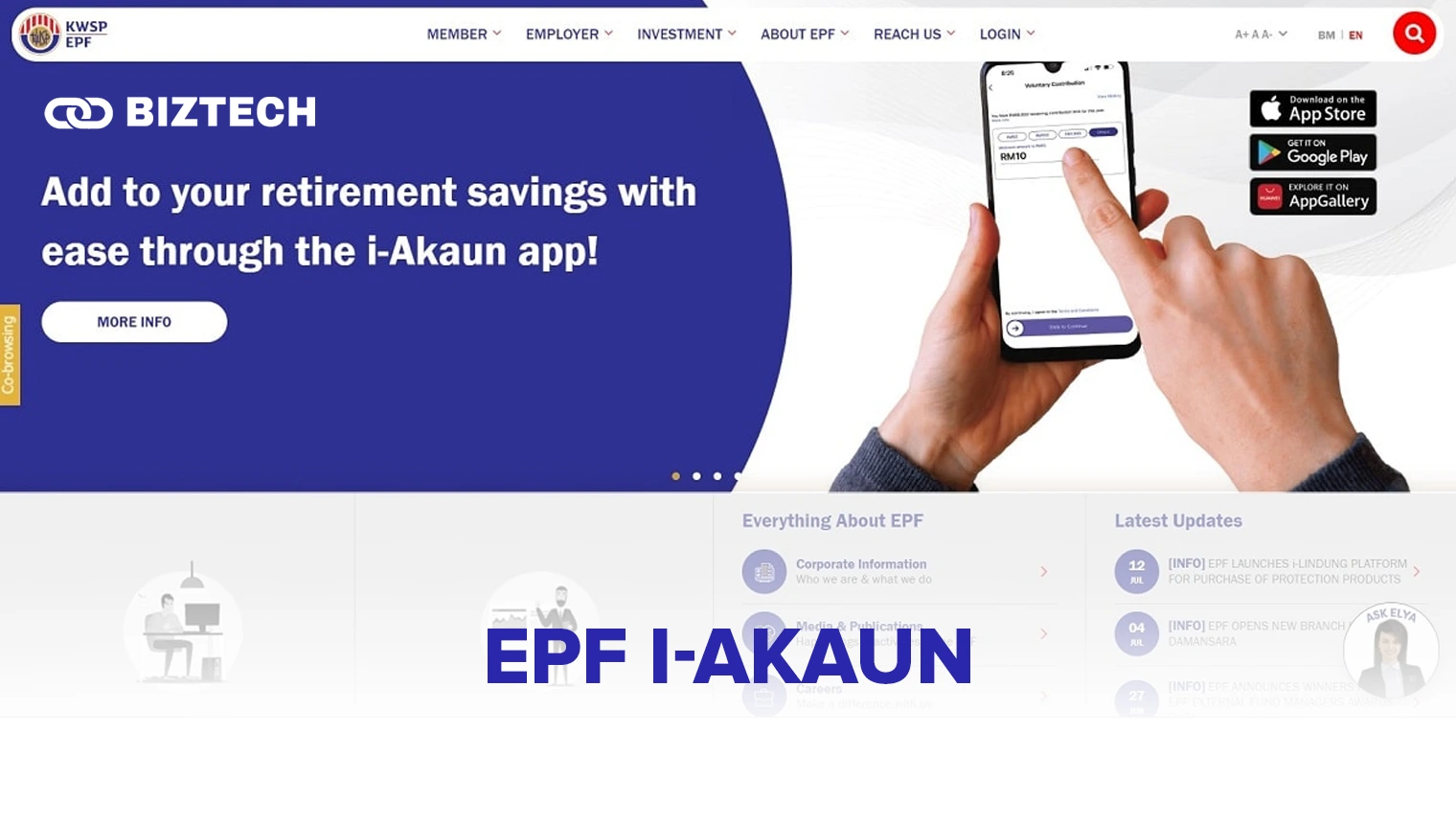
The quickest and most reliable answer to “how to check EPF number with IC online?” is i-Akaun, EPF’s official member portal. Log in via the KWSP i-Akaun app or the web portal at iakaun.kwsp.gov.my using your username and password (first-time users activate with e-KYC as shown above). Once you’re in, your KWSP number appears on the dashboard under “Member ID,” and you can also view your balance, statement, and account breakdown.
2. Ask ELYA & EPF Live Chat
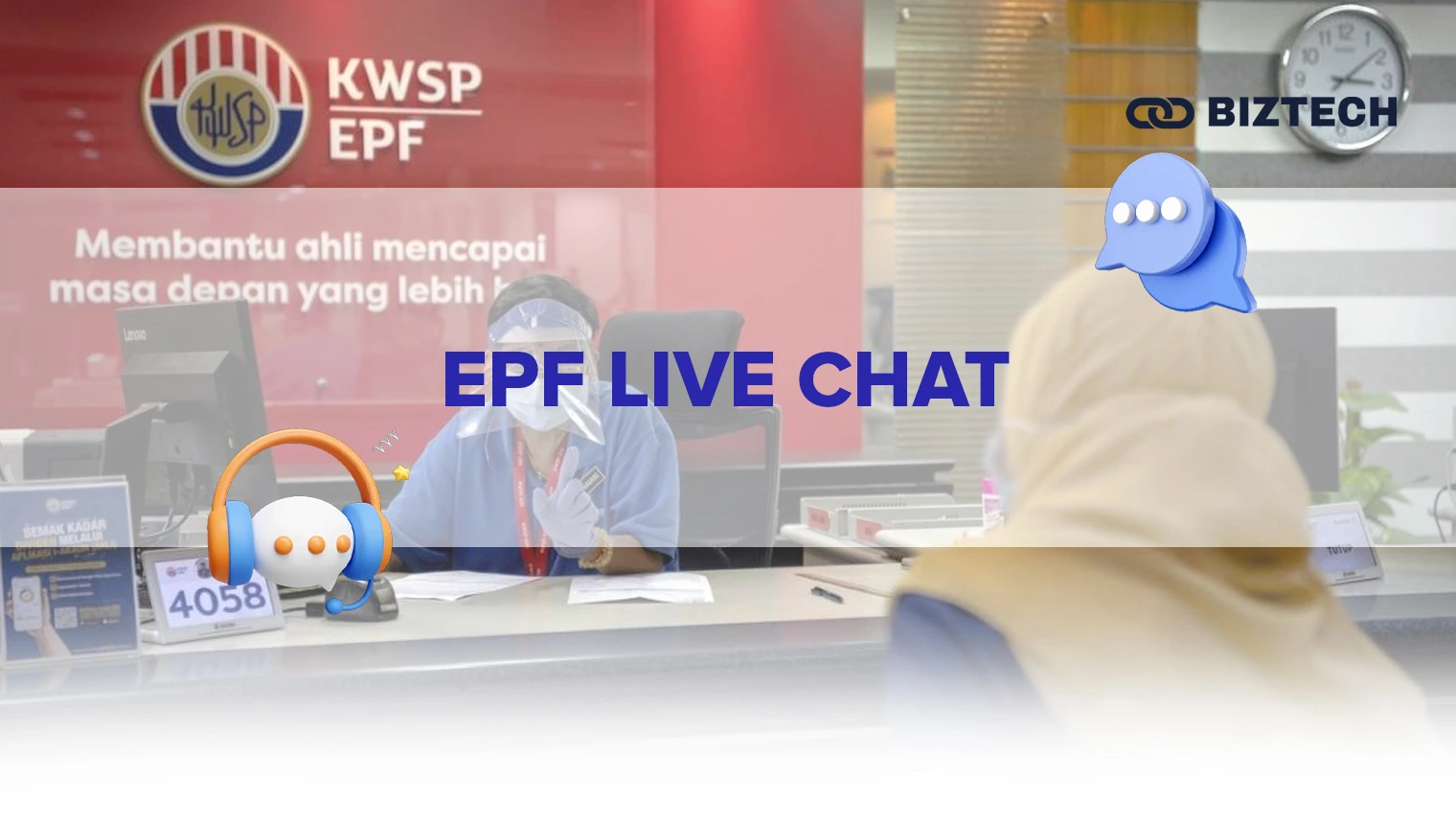
If you get stuck, EPF’s bilingual virtual assistant “Ask ELYA” is available 24/7 on the official KWSP website. Click the Ask ELYA icon at the bottom-right of the screen, tap Live Chat, and enter your first name, last name, and email to begin. ELYA can guide you on checking your number, balance, or withdrawal steps. For anything that needs identity verification or account-specific data, ELYA will route you to a human agent or the Call Centre.
3. EPF Call Management Centre (CMC)

You can phone EPF’s Call Management Centre at 03-8922 6000 (Monday–Friday, 8:00am–5:00pm, excluding public holidays). Tell the officer you’ve forgotten your EPF membership number, answer the verification questions, and have your IC details ready — they’re essential to confirm your identity before your number is released. Lines can be busy, so call early in the day where possible.
4. Your Salary Slip or EA Form

Your monthly payslip usually lists your EPF/KWSP number alongside your contribution amount, and your annual EA form often shows it too. If it isn’t printed, ask your finance or payroll team to include it — they submit your contributions to EPF and will have it on record.
5. Employer HR or Employer Self-Service (ESS)
If you can’t spot the number yourself, your company’s Human Resources department can retrieve it. Many employers also run an Employer Self-Service (ESS) portal where your EPF details, including your member number, are recorded.
6. EPF Self-Service Kiosk
EPF self-service kiosks, located at EPF offices and selected malls, let MyKad and MyPR holders register, activate i-Akaun, and retrieve account details without queuing at a counter. Insert/scan your MyKad and follow the on-screen prompts.
7. EPF Counter (by Appointment)
Prefer face-to-face help? Visit your nearest EPF branch — most now use the online “janji temu” appointment system, so book a slot first. Bring your MyKad; the officer will verify your identity and provide your number, and you can clear up any other account questions while you’re there.
8. Automated Voice Response & Online Enquiry
For a balance/number check by phone, EPF’s automated line lets you key in your IC number. You can also submit an enquiry through the contact form on the official KWSP website. These are handy fallbacks if you can’t access i-Akaun — though for full account access, the app or portal remains the best option. (Confirm the current automated-line number on the KWSP “Connect With Us” page, as published numbers are occasionally updated.)
How to Choose the Right Method
Not sure which route to take? Use this simple decision guide:
- You have your MyKad and a smartphone: use the KWSP i-Akaun app — fastest end to end, and it doubles as your everyday EPF tool.
- You’re an existing member at a desktop: the i-Akaun web portal is ideal.
- You’re currently employed: check your payslip/EA form or ask HR — often the very quickest.
- You can’t access any online channel: call the CMC (03-8922 6000) or visit a kiosk/counter with your IC.
- You’re overseas: i-Akaun and Ask ELYA work anywhere with internet; your IC details are usually all you need.
Common Mistakes & Pitfalls to Avoid
- “I don’t have an EPF number.” If you’ve just started your first job, your employer may not have registered you yet, or your account isn’t activated. Confirm with HR, or self-register via e-KYC in the app.
- Confusing your number with your password. Your KWSP number identifies your account; it is not your i-Akaun login password. Never share either.
- Falling for fake “EPF” sites and callers. Only use kwsp.gov.my and the official app. EPF will never ask for your full password, TAC, or i-Akaun Secure approval over the phone.
- Thinking you have multiple numbers. You should have only one lifetime KWSP number. If records look duplicated (e.g., after a name or IC change), contact EPF to merge/correct them.
- Letting i-Akaun lapse. An inactive or never-activated i-Akaun is the #1 reason people can’t “find” their number online — activate it once and it’s always to hand.
Why Knowing Your EPF Number Matters
Your EPF number is the key to actively managing your retirement savings. With it (and an active i-Akaun) you can track contributions, monitor your annual EPF dividend, plan withdrawals, and check that every employer has paid in correctly. It’s also part of a wider money picture — pairing your EPF with the best savings accounts, competitive fixed deposit rates, and a solid emergency fund gives you a far stronger retirement plan. Keeping a healthy credit profile and staying on top of your income tax registration rounds out the basics.
Conclusion
Finding your EPF number in 2026 is genuinely a few-minutes job. The smartest first move is the KWSP i-Akaun app: register or activate with e-KYC, and your member number appears on screen — no branch, no queue. If you’re employed, your payslip is an even quicker shortcut, and the CMC, kiosks, and counters remain reliable backups. Once you know your number and keep i-Akaun active, you hold the keys to your retirement savings and can manage them with confidence.
Frequently Asked Questions
Disclaimer: This guide is provided by KayaToday for general information only and was verified in June 2026. EPF (KWSP) processes, contact channels, and security features can change — always confirm the latest details directly with EPF before acting.




![Malaysia Best Fixed Deposit Rates [October 2026]](https://kayatoday.com/wp-content/uploads/2025/07/Best-Fixed-Deposit-Rate-Malaysia-300x170.jpg)