AI voice generators have gone from novelty to everyday tool. Whether you are a Malaysian YouTuber adding narration, a Singapore small-business owner producing explainer videos, or a student turning notes into audio, you can now create studio-quality voiceovers for free, in minutes, without hiring a voice artist. The catch is that “free” means very different things from one tool to the next, and the limits have tightened sharply over the past year.
- What Is an AI Voice Generator?
- Best Free AI Voice Generators (2026): Quick Comparison
- 1. Murf AI
- 2. LOVO AI (Genny)
- 3. Descript
- 4. ElevenLabs
- 5. Synthesia
- 6. Microsoft Clipchamp
- 7. Speechify
- 8. Google Cloud Text-to-Speech
- 9. Canva
- 10. Play.ht (PlayAI)
- How to Choose the Right AI Voice Generator
- Start With Your Output
- Check Commercial Rights Before You Publish
- Match Voice Quality to the Stakes
- Mind the Real Free-Tier Limit
- Export Format and Workflow Fit
- Common Mistakes to Avoid
- Worked Example: A Free TikTok/YouTube Voiceover
- AI Voice Generators for Malaysia & Singapore Creators
- Free vs. Paid AI Voice Generators
- Frequently Asked Questions
- Conclusion
In this guide we share the 10 best free AI voice generators in 2026, with current pricing, the exact free-tier limits, and the one detail most “best of” lists skip: whether you are actually allowed to use the free output commercially. We have re-checked every plan and feature so you can pick the right tool the first time instead of discovering a paywall halfway through your project.
Pair a good voice tool with a solid script and visuals and you have a full content workflow. If you need help on the writing side, see our guide to the best AI text generators, and for visuals our roundup of the best AI image generators.
What Is an AI Voice Generator?
An AI voice generator is software that uses machine-learning models to turn written text into natural-sounding speech (text-to-speech, or TTS). Modern systems are trained on thousands of hours of human recordings, so the output can carry intonation, pauses, and even emotion that sound convincingly human. Many tools now add voice cloning (recreating a specific voice from a short sample) and dubbing (translating and re-voicing audio into another language).
Common use cases include voiceovers for YouTube and TikTok, e-learning narration, audiobooks, podcasts, IVR and customer-service prompts, accessibility (reading articles aloud), and social-media ads. The right tool depends less on “which is best overall” and more on what you are making — which is exactly what the framework further down will help you decide.
Best Free AI Voice Generators (2026): Quick Comparison
This table focuses on what matters most when you are choosing a free tool: the monthly free-tier limit, voice and language range, and — crucially — whether the free plan grants commercial rights. Prices are in USD; check the current MYR/SGD equivalent at checkout, as most of these tools bill in US dollars.
| AI Voice Generator | Best For | Free Tier (per month) | Voices & Languages | Commercial Use on Free Plan? | Paid Plans From |
| ElevenLabs | Most realistic, expressive voice | 10,000 credits (~10 min) | 70+ languages | No (attribution required) | $6/mo |
| Murf AI | Studio-style corporate voiceovers | ~10 min, no downloads | 200+ voices, 35+ languages | No | $29/mo |
| LOVO (Genny) | Emotional, character voices | Trial of Pro, no downloads | 500+ voices, 100+ languages | No (paid from Basic) | $24/mo |
| Descript | Podcasts & text-based editing | ~1 hr transcription, limited | Stock voices + cloning | Limited | $16/mo (annual) |
| Synthesia | AI avatar / talking-head videos | 3 min video, watermark | 140+ languages | No | $29/mo |
| Clipchamp | Quick video voiceovers (Windows) | Free TTS, up to 10 min/clip | 400+ voices, 80+ languages | Yes (free) | Free / Microsoft 365 |
| Speechify | Listening & reading text aloud | 10 voices, basic TTS | 200+ voices (paid) | Limited | ~$139/yr |
| Google Cloud TTS | Developers & apps (API) | 1M characters (WaveNet) | 380+ voices, 50+ languages | Yes (within free tier) | $4+/1M chars |
| Canva | All-in-one design + voice | Free voices, 1,000 chars/clip | Multiple languages | Yes (with care) | $15/mo |
| Play.ht (PlayAI) | Long-form & voice cloning | 12,500 characters | 800+ voices, 140+ languages | No (attribution required) | $39/mo |
Verified June 2026. Free-tier limits and prices change often — always confirm the current terms on the provider’s site before you commit.
1. Murf AI
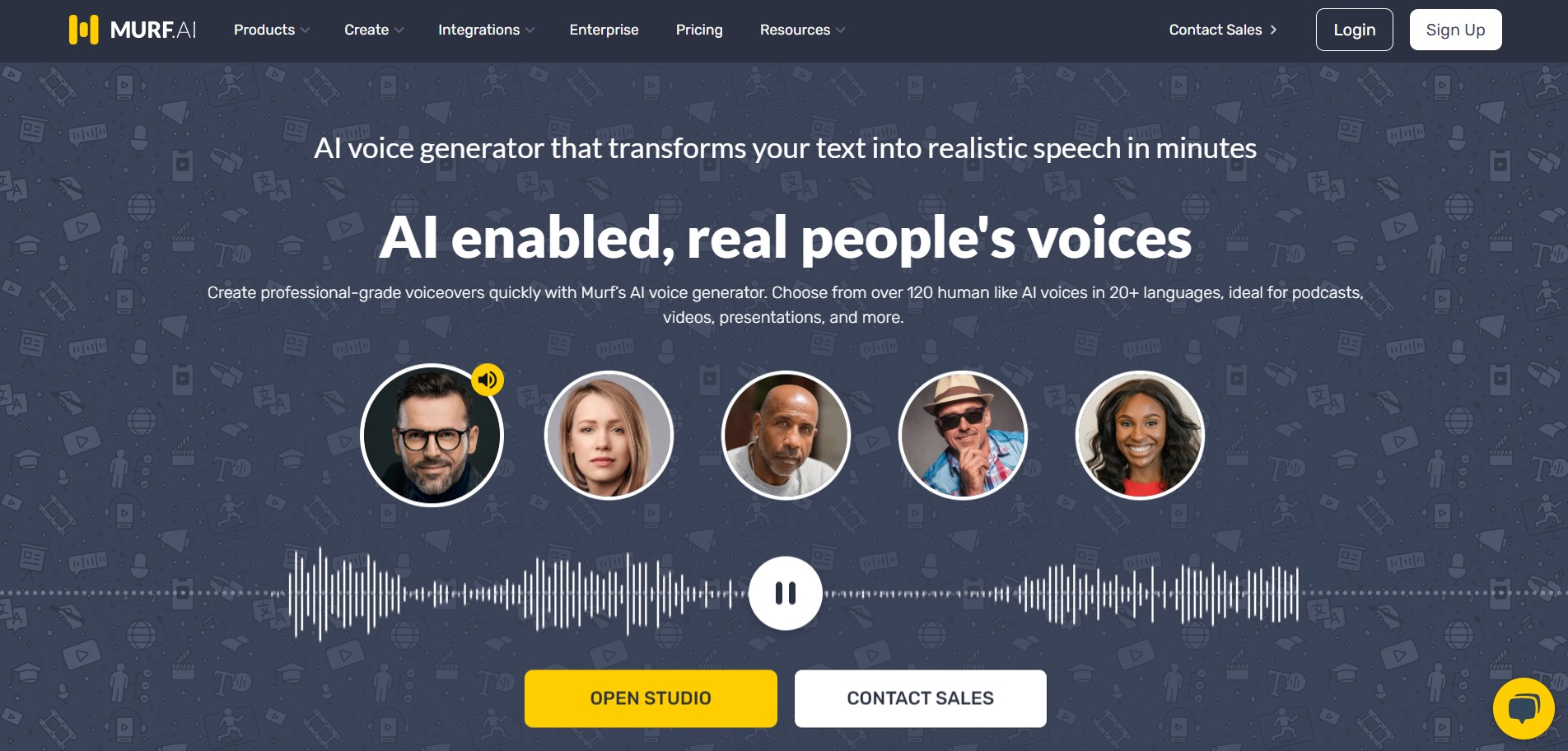
Murf AI is built for clean, corporate-style voiceovers — think e-learning modules, product demos, and explainer videos. The browser-based studio is genuinely beginner-friendly: paste your script, pick a voice, then fine-tune pitch, speed, and emphasis on a timeline. It also handles no-code voice editing, AI translation, and API deployment for teams.
The free plan is best treated as a test drive. In 2026 it gives you around 10 minutes of voice generation and roughly 10 projects with about 32 voices — but no downloads and no commercial rights, so you can preview but not publish. Paid plans unlock 200+ voices across 35+ languages and accents.
Pros
· Polished, professional “narrator” voices
· Easy timeline editor with pitch and speed control
· Integrates with Canva; AI dubbing and translation
· Plenty of free tutorials and templates
Cons
· Free plan blocks downloads and commercial use
· No mobile app (web only)
· Cheapest paid tier jumped to $29/mo
Pricing (USD): Free: $0 · Creator: $29/mo · Business: $99/mo · Enterprise: custom. Annual billing saves roughly a third. See Murf’s pricing page for current terms.
2. LOVO AI (Genny)
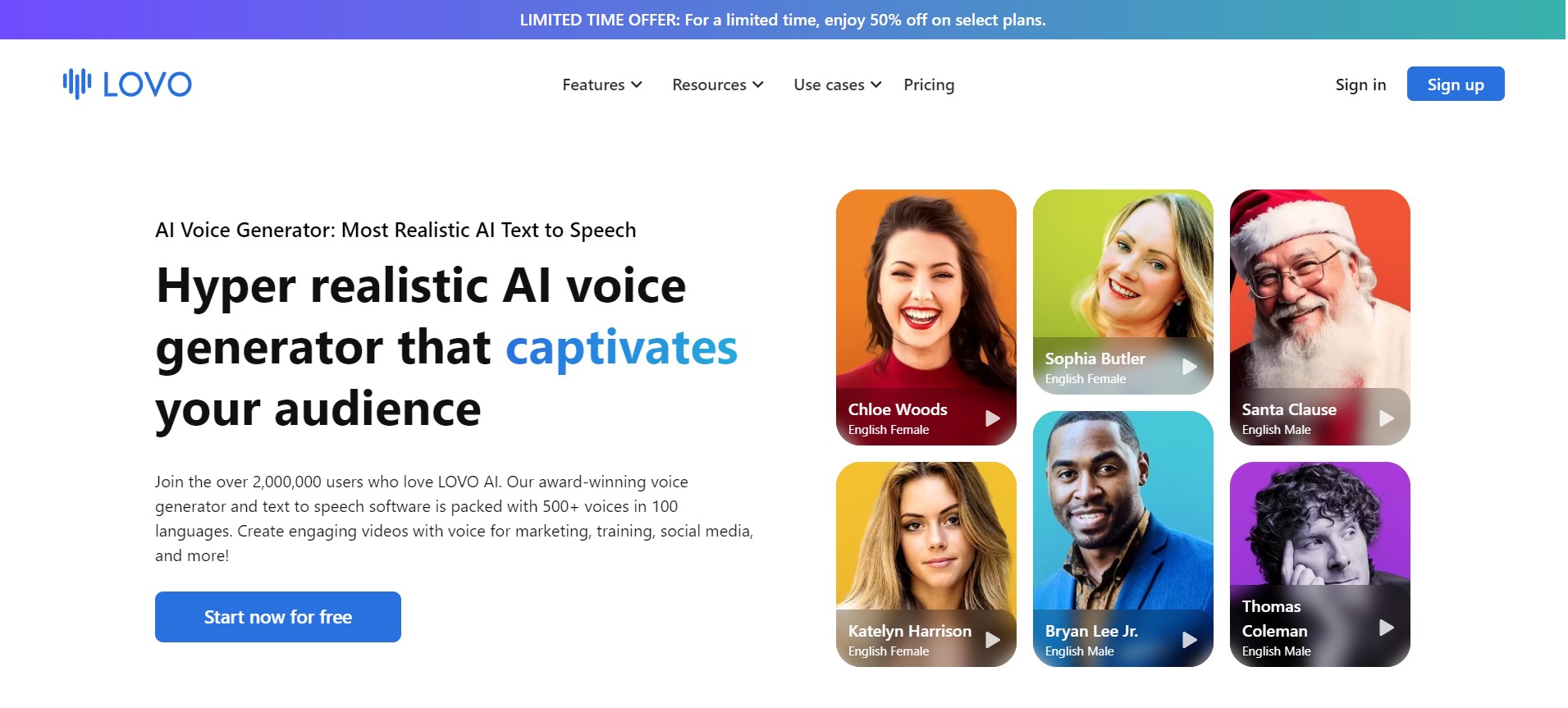
LOVO’s Genny studio stands out for emotional range. You can dial in tone — happy, angry, calm, narrative — across a huge library that now spans 500+ voices and 100+ languages, with around 30 emotions to choose from. It is a favourite for character-driven content, ads, and one-liner social clips, and it bundles a built-in AI video editor.
The free plan lets you explore the voice library and editor, but it is personal-use only and downloads start on the Basic plan. If you plan to publish, budget for at least Basic, which adds commercial rights and a couple of hours of monthly generation.
Pros
· Best-in-class emotion and tone control
· 500+ voices, 100+ languages
· Built-in video editor (Genny)
· Voice cloning on higher tiers
Cons
· No downloads or commercial use on the free plan
· Paid tiers add up for heavy use
Pricing (USD): Free: $0 · Basic: $24/mo · Pro: ~$24.48/user/mo (annual). Yearly billing can cut the cost by around half.
3. Descript
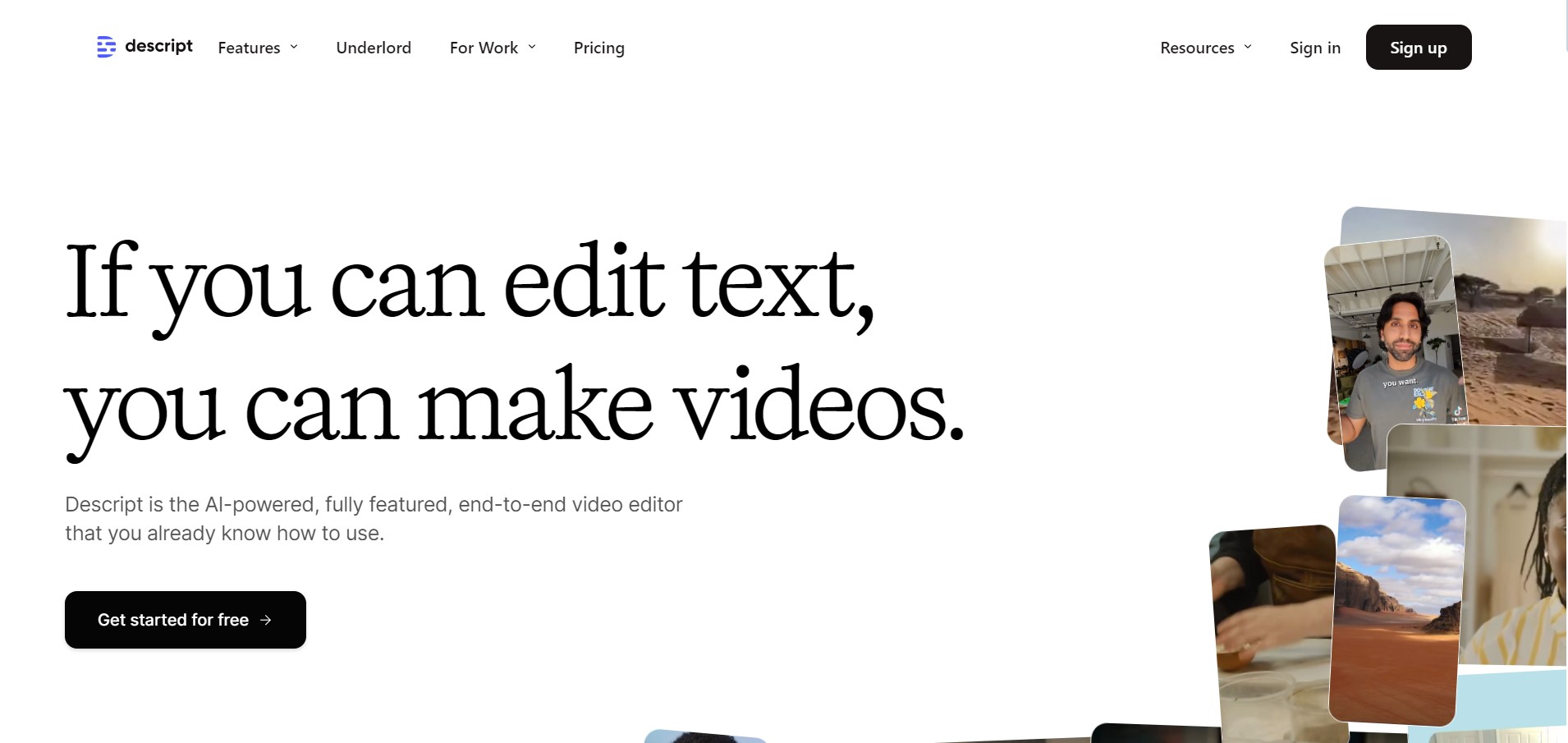
Descript is less a pure voice generator and more an all-in-one audio/video editor that happens to do excellent text-to-speech. Its signature trick is editing audio like a Word document: delete a word in the transcript and it disappears from the recording. Overdub lets you fix a misread line by typing, and you can clone your own voice from a short sample.
Note a 2026 change: Descript replaced its old “transcription hours” model with a system based on media minutes and AI credits. The free plan still gives you about an hour of transcription per month plus basic editing, which is enough to test the workflow.
Pros
· Edit audio by editing text — huge time-saver
· Overdub voice cloning and stock voices
· Strong noise removal and studio-sound tools
Cons
· Web/desktop only, no mobile app
· New credit model makes heavy use harder to predict
Pricing (USD): Free: $0 · Hobbyist: $16/mo · Creator: $24/mo · Business: $50/mo (all annual; monthly is higher).
4. ElevenLabs
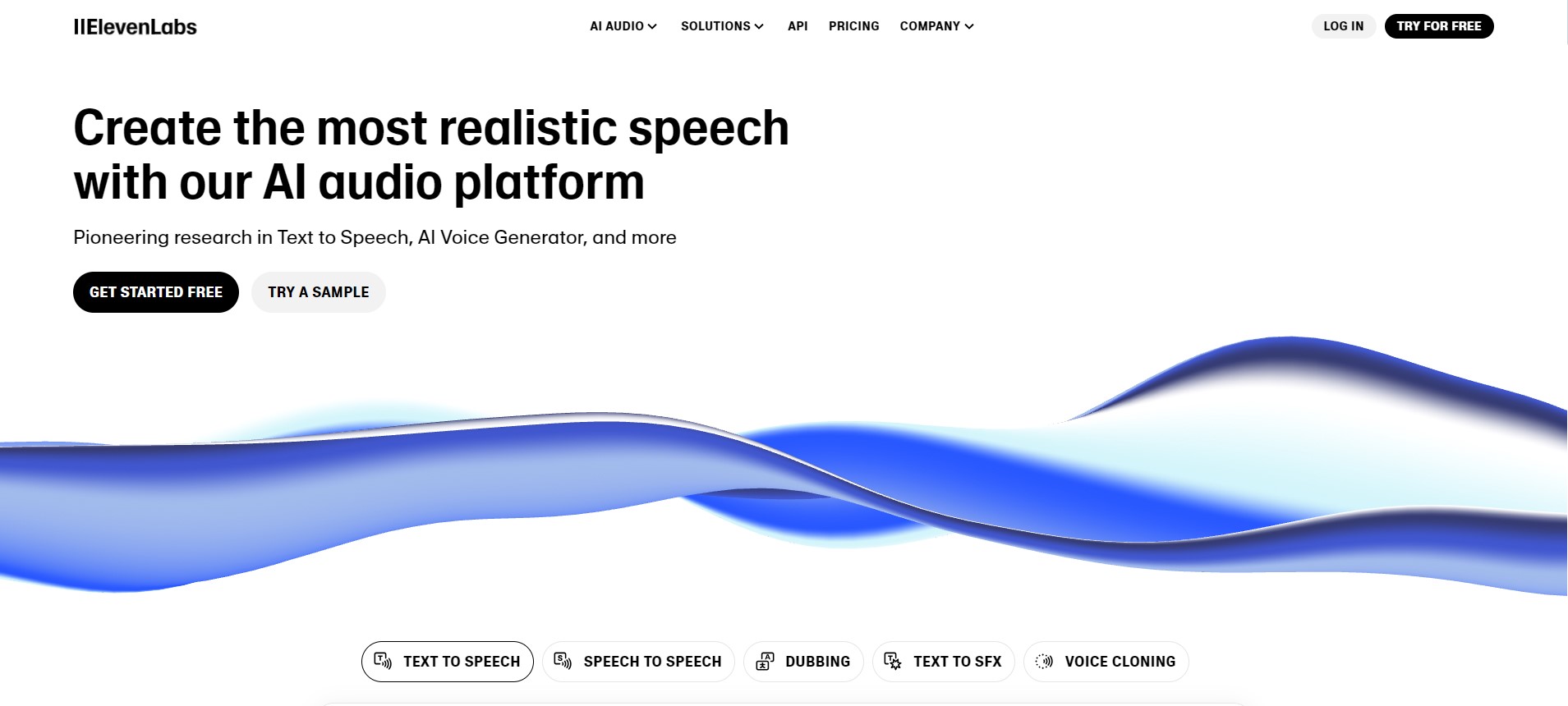
If you want the most natural, expressive output, ElevenLabs is the benchmark in 2026. Its latest v3 model handles emotion, emphasis, and 70+ languages with a realism that consistently fools listeners, and its voice cloning is the best in this list. A voice lab lets you tweak stability, style, and accent strength to taste.
The free plan gives 10,000 credits a month — roughly 10 minutes of speech — which is perfect for testing. The important catch: the free tier does not include commercial rights and requires you to credit ElevenLabs. The good news is the entry Starter plan is only $6/mo and removes both limits.
Pros
· Most lifelike voices and emotion
· Industry-leading voice cloning
· 70+ languages; very cheap entry tier
Cons
· Free plan needs attribution, no commercial use
· Credits disappear faster than you expect
Pricing (USD): Free: $0 · Starter: $6/mo · Creator: $22/mo · Pro: $99/mo · Scale: $299/mo. Full breakdown on the ElevenLabs pricing page.
5. Synthesia
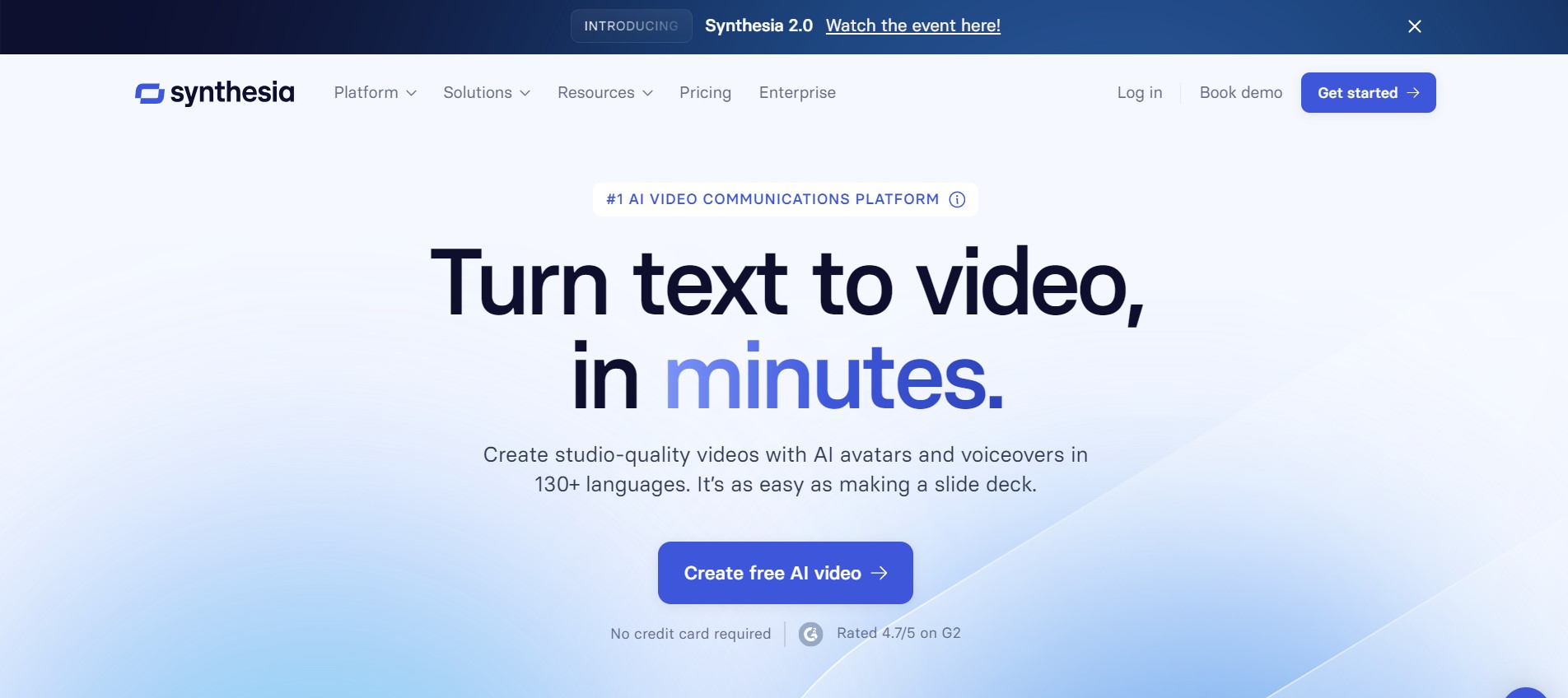
Synthesia is the pick when you want a talking-head video, not just an audio file. Type a script, choose an AI avatar, and it generates a presenter-style video with synced voice in 140+ languages — ideal for training, internal comms, and explainer content where a face on screen builds trust.
The free option is now a small 3-minutes-per-month, watermarked taster with limited avatars. To remove the watermark and unlock real video minutes you will need the Starter plan. If you only need audio, cheaper tools on this list make more sense; Synthesia earns its place for the avatar-plus-voice combo.
Pros
· Generates video and voice together
· 140+ languages, auto captions
· Great for training and corporate content
Cons
· Free plan is just 3 minutes and watermarked
· Avatars can feel slightly stiff
Pricing (USD): Free: $0 (3 min) · Starter: $29/mo · Creator: $89/mo · Enterprise: custom.
6. Microsoft Clipchamp
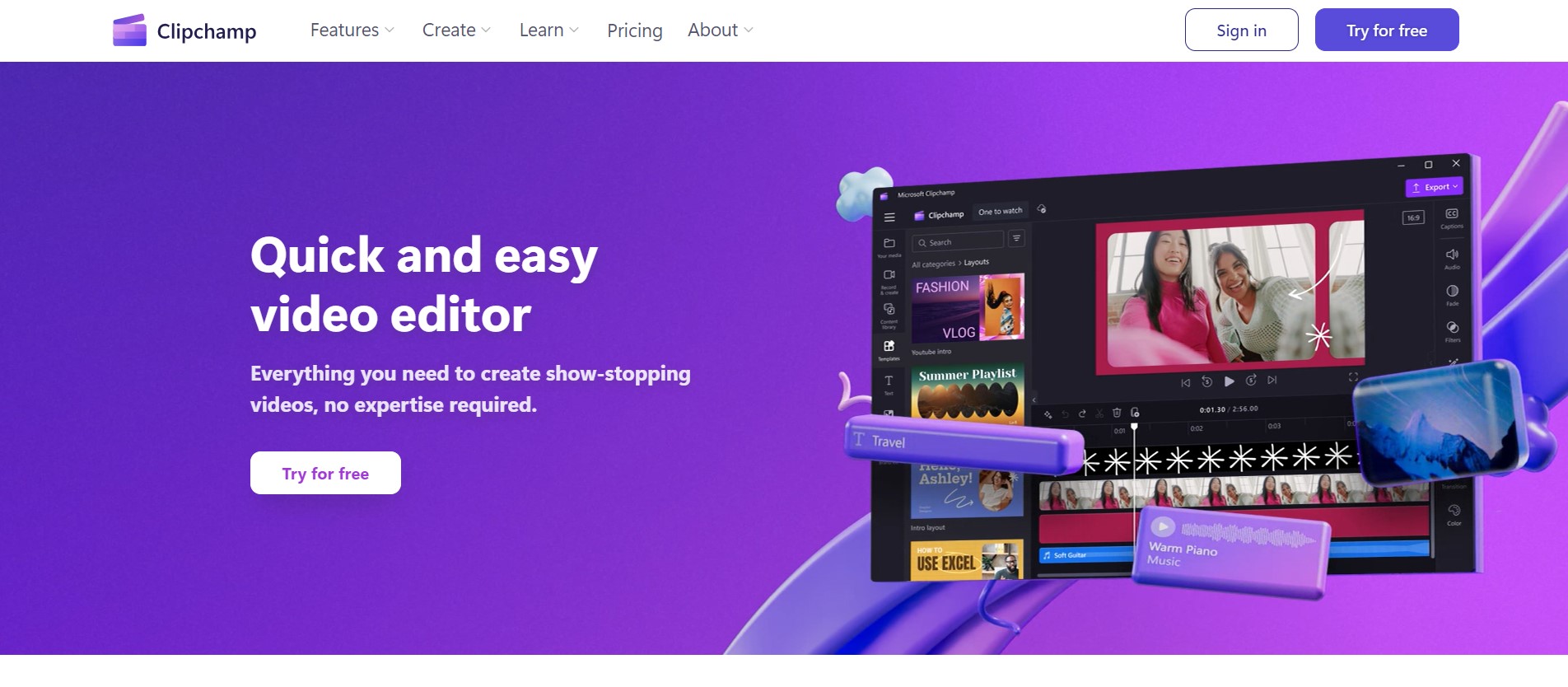
Clipchamp is Microsoft’s beginner-friendly video editor, and its AI text-to-speech is completely free for all users — easily the most generous free voice tool here for everyday video work. Pick from 400+ voices in 80+ languages, adjust pitch and emotion, and generate up to 10 minutes of voiceover per clip, all inside the editor.
One 2026 update to note: Microsoft is retiring the Clipchamp iOS app on 9 June 2026 and there is no Android version, so Clipchamp is now a Windows-and-web product. For desktop and browser users it remains a fantastic free option, especially if you are already in the Microsoft ecosystem.
Pros
· Free AI voiceovers, no paywall for TTS
· Built into a full video editor
· 400+ voices, pitch and emotion control
Cons
· Windows/web only — iOS app retiring, no Mac/Android app
· Lacks advanced voice cloning
Pricing (USD): Free (AI text-to-speech included); premium features come with Microsoft 365.
7. Speechify
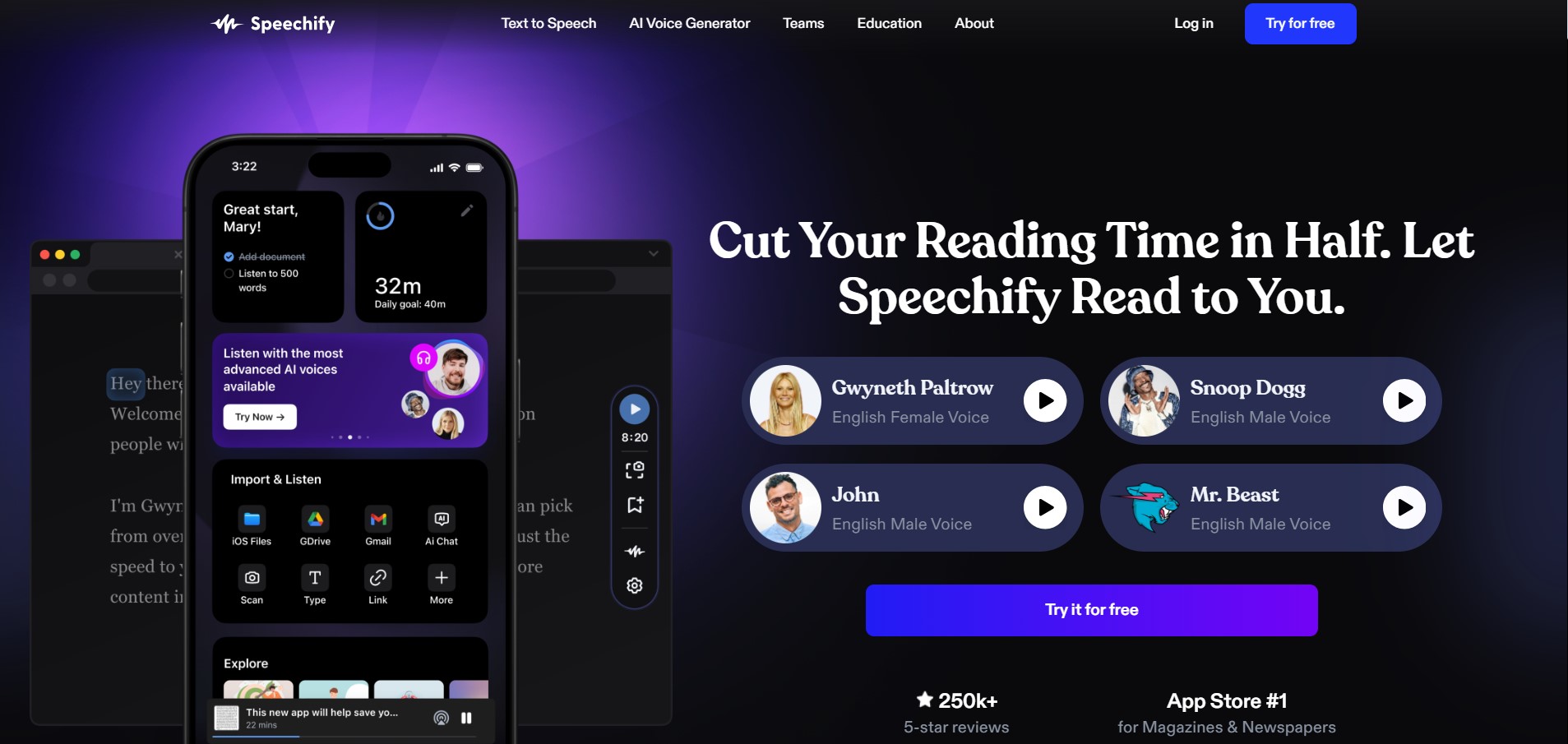
Speechify shines at the listening end of TTS — turning articles, PDFs, emails, and documents into audio you can play on the go. It is available across iOS, Android, Mac, Chrome, and Edge, which makes it the most portable option here. For voiceover production, Speechify Studio offers a separate, credit-based creator workflow.
The free plan covers basic text-to-speech with about 10 standard voices, up to 1.5x speed, and a small file library — fine for personal reading. Natural premium voices, OCR scanning, and faster playback sit behind the paid tiers.
Pros
· Best for reading documents aloud
· Apps on every major platform
· Separate Studio for voiceover creators
Cons
· Free voices are basic and limited
· Two product lines (app vs Studio) can confuse
Pricing (USD): Free: $0 · Premium: ~$139/yr (~$11.58/mo) · Studio Starter: $19/mo · Studio Creator: $49/mo.
8. Google Cloud Text-to-Speech
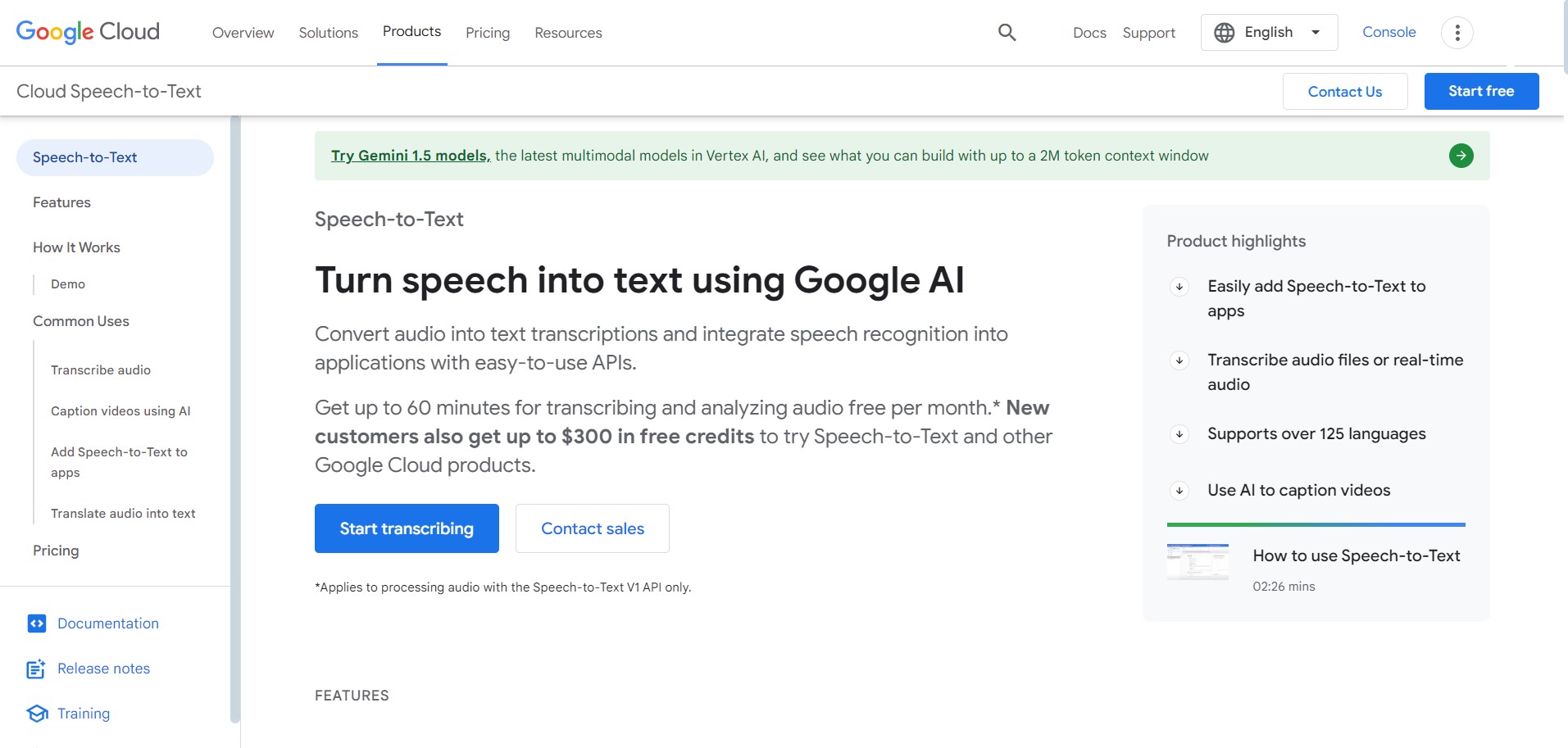
This is the developer’s choice. Google Cloud TTS is an API rather than a polished studio, but its free tier is huge: roughly 1 million characters per month free for WaveNet/Neural2 voices (and up to 4 million for Standard voices). With 380+ voices across 50+ languages — including Malay and other Southeast Asian languages — it is excellent for apps, IVR systems, and bulk narration.
The trade-off is setup: you need a Google Cloud account with billing enabled (you simply stay within the free quota), and there is no drag-and-drop editor. If you can handle a little technical configuration, the value is unmatched.
Pros
· Very large free monthly character quota
· 380+ voices, 50+ languages, strong API
· Scales cheaply for high volume
Cons
· Requires technical setup and a billing account
· No friendly studio interface
Pricing (USD): Free tier as above; then WaveNet/Standard ~$4 per 1M characters, Neural2 ~$16 per 1M. See Google Cloud’s pricing.
9. Canva
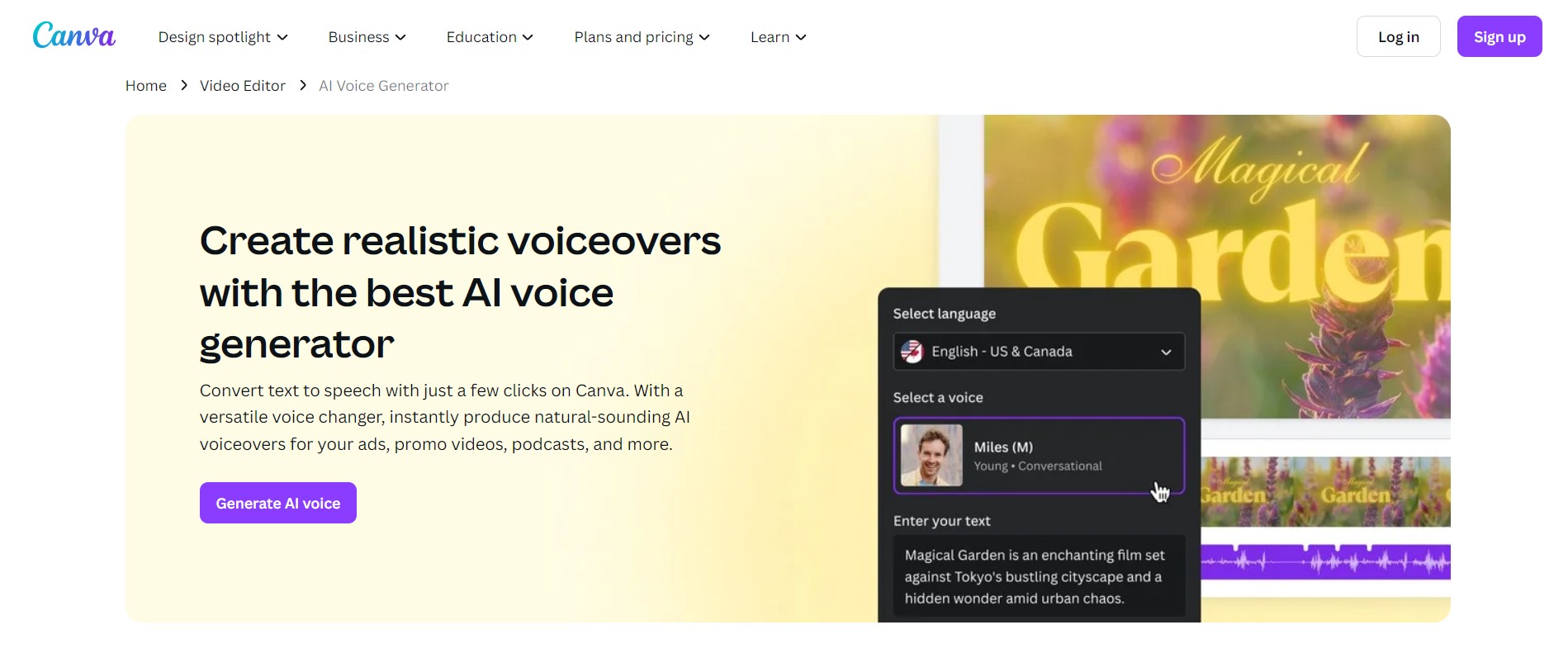
If you already design in Canva, its built-in AI Voice feature is the most convenient way to add a voiceover — no exporting, no extra app. Type a script inside your video, presentation, or social post, pick a voice, and Canva drops the audio straight onto your timeline.
The free plan includes a selection of voices with a 1,000-character limit per generation (about 150–200 words), so longer scripts must be split into chunks. Canva Pro roughly doubles that limit and unlocks more voices. It is not the most realistic option, but for quick, all-in-one social content it is hard to beat.
Pros
· Voiceover built into the design tool
· Free voices, multiple languages
· Seamless with Canva videos and slides
Cons
· 1,000-character cap on the free plan
· Fewer voices and less realism than specialists
Pricing (USD): Free: $0 · Pro: $15/mo (or $120/yr, ~$10/mo).
10. Play.ht (PlayAI)
Now branded PlayAI, Play.ht is built for long-form audio and voice cloning at scale. Its library tops 800 voices across 140+ languages, with standout features like multi-speaker dialog (great for podcasts) and cross-language cloning that keeps a speaker’s character when switching languages.
The free plan offers 12,500 characters per month and one instant voice clone, with access to all voices — but it is non-commercial and requires attribution. Heavy creators will want the Professional plan, which adds a commercial license and 600,000 words a month.
Pros
· 800+ voices, 140+ languages
· Multi-speaker dialog and cross-language cloning
· Developer API for automation
Cons
· Free plan is non-commercial with attribution
· Best features need the pricier tiers
Pricing (USD): Free: $0 (12,500 chars) · Professional: $39/mo · Premium: $99/mo · Enterprise: custom.
How to Choose the Right AI Voice Generator
Instead of chasing the single “best” tool, match the tool to your job. Here is the decision framework we use:
Start With Your Output
Audio only (podcast, narration, audiobook) → ElevenLabs, Play.ht, or Murf. Video with a presenter → Synthesia. Video voiceover inside an editor → Clipchamp or Canva. Reading documents aloud for yourself → Speechify. Building an app or automating at scale → Google Cloud TTS.
Check Commercial Rights Before You Publish
This is the trap that catches most beginners. Several “free” plans — ElevenLabs, Play.ht, LOVO, Murf — do not allow commercial use, or require you to credit the provider. If you are monetising content (ads, sponsorships, client work), confirm the licence or move to a paid tier. Clipchamp and Google Cloud (within its free quota) are the friendliest for free commercial use.
Match Voice Quality to the Stakes
For a quick internal explainer, a “good enough” robotic voice is fine. For a brand ad or a YouTube channel that represents you, realism matters — that is where ElevenLabs and LOVO justify their place. Always generate a test sentence and listen on the device your audience will use (phone speakers expose flaws PC headphones hide).
Mind the Real Free-Tier Limit
“Free” is often 10 minutes or 10,000 credits a month, and credits vanish quickly when you re-generate takes. Map your monthly volume against the cap before committing, and remember that download and export rights are frequently the feature locked behind the paywall.
Export Format and Workflow Fit
MP3 is universal and fine for most uses; choose WAV only when you need lossless quality for further editing. If you will edit elsewhere, pick a tool that exports cleanly into your editor rather than one that locks audio inside its own platform.
Common Mistakes to Avoid
Even with great tools, a few habits separate amateur-sounding audio from professional output:
Publishing free output you can’t legally use. Re-read the section above — attribution and non-commercial clauses are real and enforced.
Ignoring punctuation. AI voices read commas, full stops, and ellipses as pacing cues. Adding deliberate punctuation does more for natural delivery than any setting.
Over-relying on one take. Generate two or three versions and pick the best; tiny wording changes can fix an awkward emphasis.
Skipping pronunciation checks for local names. Malaysian and Singaporean place names, brands, and Malay words are often mangled. Use the tool’s pronunciation library or spell words phonetically.
Forgetting the device test. What sounds smooth on studio headphones can sound tinny on a phone — where most of your audience actually listens.
Worked Example: A Free TikTok/YouTube Voiceover
Say you are a Malaysian creator making a 60-second TikTok and you want a free, publishable voiceover. A practical, zero-cost route: draft the script (an AI text generator can speed this up), then generate the voice in Clipchamp, which allows free commercial use and sits inside a video editor. Drop in visuals, add captions, and export. If you want a more expressive voice and don’t mind crediting the tool for a non-monetised clip, test the same script in ElevenLabs’ free tier and compare. For tips on turning that content into income, see our guide on how to make money on TikTok.
AI Voice Generators for Malaysia & Singapore Creators
If you create in Bahasa Malaysia or for regional audiences, language support matters. Google Cloud TTS, ElevenLabs, Play.ht, and Murf all support Malay among their language sets, and ElevenLabs and Play.ht handle code-switching reasonably well — useful for the mixed English-Malay style common in local content. Remember that nearly all these tools price in US dollars, so factor the MYR/SGD exchange rate and any card fees into your budget. For a broader toolkit, our roundups of the best AI marketing tools and best AI apps for iPhone pair well with a voice tool.
Free vs. Paid AI Voice Generators
Free tiers are perfect for testing quality and learning a tool’s workflow, and a few (Clipchamp, Google Cloud within quota) are viable for real projects. But paid plans exist for good reasons: higher or unlimited usage, the most realistic voices, full customization, voice cloning, downloads, and — critically — commercial licensing. Here is the trade-off at a glance:
| Aspect | Free AI Voice Generators | Paid AI Voice Generators |
| Cost | No financial commitment | Monthly or annual subscription |
| Quality | Good to great on top tools; basic on others | Best, most natural and expressive voices |
| Voices & languages | Limited selection | Full libraries, hundreds of voices |
| Usage limits | ~10 min or fixed character cap | High or unlimited quotas |
| Downloads | Often blocked or watermarked | Full export, no watermark |
| Commercial rights | Frequently restricted | Included |
| Support | Limited | Priority support |
Read also: The Best AI Video Generator
Frequently Asked Questions
Conclusion
The free AI voice landscape in 2026 rewards picking the right tool for the job. For the most lifelike audio, ElevenLabs is the benchmark. For free, publishable video voiceovers, Clipchamp is unbeatable. Google Cloud TTS offers the biggest free quota for developers, Synthesia owns the avatar-video niche, and Canva wins on sheer convenience if you already design there.
Before you publish, always do two things: confirm the free plan’s commercial rights, and generate a quick test clip to check quality on a phone speaker. Try two or three tools on the same script — each has unique strengths, and the right fit becomes obvious once you hear them side by side.
Verified June 2026. Pricing, free-tier limits, and features change frequently — please confirm the current terms directly with each provider before subscribing.
Disclaimer: This guide is provided by KayaToday for general informational purposes. Free plans for AI voice generators may carry limitations such as restricted usage quotas, fewer voices, watermarks, and limits on commercial use. Features, pricing, and availability can change at any time, so always verify the latest offerings and licence terms on the provider’s official website before making a decision.