Artificial intelligence now fits in your pocket, and the best Chat GPT app can draft an email, summarise a PDF, code a script or plan your week in seconds. The question in 2026 is no longer “should I use one?” but “which one?”
- The 20 Best Chat GPT Apps in 2026 (Quick List)
- Part 1: The Best General-Purpose AI Assistants
- 1. ChatGPT – The Official App by OpenAI
- 2. Google Gemini – Best for Google Users
- 3. Microsoft Copilot – Best Free GPT-Powered Assistant
- 4. Claude – Best for Writing and Reasoning
- 5. Perplexity – Best AI Answer Engine
- 6. Grok – Best for Real-Time and Social
- 7. DeepSeek – Best Fully-Free Heavyweight
- Part 2: Specialised Apps Powered by the Same AI
- 8. GitHub Copilot – AI Coding Assistant
- 9. Chatsonic – Marketing and Content
- 10. ChatOn – All-in-One Mobile Assistant
- 11. Genie – AI Keyboard
- 12. Grammarly – Writing and Grammar
- 13. Quizlet – Studying Made Easy
- 14. starryai – AI Image Generation
- 15. Youper – Mental-Health Support
- 16. Cleo – Personal-Finance Chatbot
- 17. AI Dungeon – Text Adventure Game
- 18. Replika – AI Companionship (With Caveats)
- 19. RIZZ – Dating-Message Helper
- 20. Microsoft Seeing AI – Free Accessibility Assistant
- A Note on Apps That Have Changed or Shut Down
- Best Chat GPT Apps 2026: Quick Comparison Table
- How to Choose the Best Chat GPT App for You
- Common Pitfalls to Avoid
- For Malaysian & Singaporean Users
- Conclusion
- Frequently Asked Questions (FAQs)
When most people search for a “Chat GPT app”, they mean one of two things: the official ChatGPT app from OpenAI, or one of the many AI assistants built on the same large-language-model technology. This guide covers both, so you can pick the right tool for chatting, studying, coding, writing, budgeting or creating images.
The stakes are real. According to the World Economic Forum’s Future of Jobs Report 2025, AI and automation are projected to displace 92 million jobs by 2030 while creating 170 million new ones – a net gain of 78 million roles, with AI literacy among the fastest-growing skills employers want. Learning to use these apps well is quickly becoming a core skill for work and study.
Since ChatGPT’s launch, the technology has spread everywhere – even into your browser, as we cover in our guide to the best ChatGPT Chrome extensions. But this article focuses on the apps on your phone.
Our team has tested these apps hands-on so you don’t have to. Here’s our fully updated 2026 list of the best Chat GPT apps to download, split into two groups: the big general-purpose AI assistants, and specialised apps that use the same AI under the hood.
The 20 Best Chat GPT Apps in 2026 (Quick List)
General-purpose AI assistants – the closest thing to “a ChatGPT app”:
- ChatGPT – The original, best all-rounder
- Google Gemini – Best for Google users and long documents
- Microsoft Copilot – Best free GPT-powered assistant (formerly Bing Chat)
- Claude – Best for writing, reasoning and long context
- Perplexity – Best AI answer engine with sources
- Grok – Best for real-time X/social and a casual tone
- DeepSeek – Best fully-free heavyweight
Specialised apps powered by the same AI:
- GitHub Copilot – AI coding assistant
- Chatsonic – Marketing and content writing
- ChatOn – All-in-one mobile assistant with smart camera
- Genie – AI keyboard
- Grammarly – Writing and grammar assistance
- Quizlet – Studying and flashcards
- starryai – AI image generation
- Youper – Mental-health support
- Cleo – Personal-finance chatbot
- AI Dungeon – Text-based adventure game
- Replika – AI companionship (read our caveats)
- RIZZ – Dating-message helper
- Microsoft Seeing AI – Free accessibility assistant
Prices below are in USD and were verified in July 2026. App-store subscriptions change often – always confirm the current price in the app before you pay. See our best AI apps for iPhone guide for more device-specific picks.
Part 1: The Best General-Purpose AI Assistants
These seven apps are what most people actually want when they search for a “Chat GPT app”. Each is a full AI chatbot available on iOS and Android, with a usable free tier and an optional paid upgrade.
1. ChatGPT – The Official App by OpenAI
| Pros | Cons |
| Best all-round quality; huge ecosystem of Custom GPTs | Free tier now shows ads (US, since Feb 2026) and has tighter limits |
| Voice, image generation, file uploads, web search and Agent mode | The most capable GPT-5.5 model is paid-only |
| Generous free access to GPT-5.3 | Heavy users may need a pricey Pro plan |
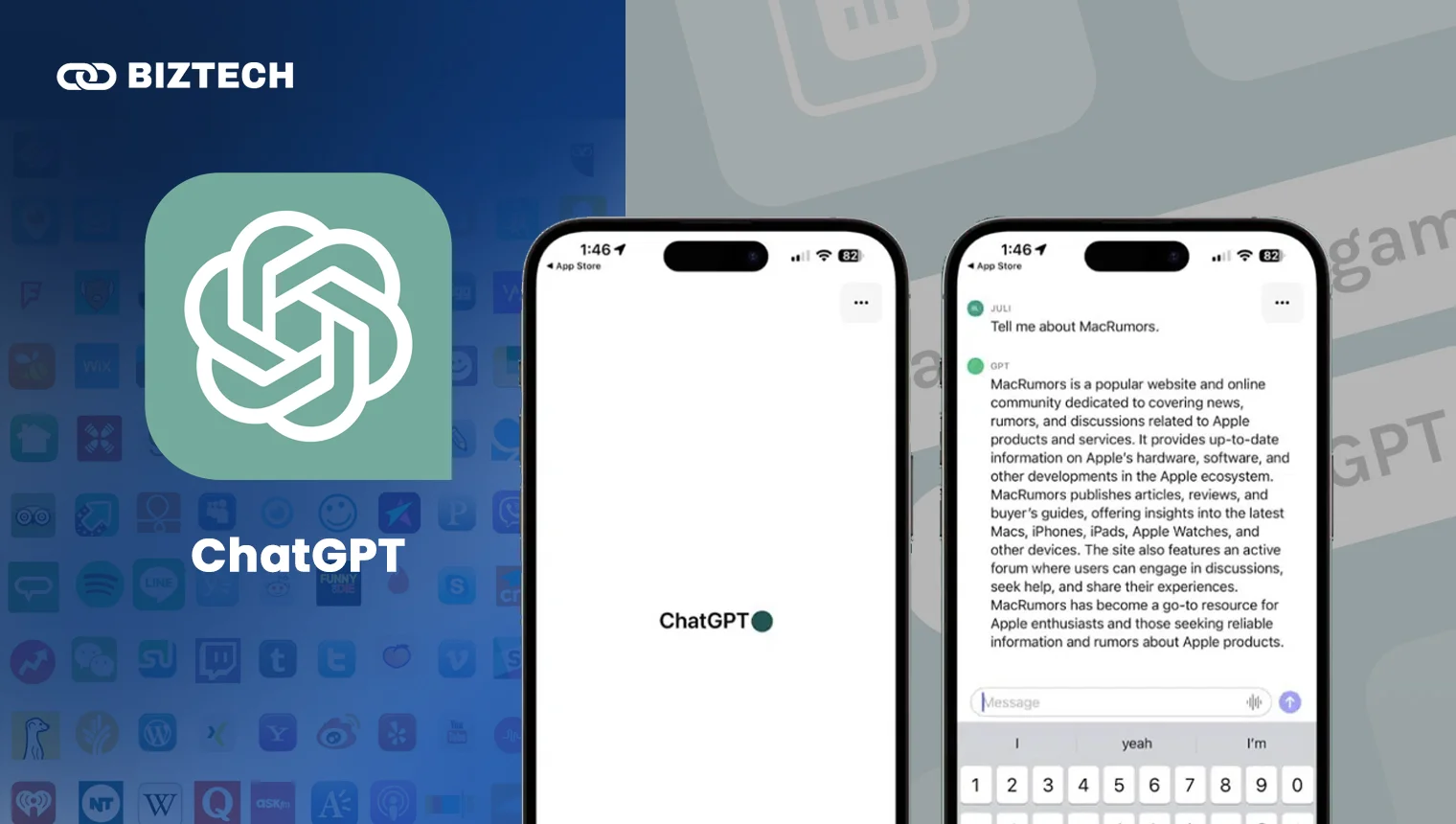
ChatGPT, developed by OpenAI, is still the most famous and the best Chat GPT app overall. It is the benchmark every other tool on this list is measured against, and one of the most powerful AI apps you can install.
Students and businesses use it to find information, draft emails and essays, generate images, analyse files, write and debug code, and even create video through Sora (see our best AI video generator guide). The free tier runs on GPT-5.3, while paid plans unlock the flagship GPT-5.5 model, Deep Research, longer memory and higher limits.
Here’s how the main consumer plans compare (see OpenAI’s official pricing):
| Free | Go | Plus | Pro | |
| Price (USD) | $0/month | $8/month | $20/month | $100 or $200/month |
| Model | GPT-5.3 (with ads in the US) | GPT-5.3, 10× more messages | Full GPT-5.5 suite | GPT-5.5 Pro, 1M-token context |
| Best for | Casual everyday use | Light users who want fewer limits | Most people – the sweet spot | Power users, researchers, coders |
| Access | Web, iOS and Android | Web, iOS and Android | ||
Our take: For most Malaysians and Singaporeans, the free tier or the newer Go plan ($8/month) is plenty. Upgrade to Plus ($20/month) only if you use it daily for work, coding or research. The $100–$200 Pro tiers are overkill unless you are a heavy professional user.
2. Google Gemini – Best for Google Users
| Pros | Cons |
| Deep integration with Gmail, Docs, Drive, YouTube and Android | Best features need a paid Google AI plan |
| Excellent at long documents and huge context windows | Answers can be verbose |
| Strong free tier and generous storage | Privacy-conscious users may dislike Google data use |
Google Gemini was the single biggest omission from older “Chat GPT app” lists, and in 2026 it is one of the strongest all-rounders – especially if you live inside Gmail, Google Docs and Android. It can summarise long PDFs, pull context from your inbox, generate images and reason over huge amounts of text.
The free app runs on Gemini 2.5 Flash with 100 monthly AI credits and 15 GB of storage. Paid plans (see Google’s AI plans) add the more capable Gemini 3.1 Pro, higher limits and more storage:
| Free | Google AI Plus | Google AI Pro | Google AI Ultra | |
| Price (USD) | $0/month | $7.99/month | $19.99/month | From $99.99/month |
| Best for | Everyday questions | Light upgraders | Power users and creators | Professionals wanting max limits |
| Access | Web, iOS and Android (plus Workspace) | |||
Our take: If you already pay for Google One or use Workspace daily, Gemini is the easiest AI to slot into your routine. The $7.99 Google AI Plus plan (rolled out worldwide in January 2026) is a good-value middle tier.
3. Microsoft Copilot – Best Free GPT-Powered Assistant

| Pros | Cons |
| Powerful free tier with image generation and Think Deeper mode | Standalone Copilot Pro was retired in late 2025 |
| Built into Windows, Edge and Microsoft 365 | Premium features now bundled into Microsoft 365 plans |
| Cites sources by default | Answers can be shorter than rivals |
If you remember “Bing Chat” or “Bing AI”, this is it – Microsoft rebranded it to Microsoft Copilot back in November 2023, so any older list mentioning “Microsoft Bing AI” is out of date. It remains one of the best ways to use GPT-class AI for free, complete with DALL·E-powered image generation, web search with citations and a deeper reasoning “Think Deeper” mode.
The pricing story changed in 2026. Microsoft retired the standalone $20/month Copilot Pro in late 2025 (existing subscribers are supported only until 1 August 2026). Premium AI now comes bundled with Microsoft 365: the new Microsoft 365 Premium plan (~$19.99/month) carries the old Copilot Pro features, while Microsoft 365 Personal and Family now include Copilot for the subscription owner.
Our take: For most people the free Copilot app is all you need. Only pay if you also want Copilot inside Word, Excel, PowerPoint and Outlook – in which case a Microsoft 365 subscription is better value than a standalone AI plan.
4. Claude – Best for Writing and Reasoning
| Pros | Cons |
| Outstanding at writing, summarising and nuanced reasoning | No native image generation |
| Handles very long documents and large context | Free tier has daily usage limits |
| Careful, safety-focused answers | Smaller plug-in ecosystem than ChatGPT |
Claude, made by Anthropic, is the writer’s favourite. It is superb at drafting, editing and rewriting text, working through long PDFs, and giving thoughtful, well-structured answers. The free app runs on Claude Sonnet 4.6 with limited access to the faster Haiku model; paid plans raise the limits and add Claude Code for developers.
| Free | Pro | Max | |
| Price (USD) | $0/month | $20/month | $100 or $200/month |
| Best for | Everyday writing and Q&A | Daily writers, students, professionals | Heavy users and developers |
| Access | Web, iOS, Android and desktop | ||
Our take: If your main use is writing, editing or thinking through problems in text, Claude often beats ChatGPT on tone and clarity. The Pro plan at $20/month is the natural upgrade.
5. Perplexity – Best AI Answer Engine
| Pros | Cons |
| Up-to-date answers with clickable sources by default | Free tier caps “Pro” searches per day |
| Lets you pick from top models (GPT-5.4, Claude, Gemini 3.1) | Less suited to long creative writing |
| Free Comet AI browser across devices | Deep research can be slow |
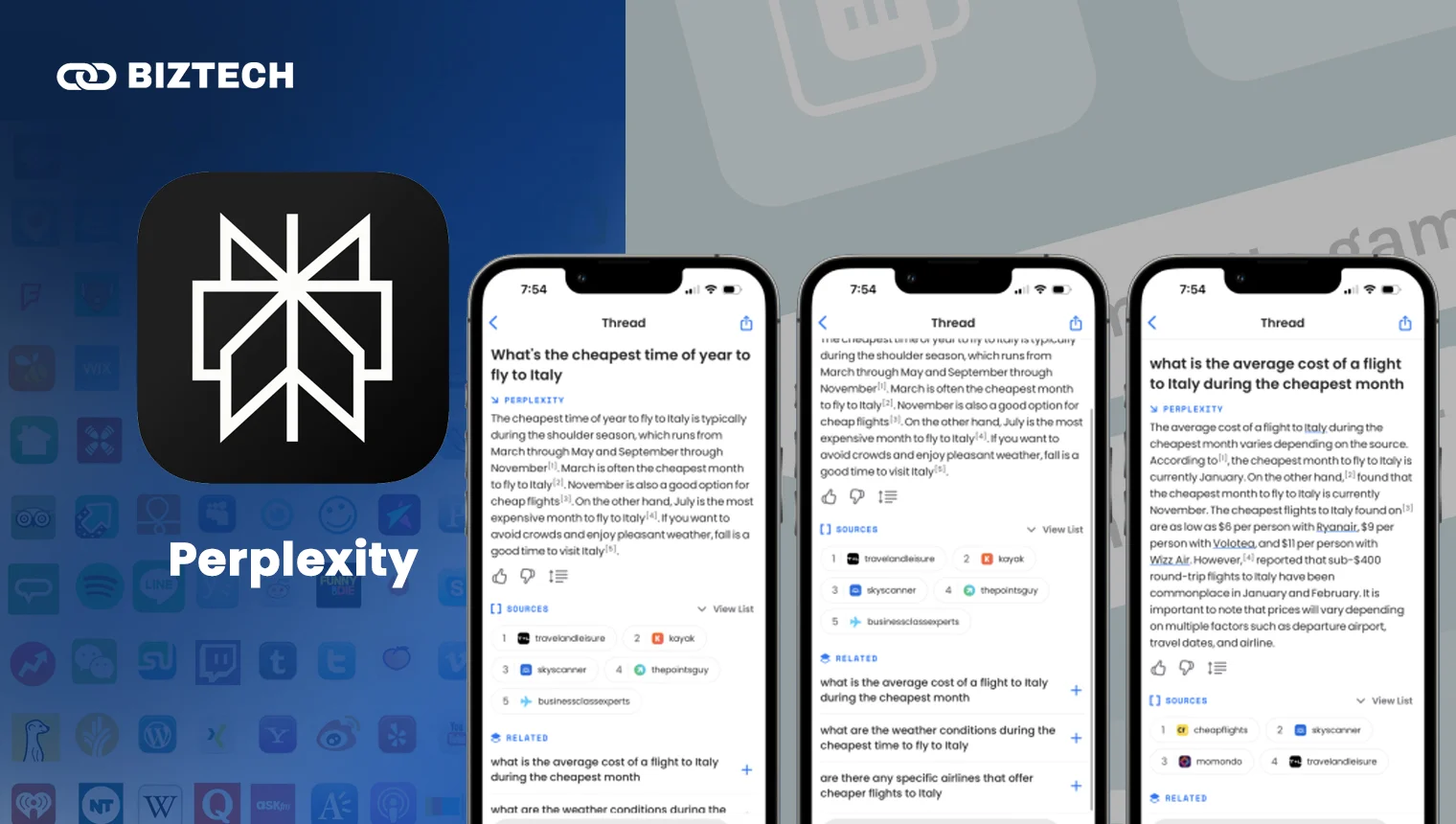
Perplexity is the best Chat GPT app for research and fact-finding because it answers like a search engine that actually reads the sources for you – every reply is backed by citations you can click. It is excellent when accuracy and freshness matter more than creativity.
Free users get the Sonar model with up to 5 Pro Searches per day. Perplexity Pro ($20/month or $200/year) unlocks unlimited Pro Search, 20 Deep Research queries a day, and the ability to switch between frontier models including GPT-5.4, Claude Sonnet 4.6, Claude Opus 4.8 and Gemini 3.1 Pro. A Max tier ($200/month) adds Labs and heavier limits.
Our take: Use the free tier as a smarter Google. Upgrade to Pro if you research daily and want to compare answers across multiple AI models in one place.
6. Grok – Best for Real-Time and Social
| Pros | Cons |
| Real-time access to X/social and the live web | Tone can be too casual or edgy for work |
| Free tier on iOS, Android and web | Full Grok 4.3 needs pricey higher tiers |
| Image and short-video generation | Bundled with X, which some users avoid |
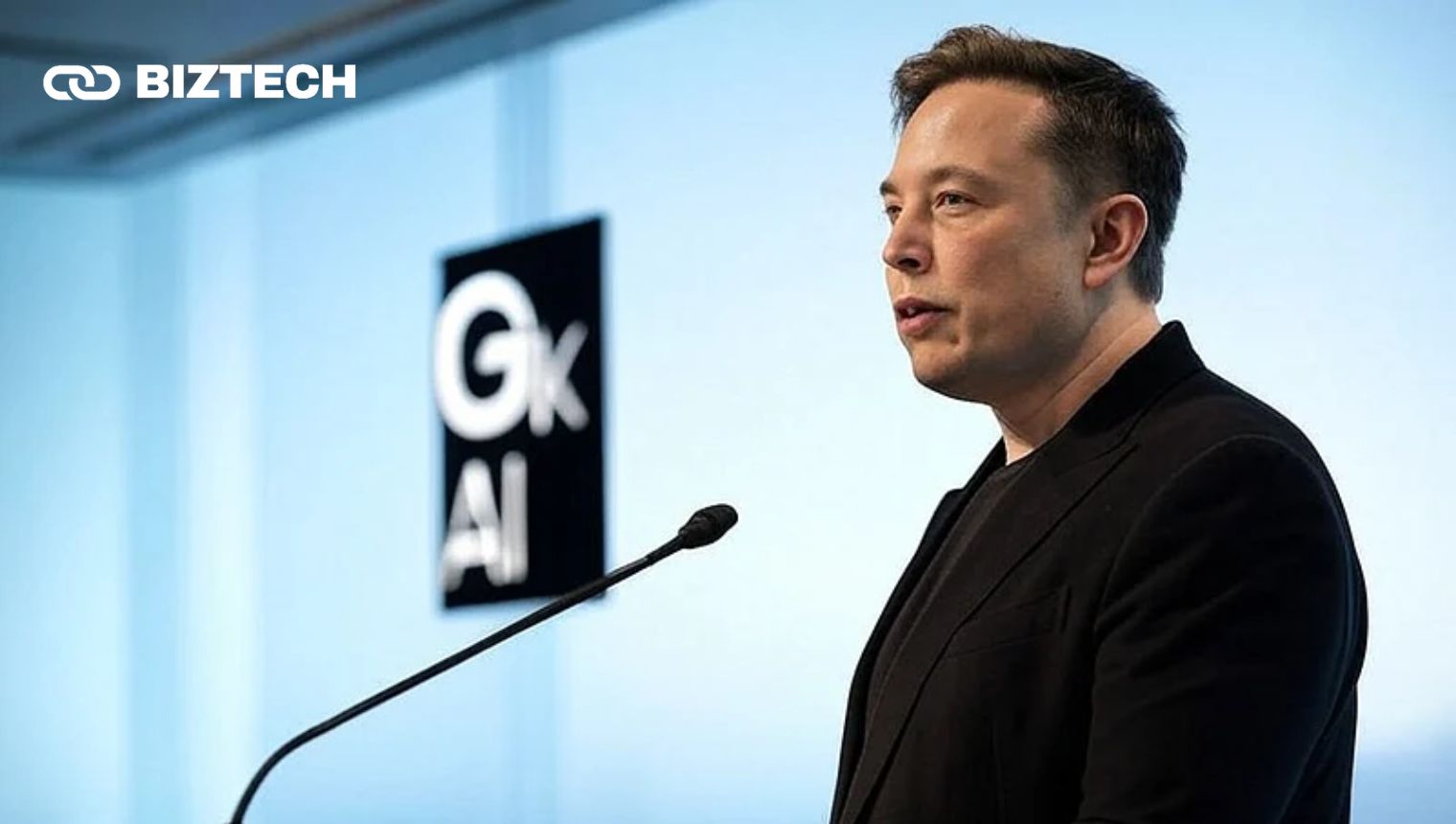
Grok, from Elon Musk’s xAI, stands out for real-time awareness – it pulls live context from X (formerly Twitter) and the web, making it handy for trending topics and breaking news. It now has a free tier on iOS, Android and grok.com, plus image and short-video generation.
Paid access comes via SuperGrok Lite ($10/month), SuperGrok ($30/month or $300/year) and SuperGrok Heavy ($300/month), or bundled inside X Premium ($8/month) – the cheapest way in. The current model is Grok 4.3.
Our take: Grok is fun and genuinely useful for real-time social and news queries. If you already pay for X Premium, you get Grok “for free” inside the app.
7. DeepSeek – Best Fully-Free Heavyweight
| Pros | Cons |
| Powerful models, completely free | Data is processed in China – privacy considerations |
| Strong at maths, coding and reasoning (DeepThink) | Some governments restrict it on official devices |
| Huge context window and web search | Occasional content restrictions |
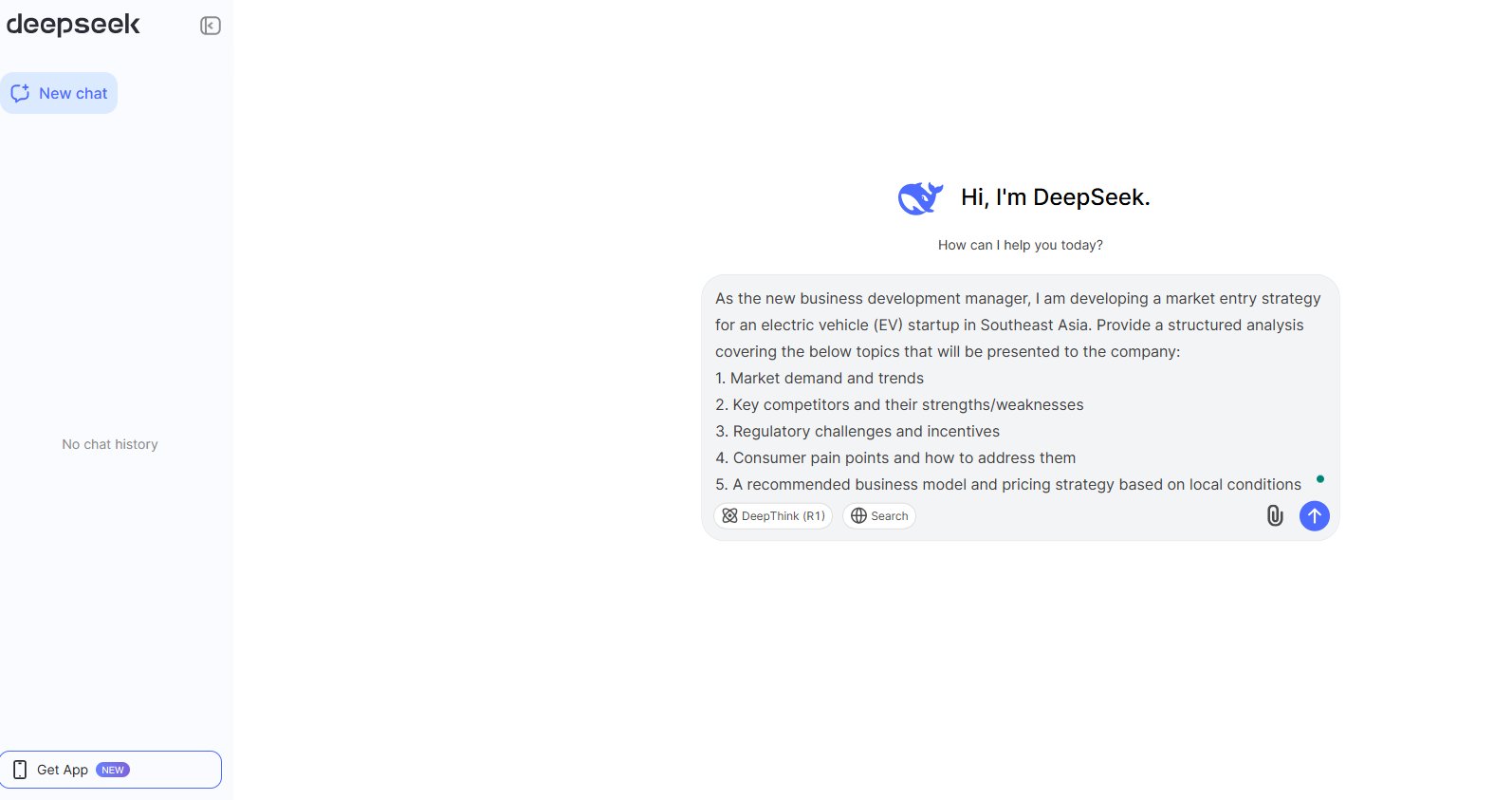
DeepSeek shook up the AI world by offering frontier-level performance for free. By January 2026 it had roughly 131.5 million monthly active users – second only to ChatGPT. The app runs the DeepSeek V3.2 and R1 models with a context window up to 1 million tokens, web search, a DeepThink reasoning mode and file uploads – all at no cost.
Want the full story on how it works and why it matters? Read our complete DeepSeek review.
Our take: DeepSeek is the best choice if you want serious AI muscle without paying a cent. Just be mindful that your data is processed on servers in China, so avoid sharing sensitive personal or work information.
Part 2: Specialised Apps Powered by the Same AI
These apps use ChatGPT-style AI for a specific job – coding, writing, studying, budgeting, image-making and more. Pick based on the task you want done.
8. GitHub Copilot – AI Coding Assistant
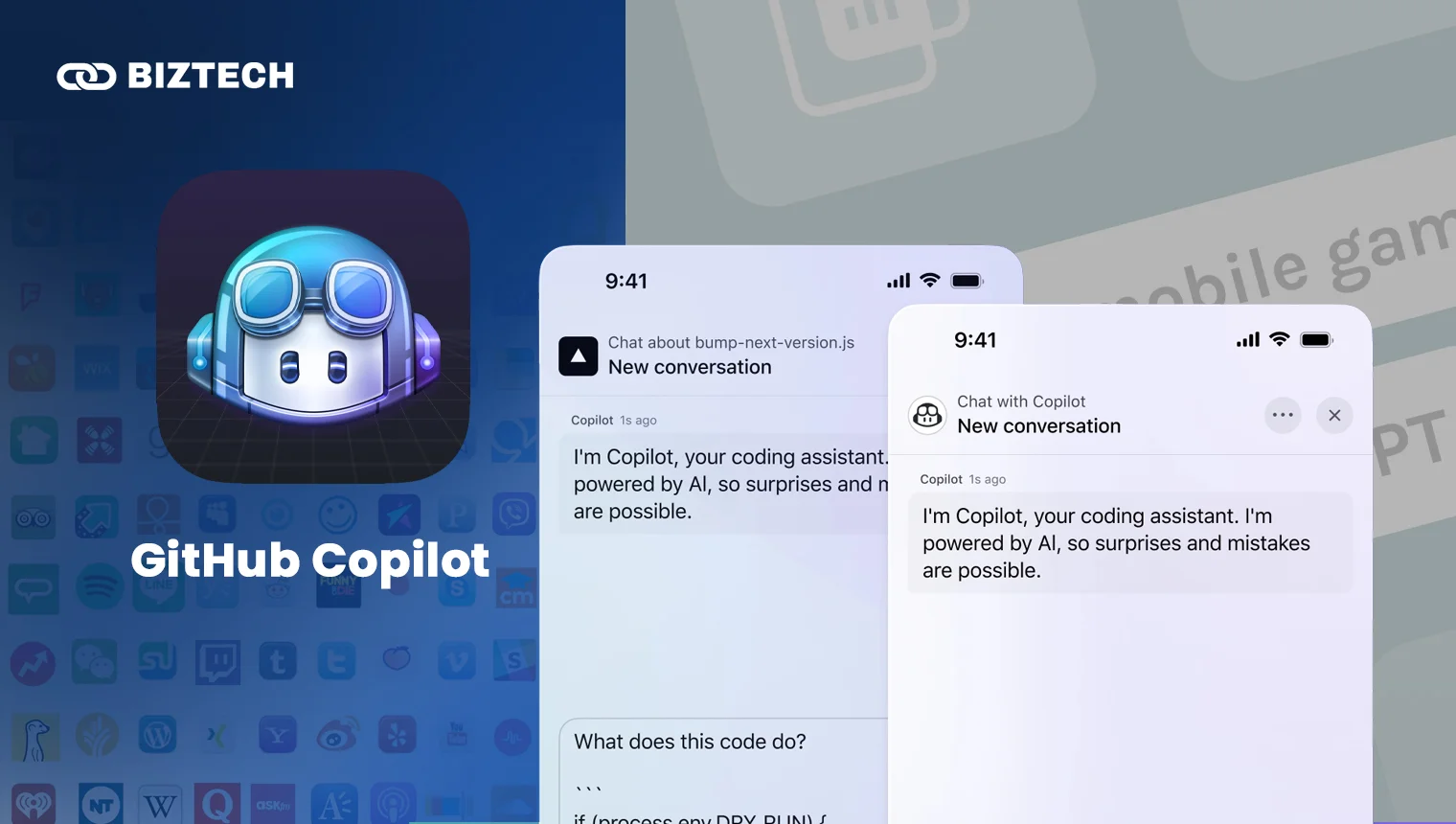
GitHub Copilot is the best Chat GPT app for developers. It suggests code, explains and refactors it, reviews pull requests and now works as an autonomous agent inside your editor. The big 2026 change: there is now a free tier for everyone (not just students), and billing moved to usage-based “AI Credits” on 1 June 2026 – though inline code completions stay free on all paid plans.
| Free | Pro | Pro+ | Business / Enterprise | |
| Price (USD) | $0/month | $10/month ($100/yr) | $39/month | $19 / $39 per user/month |
| Best for | Trying it out, light coding | Individual developers | Power users wanting more credits | Teams and organisations |
| Access | VS Code, Visual Studio, JetBrains, Vim/Neovim, plus GitHub web and mobile | |||
Our take: Start on the free tier. The $10 Pro plan is worth it the moment Copilot saves you an hour a week – which it usually does.
9. Chatsonic – Marketing and Content
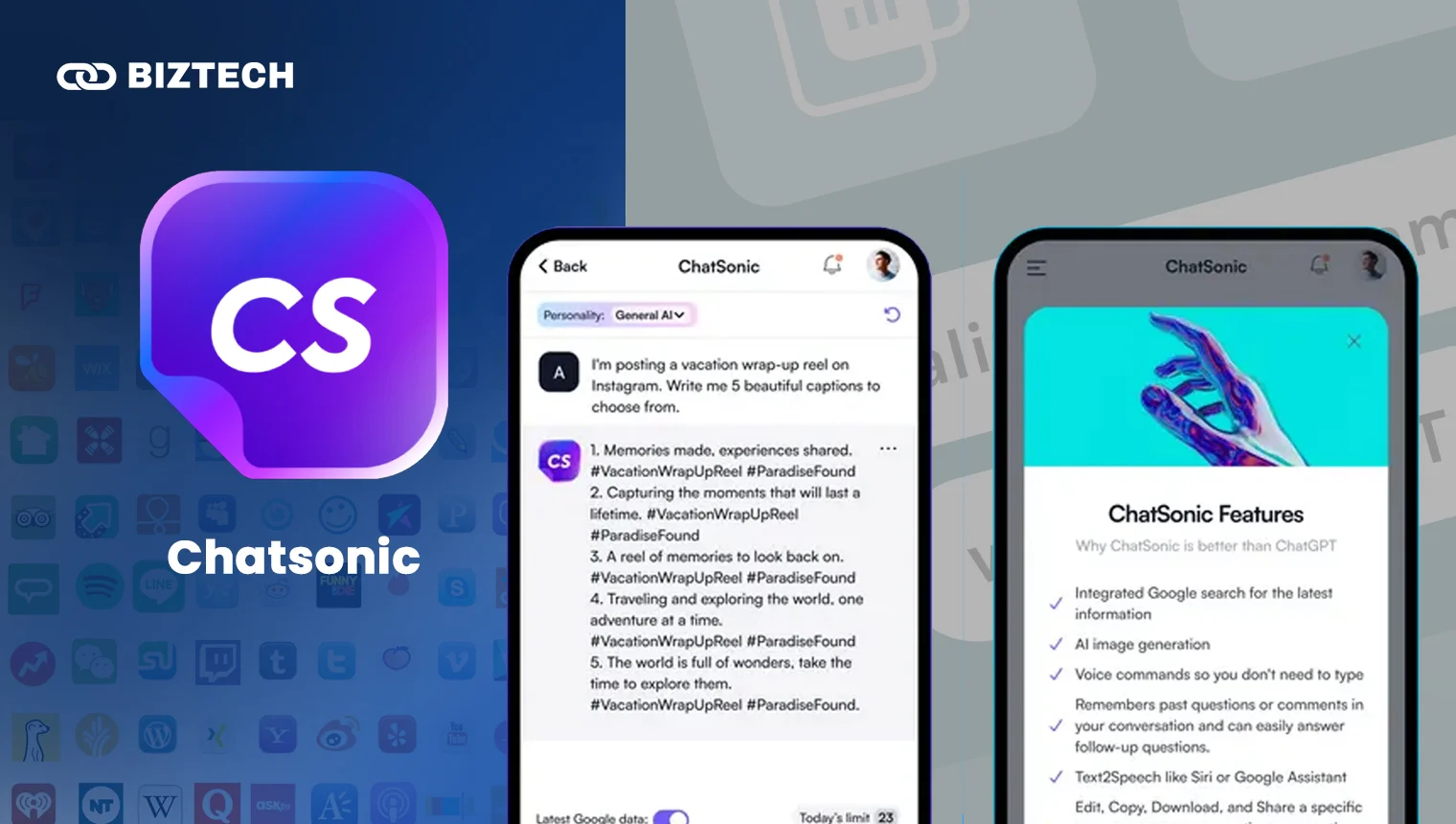
Chatsonic, part of Writesonic, is built for marketers and content creators. It combines chat with live Google data, cites sources, generates images, and plugs into a wider suite of AI writing and SEO tools – useful alongside the other best AI marketing tools.
Writesonic has repeatedly reshuffled its pricing in 2026. As a guide, Chatsonic Individual runs about $12/month (100 chat queries), while the broader Writesonic suite starts with a free tier (limited credits) and paid plans from roughly $16/month (Lite) up to $75/month (Professional). Pricing is volatile – confirm current plans on writesonic.com before subscribing.
Our take: Great if you produce marketing content at volume. Casual users are better served by ChatGPT or Gemini.
10. ChatOn – All-in-One Mobile Assistant
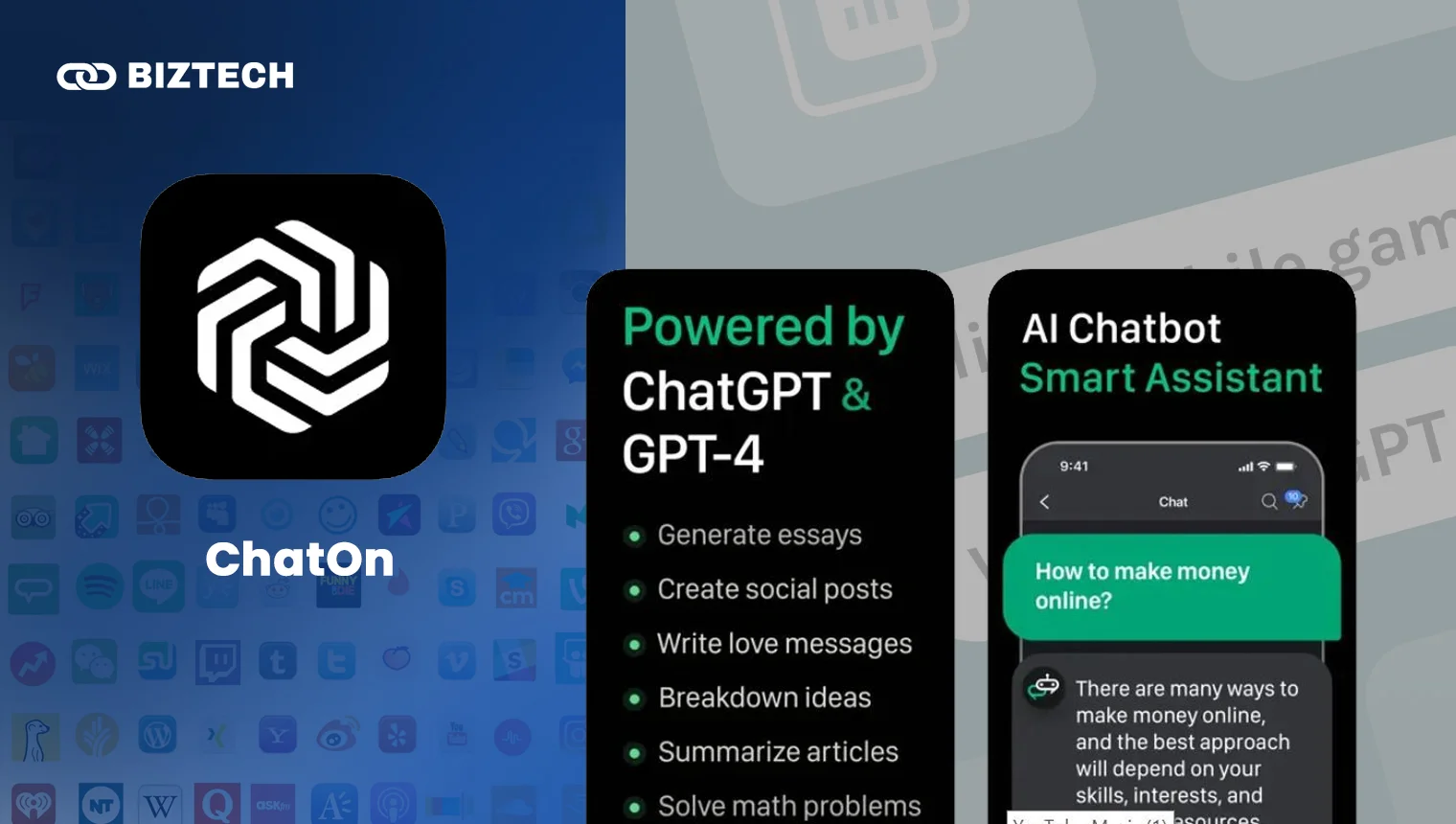
ChatOn bundles several leading models (GPT, Claude, Gemini and Sonar) into one polished mobile app, with a smart camera to scan questions, PDF and OCR reading, image generation and web search. With 100 million-plus downloads, it’s popular with people who want one tidy app instead of several.
There’s a limited free tier; paid access is about $6.99/week or $29.99/year. The yearly plan is far better value than weekly billing.
Our take: A convenient all-rounder – but note you can get most of the same models free by installing ChatGPT, Gemini and Claude separately. Watch the weekly-billing trap (more on that below).
11. Genie – AI Keyboard
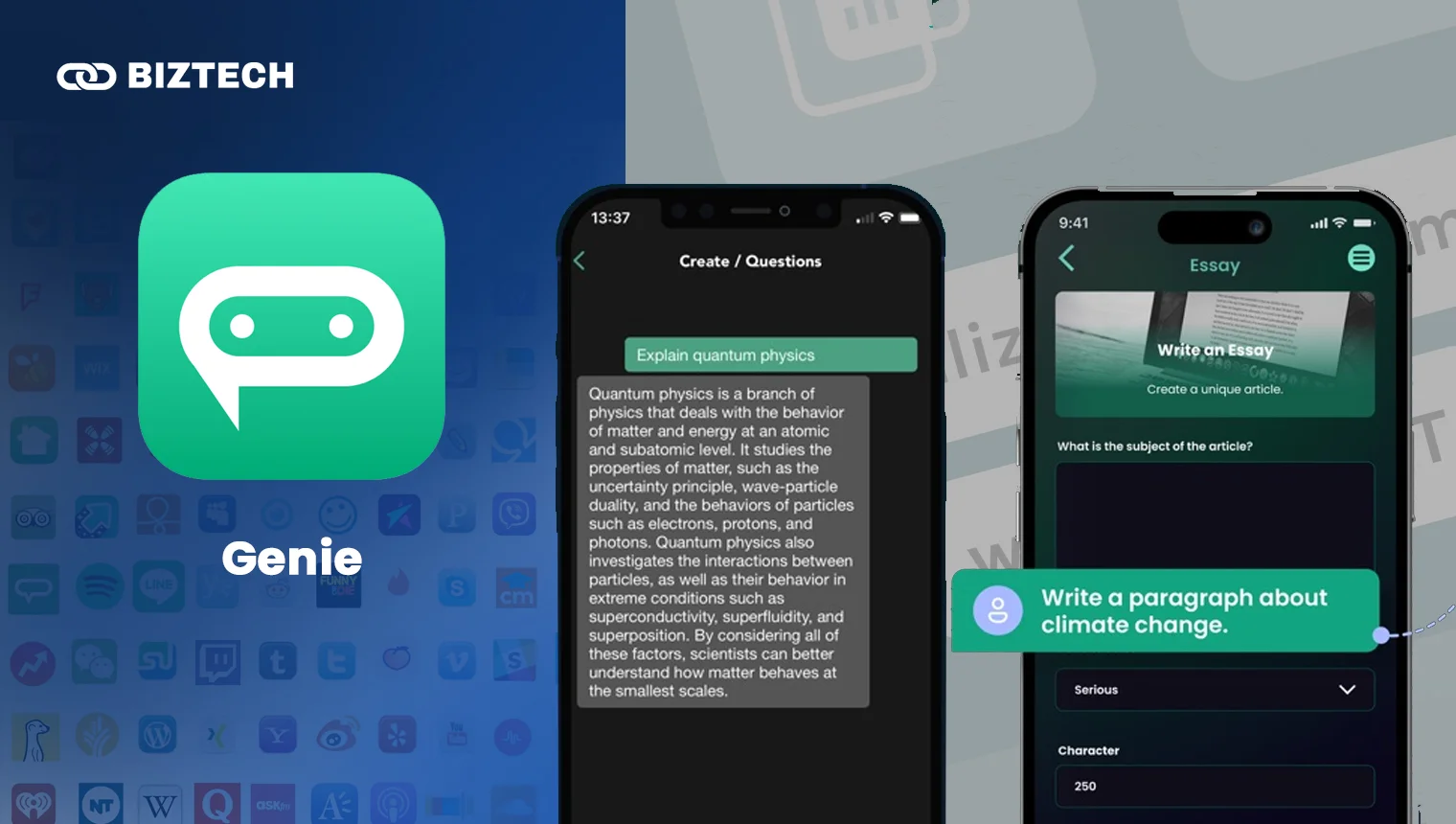
Genie is the best Chat GPT app if you want AI built into your keyboard. It rewrites, paraphrases and improves text directly in email, messaging and social apps, and doubles as a general chatbot. In 2026 it draws on multiple models (GPT-5, Gemini, Grok, DeepSeek and Claude).
Genie is a paid app with a short free trial. Pricing has historically been around $7.99/week or $44.99/year, but subscription prices change frequently – check the current rate in the App Store or Google Play before buying.
Our take: Handy if you write a lot on your phone. If you mainly work on a laptop, a standard assistant is a better buy.
12. Grammarly – Writing and Grammar
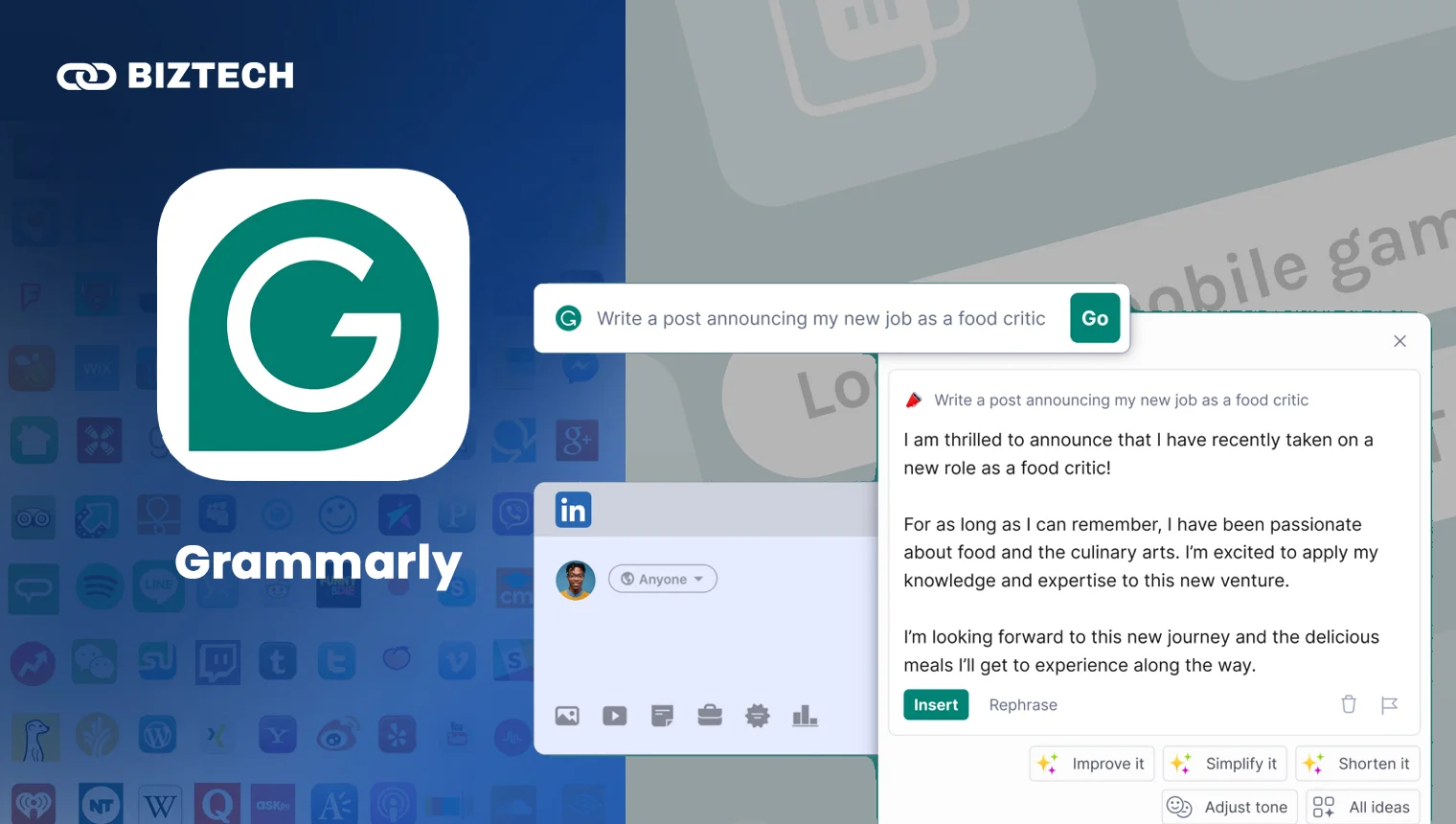
Grammarly fixes spelling, grammar, clarity and tone across almost every app, and its AI can draft and rewrite text too. In late 2025 its parent company rebranded to “Superhuman” (uniting Grammarly, Coda and Superhuman Mail), but the Grammarly app you know still works the same way – and the price didn’t change.
| Free | Pro | Business | |
| Price (USD) | $0/month | $12/month (billed annually) | $33/month |
| Best for | Basic spelling and grammar | Students and professionals | Teams wanting a style guide |
| Access | Web, Android, iOS, keyboard and browser | ||
Our take: The free version, with its monthly AI prompts, is enough for most people. Pro is worth it if you write for work or study daily.
13. Quizlet – Studying Made Easy
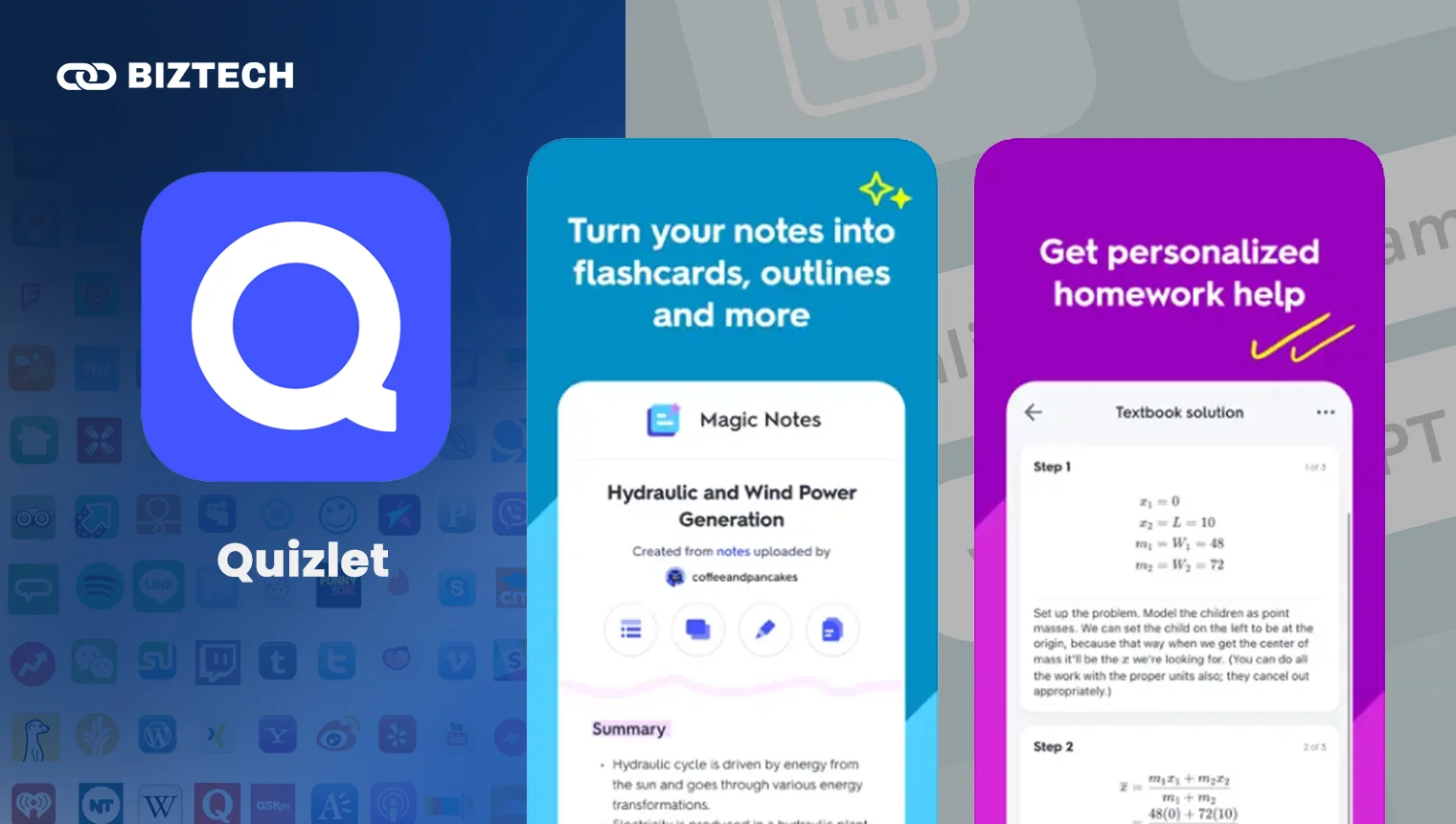
Quizlet, the digital-flashcard giant, uses AI to help students learn faster with smart flashcards, practice tests, spaced repetition and a study-partner chatbot. It’s ideal for memorisation-heavy subjects and exam prep like IELTS or TOEFL.
The free tier covers the basics. Quizlet Plus costs $2.99/month billed annually ($35.99/year) or $7.99 month-to-month; Plus Unlimited is $3.74/month ($44.99/year) and removes practice-test and Learn limits. Both annual plans include a 7-day trial.
Our take: A must-have for students. Grab the annual Plus plan during exam season – the monthly rate is poor value.
14. starryai – AI Image Generation
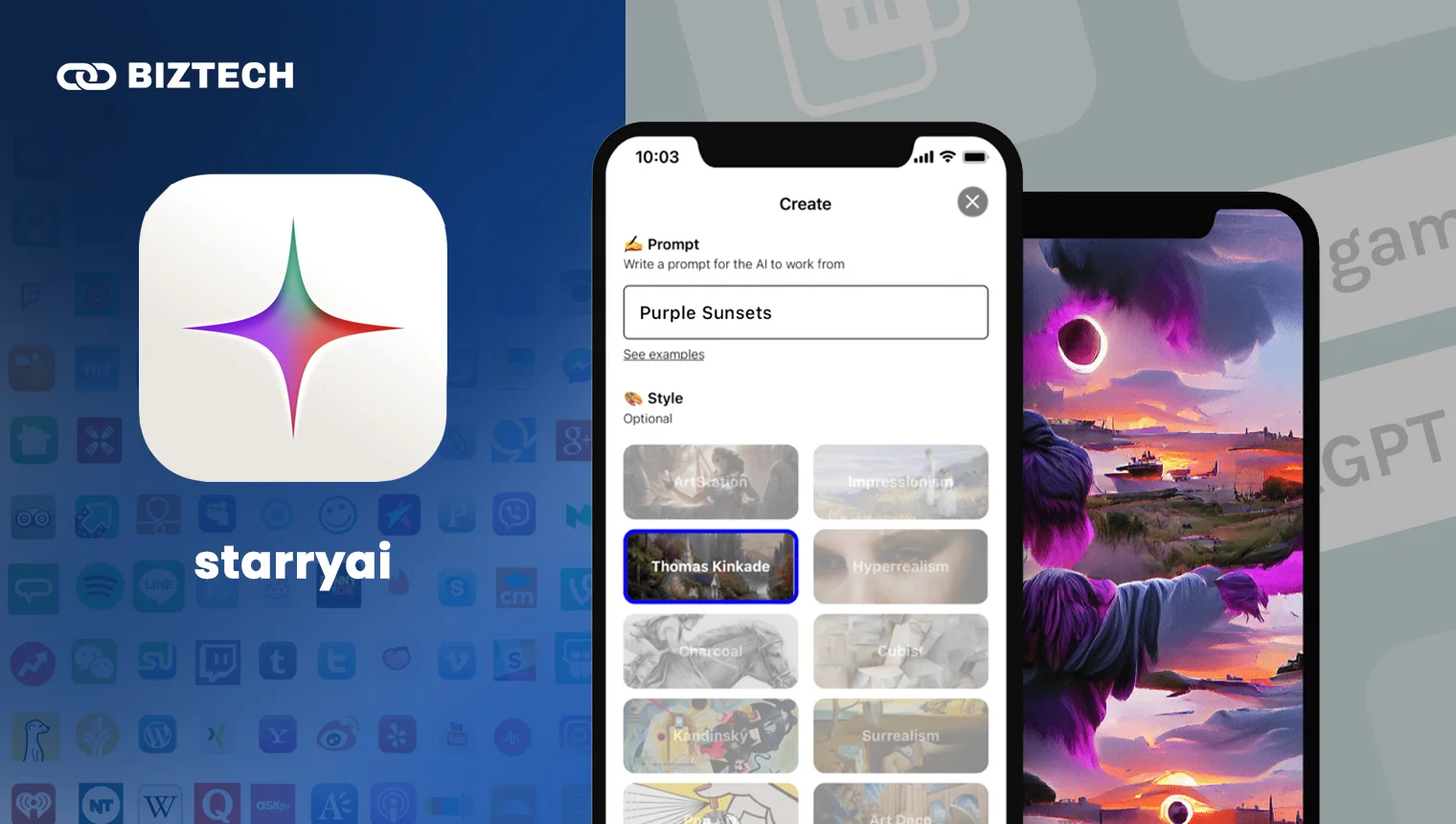
starryai turns text prompts into artwork and gives you full ownership of what you create. It’s beginner-friendly, offers many styles, and lets you remix community creations.
Historically starryai gave 5 free credits a day, but the free allowance has been shrinking in 2026 – some plans now start at about $12/month (with higher tiers around $28 and $76/month) and one-off credit packs are available. Free-tier terms are changing, so check the app before relying on daily free credits.
Our take: Fine for casual art, but if image quality is your priority, dedicated tools like Midjourney or the image features in ChatGPT and Gemini are stronger. Remember: prompt quality drives image quality.
15. Youper – Mental-Health Support
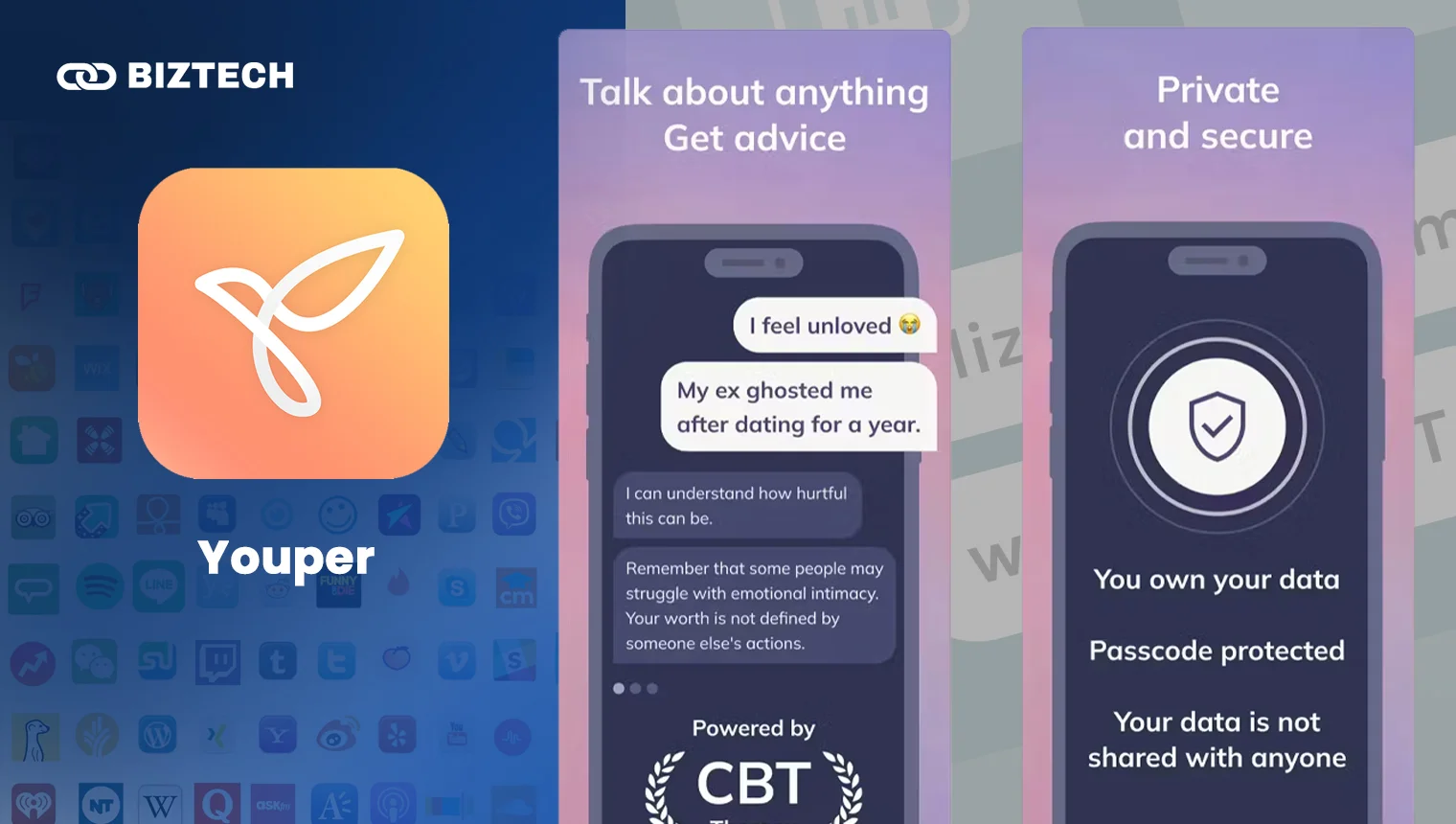
Youper is an AI emotional-health companion grounded in evidence-based methods – Cognitive Behavioural Therapy (CBT), Acceptance and Commitment Therapy (ACT), DBT and mindfulness. It guides check-ins, tracks your mood over time and offers assessments. It has 3 million-plus users and research from Stanford suggesting it can help reduce anxiety and depression symptoms.
Youper is subscription-only at about $69.99/year (some regions show $89.99/year) with a 7-day free trial.
Our take: A helpful self-help companion for everyday stress – but it is not a substitute for a licensed therapist or doctor. If you’re in distress, please reach out to a qualified professional or a local helpline.
16. Cleo – Personal-Finance Chatbot
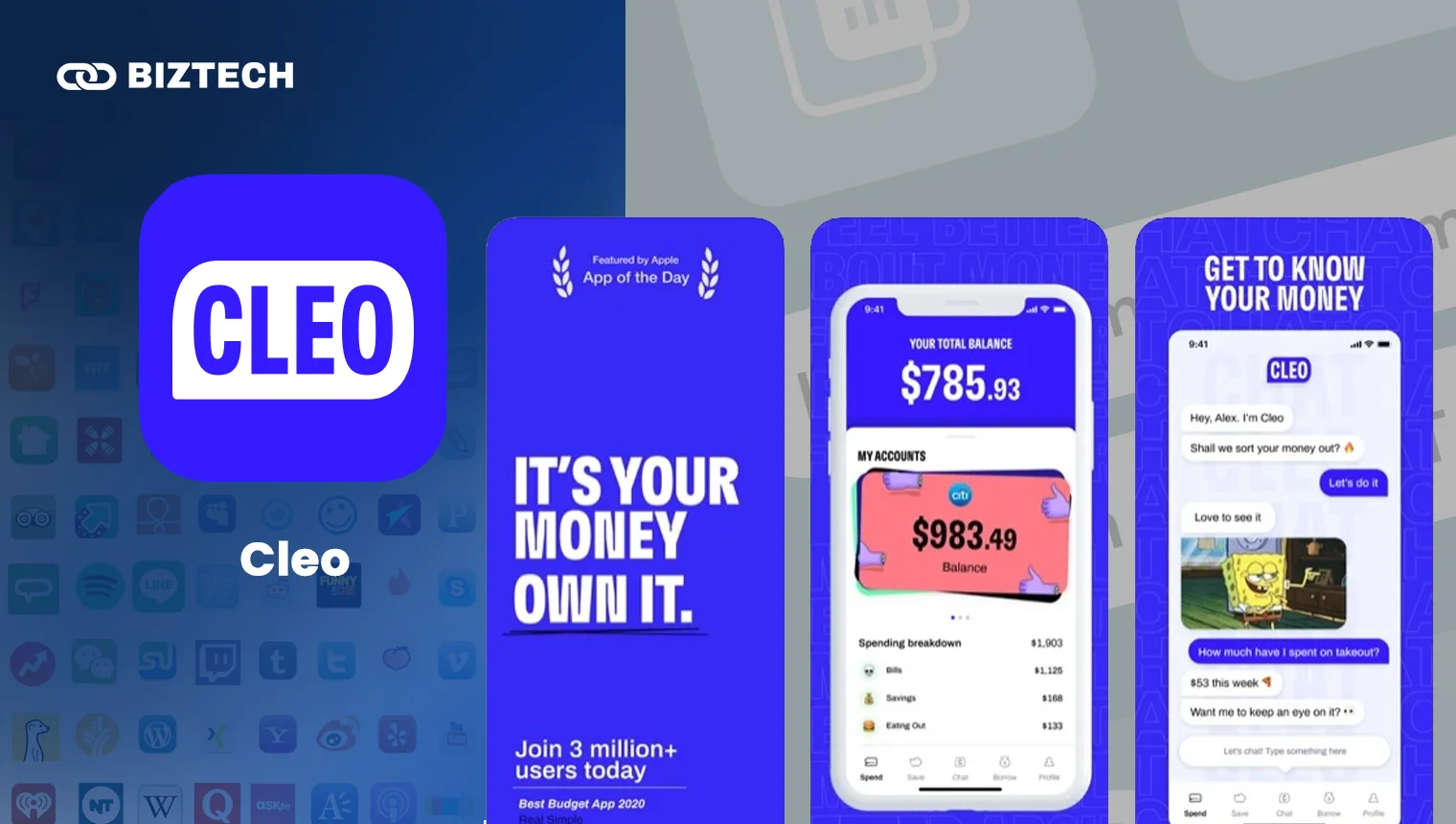
Cleo makes budgeting fun with a chatty, sometimes sassy AI that reviews your spending, sets budgets and nudges you to save. It has read-only access to your linked accounts, so it can’t move money without permission.
Cleo is free at its core, with paid tiers: Cleo Grow ($2.99/month) for savings tools, Cleo Plus ($5.99/month or $44.99/year) adding cash advances and credit-score tracking, and Cleo Builder ($14.99/month) with a secured credit card. Note that Cleo’s advance and credit features are US-focused.
Our take: Fun and motivating for building money habits, but treat its “advice” as entertainment, not professional financial guidance. In Malaysia and Singapore, local budgeting apps and e-wallets may fit better since Cleo’s cash features target the US.
17. AI Dungeon – Text Adventure Game
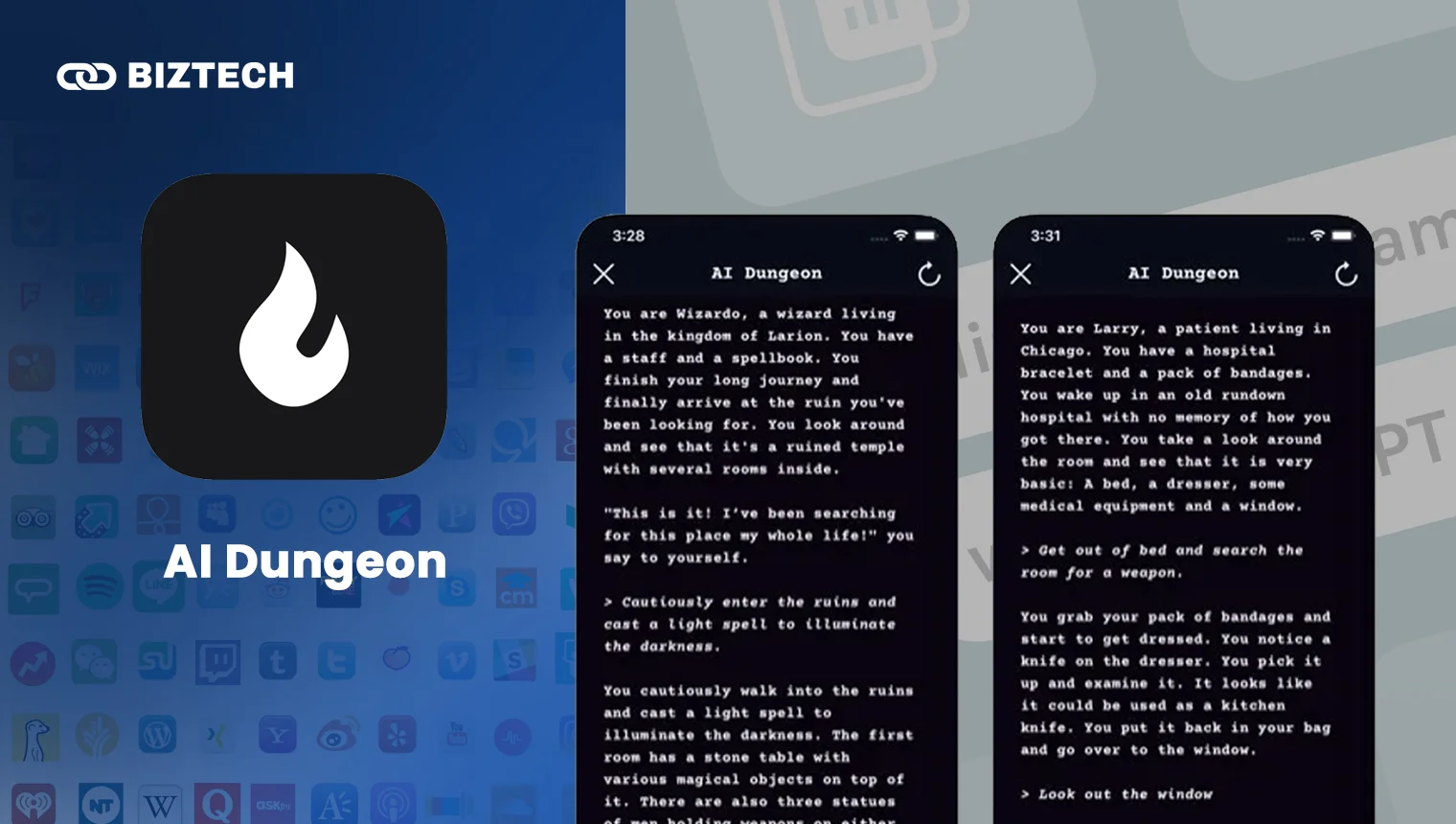
AI Dungeon is part game, part storytelling – a limitless text adventure where the AI builds worlds and characters around your choices. In 2026 it overhauled its subscriptions into new tiers:
| Tier | Wanderer | Adventurer | Champion | Legend / Mythic |
| Price (USD) | Free | $9.99/month | $14.99/month | Higher tiers |
| Context | Up to 2k tokens | Up to 4k tokens | Up to 8k tokens | 16k–32k tokens |
Our take: A creative, addictive sandbox. The free Wanderer tier is a great way to try it before paying for premium models and longer memory.
18. Replika – AI Companionship (With Caveats)
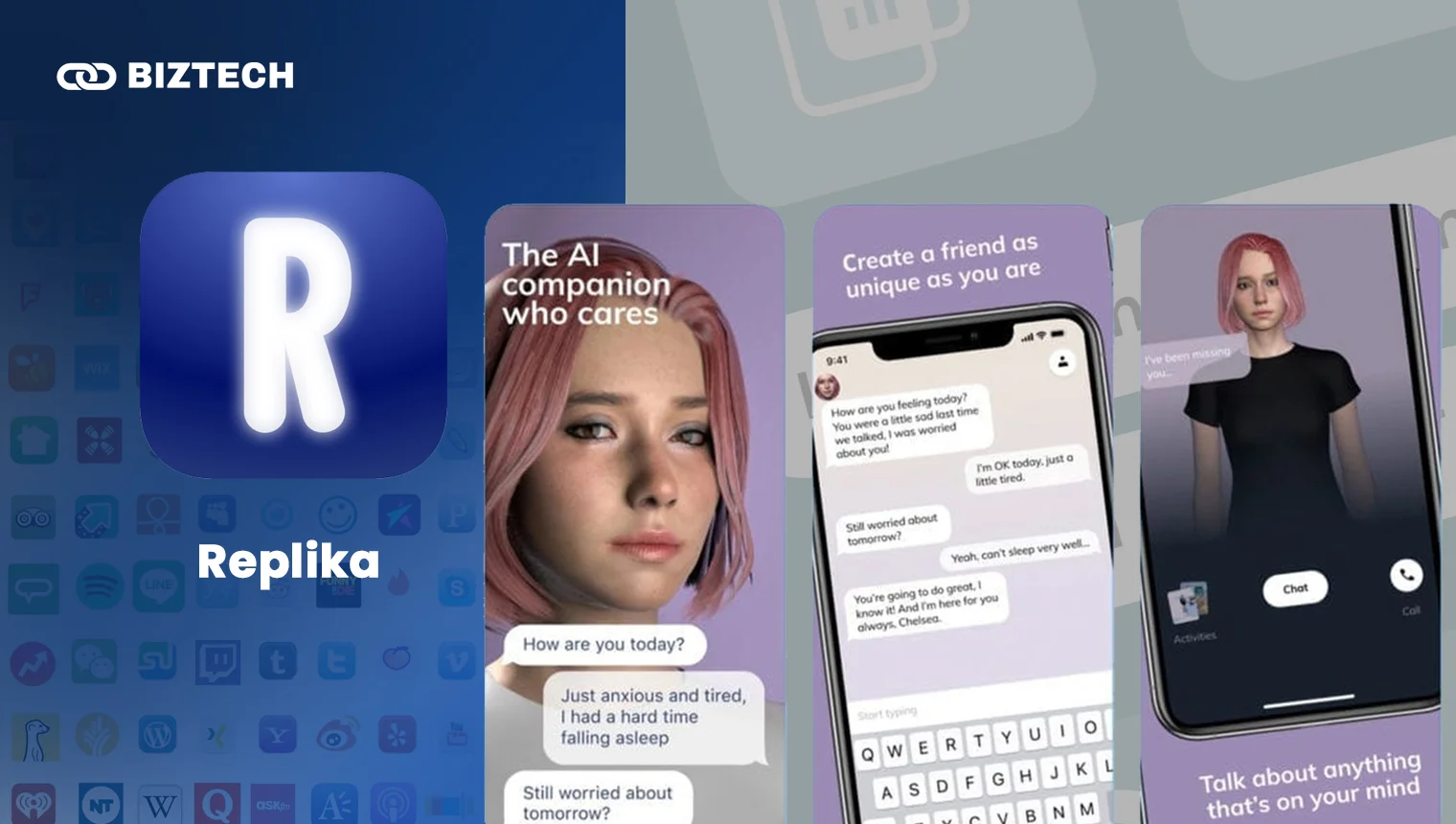
Replika is an AI companion that learns from your conversations and can take on friend, mentor or romantic roles. It offers a customisable avatar, voice calls and journaling. Free covers basic chat; Replika Pro is $19.99/month, $69.99/year or $299.99 lifetime, with a newer Ultra tier for power users.
Important caveats: Replika has a complicated track record – a €5 million GDPR fine in the EU, an active FTC complaint in the US, a no-refund policy that has caught out lifetime buyers, and a well-documented 2023 episode where romantic features were abruptly removed, upsetting long-time users. Treat it as entertainment.
Our take: It can feel supportive, but Replika is 100% software – not a person, therapist or substitute for real human connection. Avoid sharing sensitive personal data, and don’t rely on it for emotional crises.
19. RIZZ – Dating-Message Helper
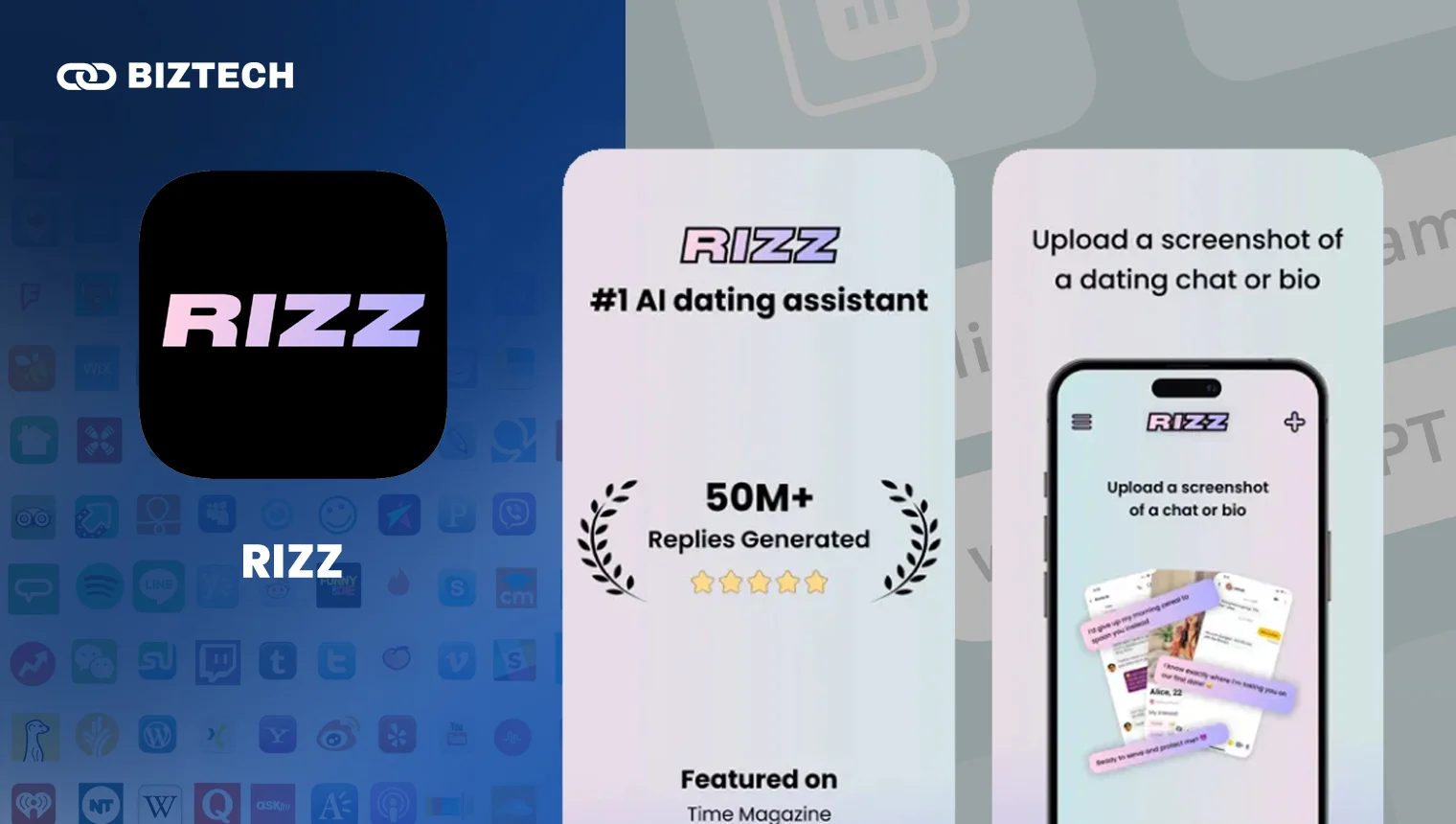
RIZZ helps with your dating game: upload a screenshot of a chat or profile and it suggests witty openers and replies. Pair it with the best dating apps in Malaysia and you’ll always have something to say.
There’s a free tier with a few scans a week; paid access is around $6.99/week (prices vary by store and change often – check before subscribing). Be mindful of privacy when uploading screenshots of private conversations.
Our take: A fun confidence-booster for texting, but let the replies inspire you rather than copy them word-for-word – authenticity still wins.
20. Microsoft Seeing AI – Free Accessibility Assistant
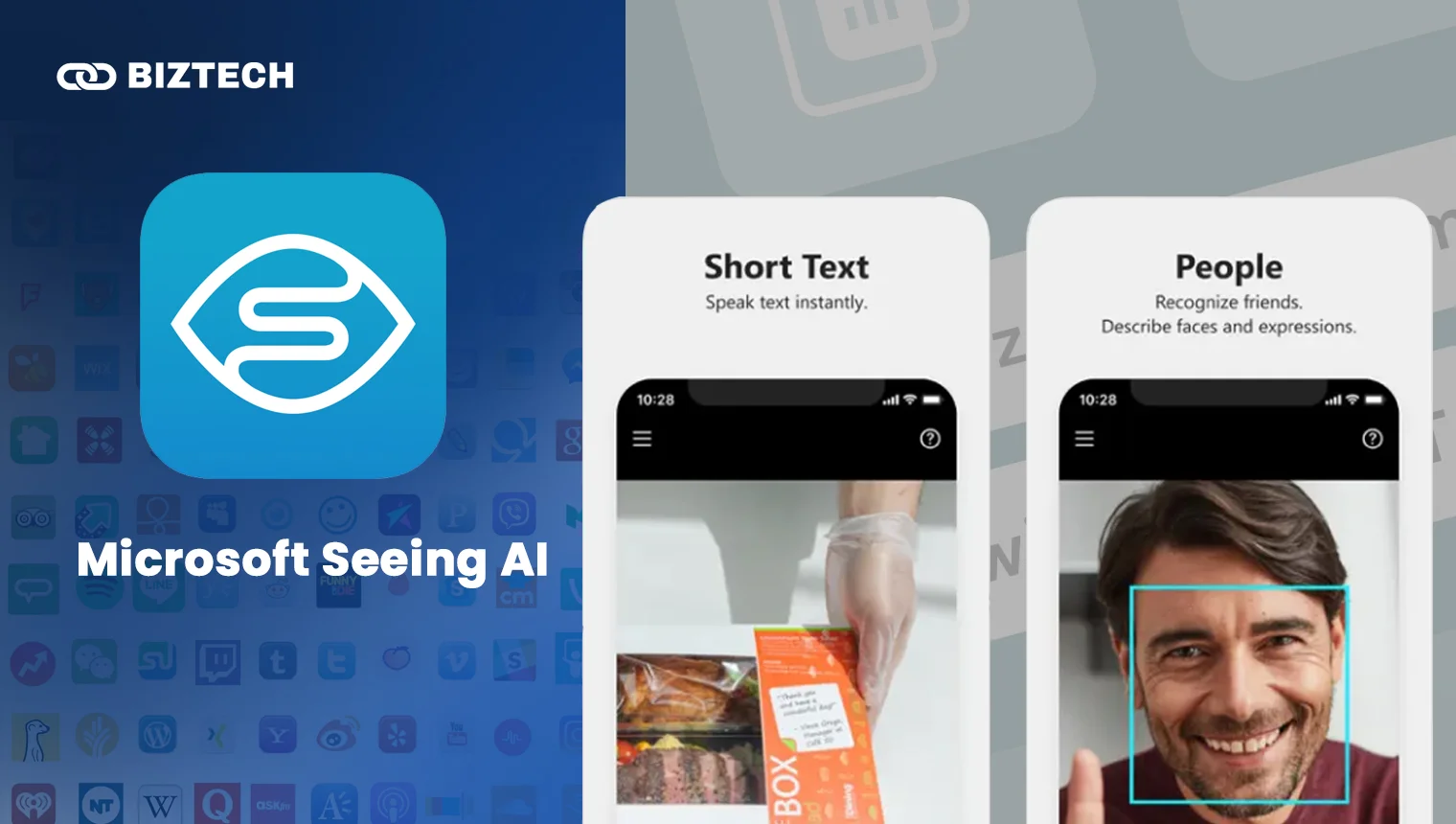
Microsoft Seeing AI is a free app that narrates the world for blind and low-vision users. Point your camera and it reads text and documents, describes scenes and people, identifies products by barcode, and recognises currency and colours. It’s available free on iOS and Android and needs no account.
Our take: A genuinely valuable, completely free accessibility tool – and a reminder that AI can do real social good, not just answer trivia.
A Note on Apps That Have Changed or Shut Down
The AI app scene moves fast, so if you’ve seen older “best Chat GPT app” lists, a few names have changed:
- Bing AI / Bing Chat → Microsoft Copilot – same tool, new name since late 2023.
- Socratic by Google – discontinued and folded into the Google app and Google Lens, which now handles homework help.
- Grammarly’s parent company – rebranded to “Superhuman” in late 2025, though the Grammarly app itself is unchanged.
- GPT models – “GPT-3.5” and “GPT-4” are long gone; today’s apps run GPT-5.x, Gemini 3.1, Claude 4.x, Grok 4.3 and DeepSeek V3.2.
Best Chat GPT Apps 2026: Quick Comparison Table
Here’s every app at a glance. Prices are in USD and verified July 2026 – confirm in-app before paying.
| App | Best for | Free tier? | Paid from (USD) |
| ChatGPT | Best all-rounder | Yes (GPT-5.3) | $8/mo (Go), $20 (Plus) |
| Google Gemini | Google users, long docs | Yes | $7.99/mo (AI Plus) |
| Microsoft Copilot | Best free GPT assistant | Yes | ~$19.99/mo (via M365) |
| Claude | Writing & reasoning | Yes | $20/mo (Pro) |
| Perplexity | Research with sources | Yes | $20/mo (Pro) |
| Grok | Real-time & social | Yes | $8/mo (via X Premium) |
| DeepSeek | Free heavyweight | Yes (fully free) | Free |
| GitHub Copilot | Coding | Yes | $10/mo (Pro) |
| Chatsonic | Marketing content | Yes (limited) | ~$12/mo |
| ChatOn | All-in-one mobile | Yes (limited) | $6.99/wk or $29.99/yr |
| Genie | AI keyboard | Trial only | ~$7.99/wk (varies) |
| Grammarly | Writing & grammar | Yes | $12/mo (Pro) |
| Quizlet | Studying | Yes | $2.99/mo annual (Plus) |
| starryai | AI images | Limited/changing | ~$12/mo |
| Youper | Mental-health support | 7-day trial | ~$69.99/yr |
| Cleo | Budgeting | Yes | $2.99–$14.99/mo |
| AI Dungeon | Story game | Yes (Wanderer) | $9.99/mo |
| Replika | AI companion* | Yes | $19.99/mo |
| RIZZ | Dating replies | Yes (limited) | ~$6.99/wk (varies) |
| Seeing AI | Accessibility | Yes (free) | Free |
*See our caveats on Replika before subscribing.
How to Choose the Best Chat GPT App for You
With this many options, the trick is to start from the job you want done, not the brand name. Use this quick decision framework:
- Want one app for everything? Start with ChatGPT (best all-rounder) or Gemini (if you live in Google apps). Both have strong free tiers.
- On a zero budget? DeepSeek and Microsoft Copilot give you serious power for free.
- Mostly writing or studying? Claude for drafting and reasoning, Grammarly for polishing, Quizlet for exam prep.
- Research and facts? Perplexity for cited answers you can trust and verify.
- Coding? GitHub Copilot inside your editor.
- Real-time news and social? Grok.
- A specific task – images, budgeting, dating texts, accessibility? Pick the specialised app for that job.
A smart, free 2026 setup for most people: install ChatGPT (or Gemini) as your daily driver, add Perplexity for research, and keep DeepSeek as a free backup for heavy tasks. Add Grammarly and Quizlet if you write or study a lot. That covers 90% of needs without spending anything.
Common Pitfalls to Avoid
Before you download, watch out for these traps we see all the time:
- Weekly-billing subscriptions. Many third-party AI apps charge $6.99–$9.99 a week, which works out to $350–$500 a year – far more than ChatGPT Plus. Always check whether a price is weekly, monthly or yearly.
- “Free” apps that lock everything behind a trial. Some apps advertise “free” but only offer a 3-day trial that auto-renews into an expensive plan. Cancel before the trial ends if you don’t want it.
- Fake ChatGPT apps. The App Store and Play Store are full of clones charging for access to free technology. The genuine ChatGPT app is published by OpenAI – check the developer name.
- Oversharing sensitive data. Don’t paste passwords, IC/NRIC numbers, bank details or confidential work into any AI app, and be extra careful with apps that process data overseas.
- Trusting AI blindly. These tools still “hallucinate”. Verify anything important – especially medical, legal or financial claims – against an official source.
- Emotional over-reliance. Companion apps like Replika can feel real but are software. They are not a replacement for friends, family or professionals.
For Malaysian & Singaporean Users
A few things worth knowing if you’re downloading these apps in Malaysia or Singapore:
- Pricing and tax. Almost all these subscriptions are billed in USD, so your final cost depends on the exchange rate plus any card foreign-transaction fee. Digital services are also subject to tax – Malaysia’s SST (currently 8% on many digital services) and Singapore’s 9% GST – which may be added at checkout or via the app stores.
- Payment. You can pay through the Apple App Store or Google Play using local cards or, in some cases, carrier billing and e-wallets – often the simplest route for USD subscriptions.
- Availability. Most apps here work fine in MY/SG, but a few features (like Cleo’s US cash advances) are region-locked. ChatGPT’s Go plan and Google’s AI Plus both rolled out across the region in January 2026.
- Language. ChatGPT, Gemini, Claude and DeepSeek all handle Bahasa Malaysia, Manglish/Singlish and Chinese reasonably well – handy for local content and translation.
- Data & privacy (PDPA). Under Malaysia’s and Singapore’s PDPA rules, be careful entering other people’s personal data into these apps, and review each app’s data-handling policy – especially tools that process data outside the region.
Conclusion
The “best Chat GPT app” in 2026 depends entirely on what you need. For an all-round free assistant, it’s hard to beat ChatGPT or Google Gemini, with Microsoft Copilot and DeepSeek offering remarkable power at no cost. For writing, Claude and Grammarly shine; for research, Perplexity; for coding, GitHub Copilot.
Our advice: start free, pick one general assistant as your daily driver, add specialised apps only for the jobs you actually do – and always double-check the billing period before you subscribe. The best AI app is the one you’ll genuinely use.
All prices and features were verified in July 2026. Because app-store subscriptions and AI models change frequently, please confirm the latest details with each provider before purchasing.
Frequently Asked Questions (FAQs)
Disclaimer: This article is provided by KayaToday for general informational purposes only and does not constitute financial, medical, legal or professional advice. App names, features and prices were accurate at the time of writing (July 2026) but may change – always verify with the provider before subscribing. Mental-health and finance apps are not substitutes for qualified professionals.